
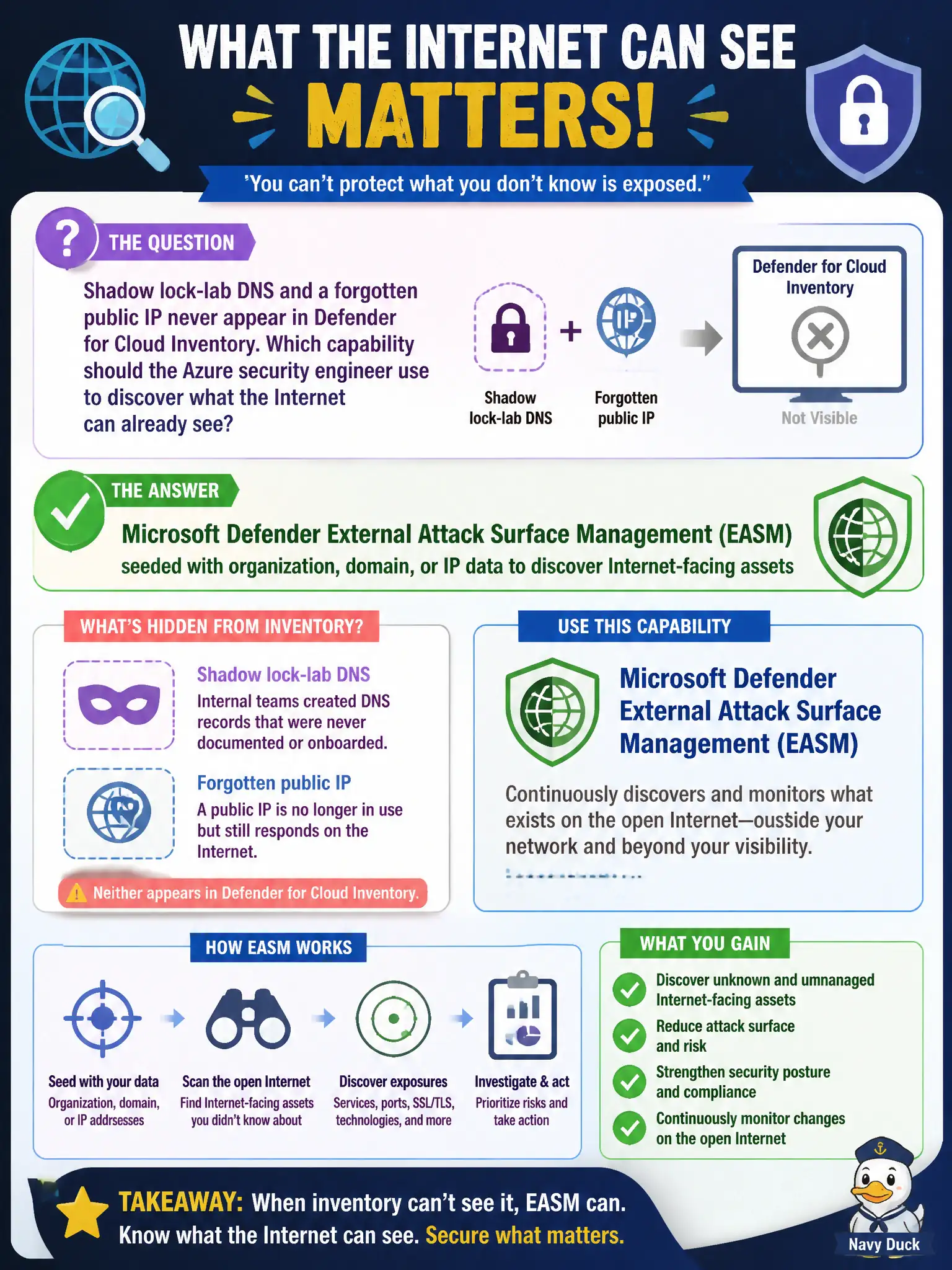
Shadow lock-lab DNS and a forgotten public IP never appear in Defender for Cloud Inventory. Which capability should the Azure security engineer use to discover what the Internet can already see?
Select an answer to reveal the explanation.
Short Explanation
Inventory only knows what you already parked in the cloud. EASM walks the public Internet from your org, domain, or IP seeds and lights up the shadow DNS and forgotten public IP nobody owned.
Full Explanation
Shadow lock-lab DNS names and forgotten public IP addresses often never appear in Microsoft Defender for Cloud Inventory because Inventory only reflects resources already onboarded to connected subscriptions and accounts. Microsoft Defender External Attack Surface Management (EASM), seeded with organization, domain, or IP data, discovers what the Internet can already see—including orphaned public assets the canal authority no longer tracks internally.
Relying on Defender for Cloud Inventory alone fails because Inventory is not an Internet-wide discovery engine for every public DNS name or orphaned IP. Microsoft Sentinel UEBA hunting notebooks analyze identity and behavioral signals inside the tenant; they do not invent authoritative external hostnames from Sign-in logs. Azure Bastion host maps describe jump-host connectivity inside Azure and do not enumerate public marketing sites outside the subscription.
Exam caveat: EASM discovery is complementary to Inventory, not a replacement for connecting cloud accounts. Civic security teams should treat EASM findings as candidates that still need ownership and onboarding.
Operational check: seed Microsoft Defender EASM with the canal authority’s official domains and known public IP blocks, run discovery, and confirm previously unknown lock-lab DNS or orphaned public IPs appear as external assets for triage.