
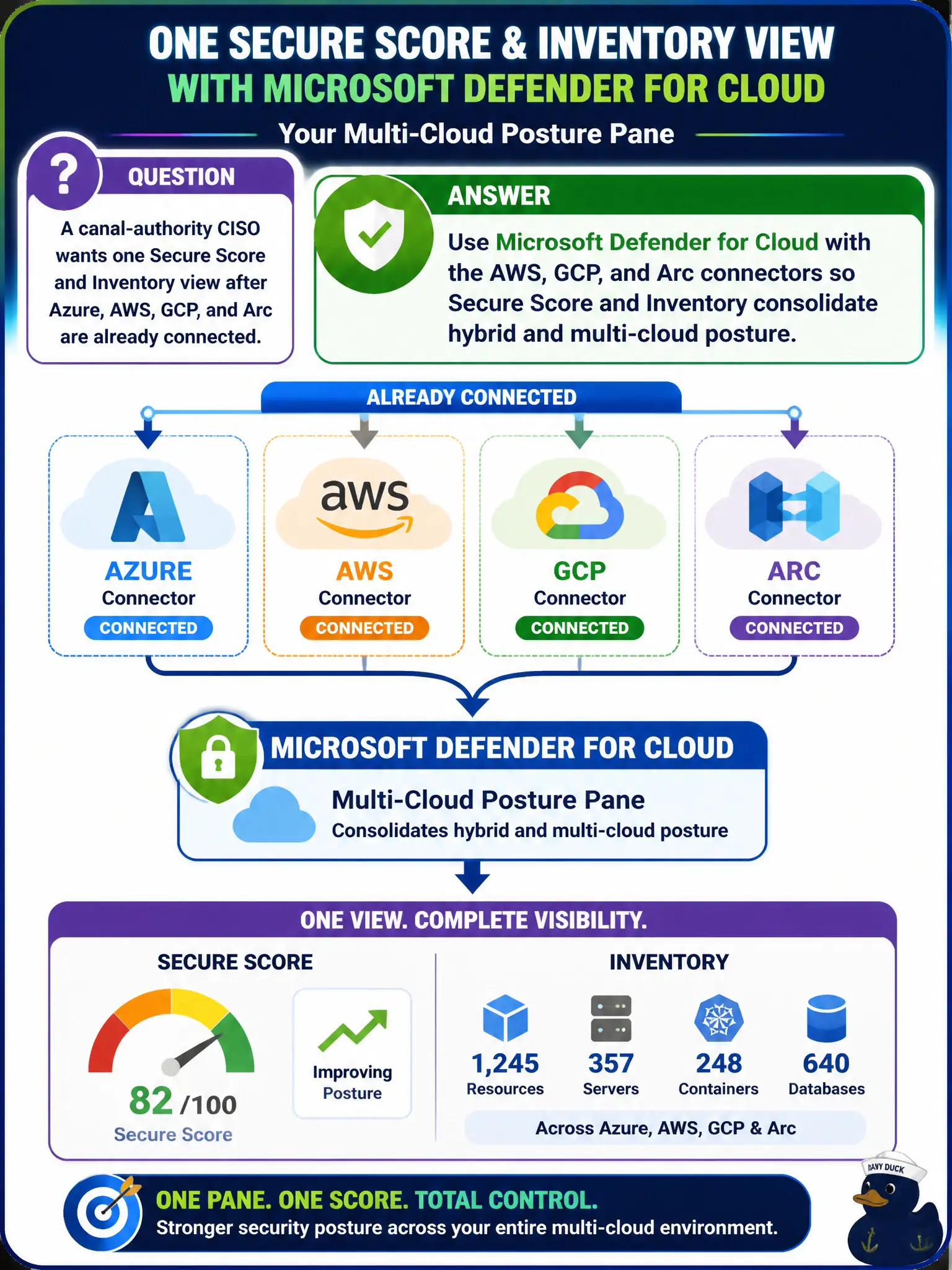
A canal-authority CISO wants one Secure Score and Inventory view after Azure, AWS, GCP, and Arc are already connected. How should the Azure security engineer use Microsoft Defender for Cloud as the multi-cloud posture pane?
Select an answer to reveal the explanation.
Short Explanation
Three cloud consoles is three different dashboards—and three headaches. Hook AWS, GCP, and Arc into Defender for Cloud so Secure Score and Inventory become the one pane the CISO actually stares at.
Full Explanation
After Azure, AWS, GCP, and Arc connectors are already in place for the canal authority, Microsoft Defender for Cloud is the multi-cloud posture pane that consolidates Secure Score and Inventory. Use those connectors so hybrid and multi-cloud resources contribute to one Secure Score and one Inventory view instead of scattering posture across native consoles.
Opening AWS Security Hub, Google Security Command Center, and the Arc portal side by side abandons the consolidation Defender for Cloud connectors provide and leaves the CISO with three incomplete dashboards. Replacing Defender for Cloud with Security Copilot chat confuses generative narrative assistance with the structured Secure Score and Inventory that posture management requires. Enabling only Microsoft Defender for Cloud Apps treats SaaS discovery as if it were cloud workload Inventory and misses AWS, GCP, and Arc infrastructure posture.
Exam caveat: connectors must already be healthy; Secure Score and Inventory cannot invent AWS, GCP, or Arc assets that were never connected. Civic operators should confirm connector status before promising a single pane to leadership.
Operational check: in Microsoft Defender for Cloud, open Secure Score and Inventory, filter by Azure, AWS, GCP, and Arc environments, and verify representative canal and lock resources from each connected cloud appear under the same posture views the CISO will review.