
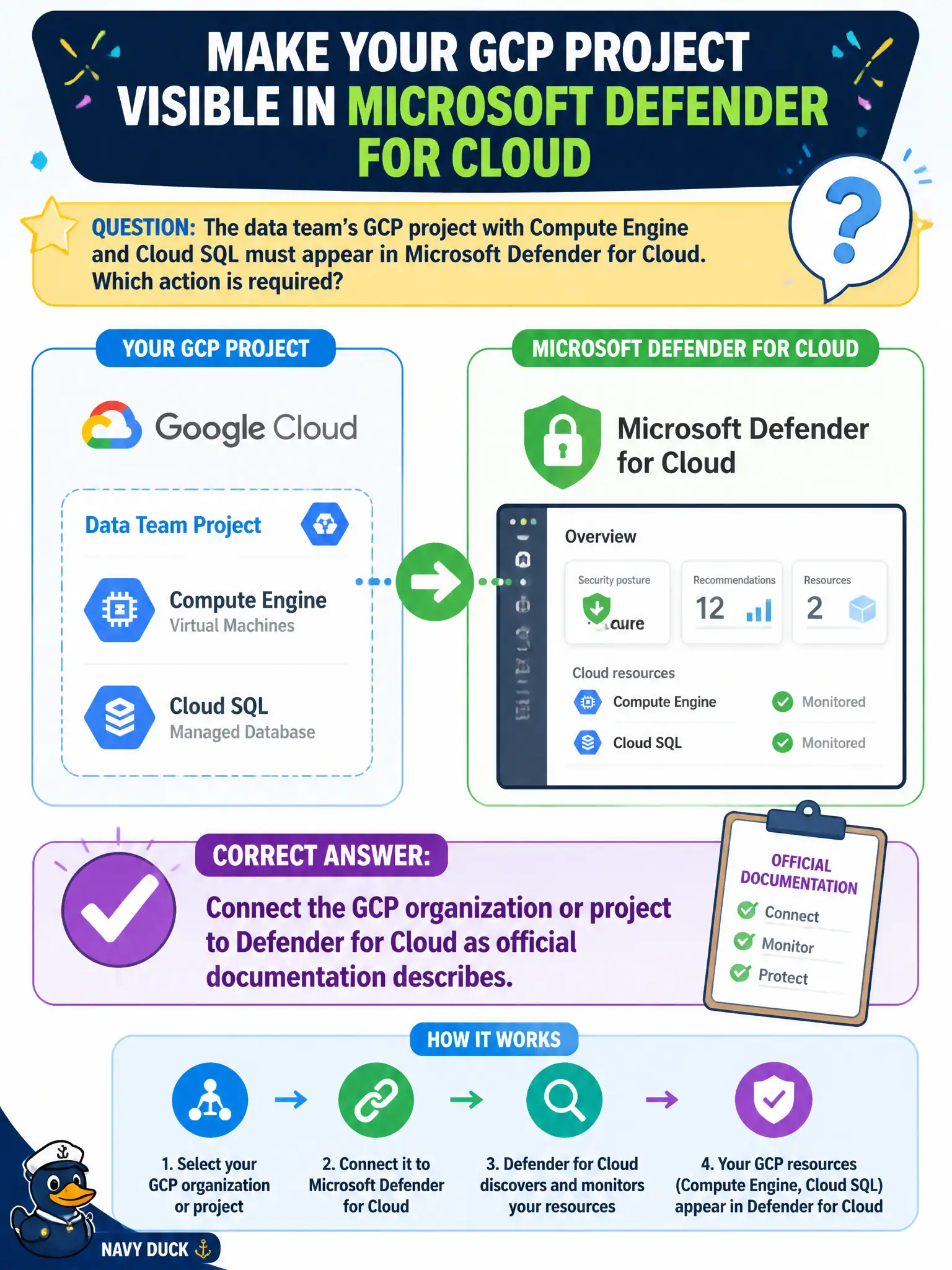
The data team’s GCP project with Compute Engine and Cloud SQL must appear in Microsoft Defender for Cloud. Which action is required?
Select an answer to reveal the explanation.
Short Explanation
Same story as AWS: plug GCP in. Connect the organization or project to Defender for Cloud—NSG copy-paste and a workspace named gcp-mirror do not count as a connector.
Full Explanation
For the data team's GCP project with Compute Engine and Cloud SQL to appear in Microsoft Defender for Cloud, connect the GCP organization or project to Defender for Cloud as official documentation describes. The GCP connector is the supported multi-cloud onboarding path, parallel to AWS connectors.
Publishing GCP VPC firewall rules into an Azure NSG and skipping any connector copies fragments of network config into Azure without connecting GCP resources for CSPM assessment. Creating only a Log Analytics workspace named gcp-mirror without connecting GCP provides a workspace name, not a cloud connector. Exporting Cloud SQL backups to a public HTTP endpoint for Secure Score to scrape creates a confidentiality incident and is not how Secure Score or GCP assessments work.
Exam caveat: organization-level versus project-level GCP connections affect which projects appear—verify the connected scope includes the data team's project, not only an empty parent.
Operational check: establish the GCP connector for the correct organization/project, validate connector status, and confirm Compute Engine and Cloud SQL resources surface in Defender for Cloud Inventory and recommendations. Treat connector health and project inclusion as first-line troubleshooting whenever Compute Engine or Cloud SQL stay invisible.