
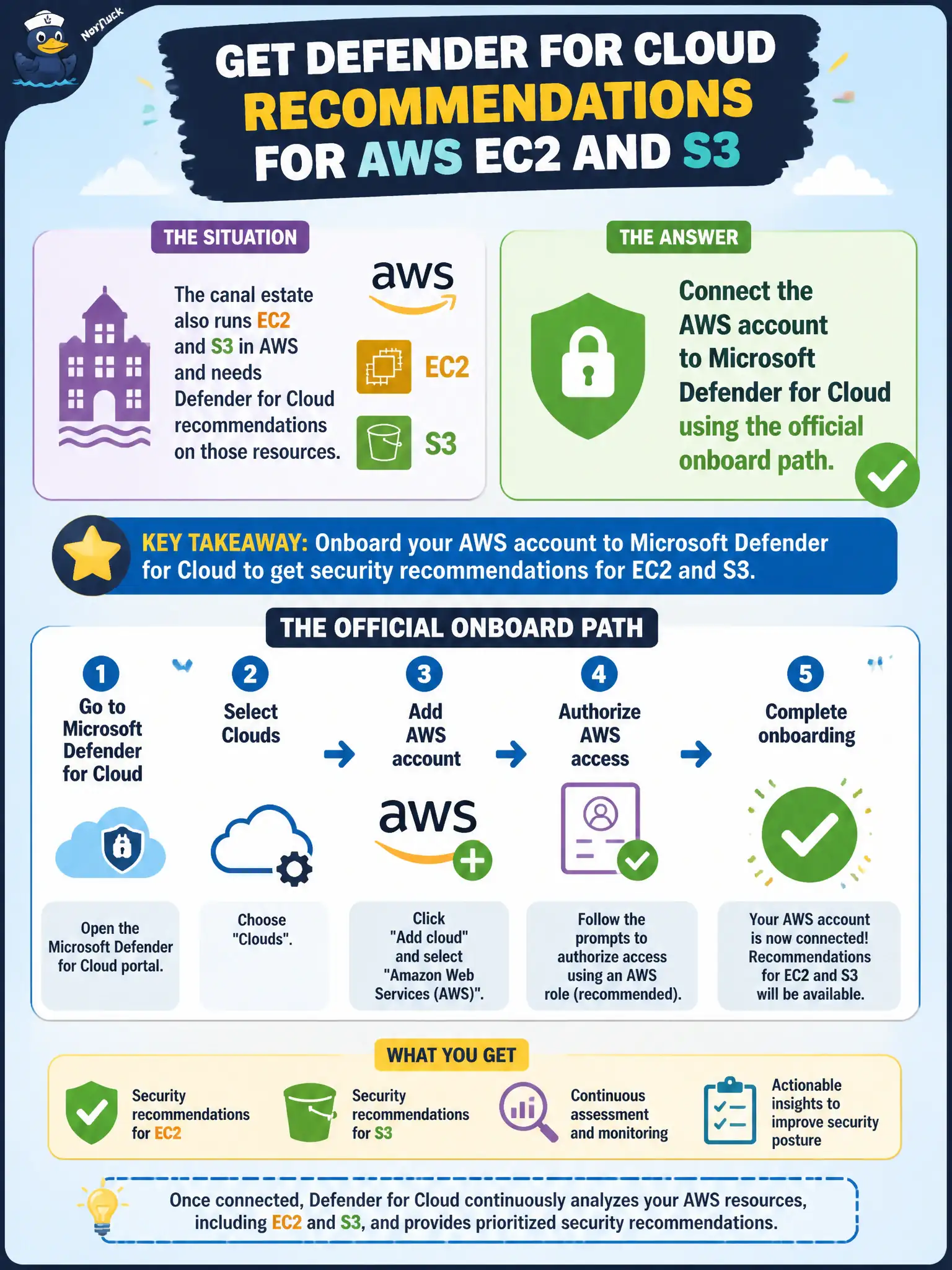
The canal estate also runs EC2 and S3 in AWS and needs Defender for Cloud recommendations on those resources. What should the engineer do?
Select an answer to reveal the explanation.
Short Explanation
EC2 and S3 will not show up because you wish hard. Connect the AWS account to Defender for Cloud on the official path—this is not an AWS IAM certification quiz.
Full Explanation
To get Microsoft Defender for Cloud recommendations on EC2 and S3 for the canal estate, connect the AWS account to Defender for Cloud using the official onboard path (connectors/environment settings as documented). Multi-cloud CSPM visibility depends on that connector, not on wishing Azure-native tools magically see AWS.
Passing a standalone AWS IAM associate exam item set before any Azure connector is allowed confuses personnel certification with technical account onboarding. Mirroring every EC2 instance into Azure as a managed disk without a cloud connector does not create Defender CSPM assessments for live AWS resources. Enabling only Azure Firewall on a hub VNet and assuming AWS traffic is assessed automatically secures an Azure network path but does not assess EC2/S3 configuration posture in AWS.
Exam caveat: after connecting AWS, CSPM recommendations become available for the connected account; Defender workload plans (for example Servers or SQL equivalents on AWS) are optional and separately enabled.
Operational check: complete the AWS connector in Defender for Cloud, confirm connector health, then open recommendations/Inventory filters for AWS EC2 and S3 resources belonging to the canal account.