
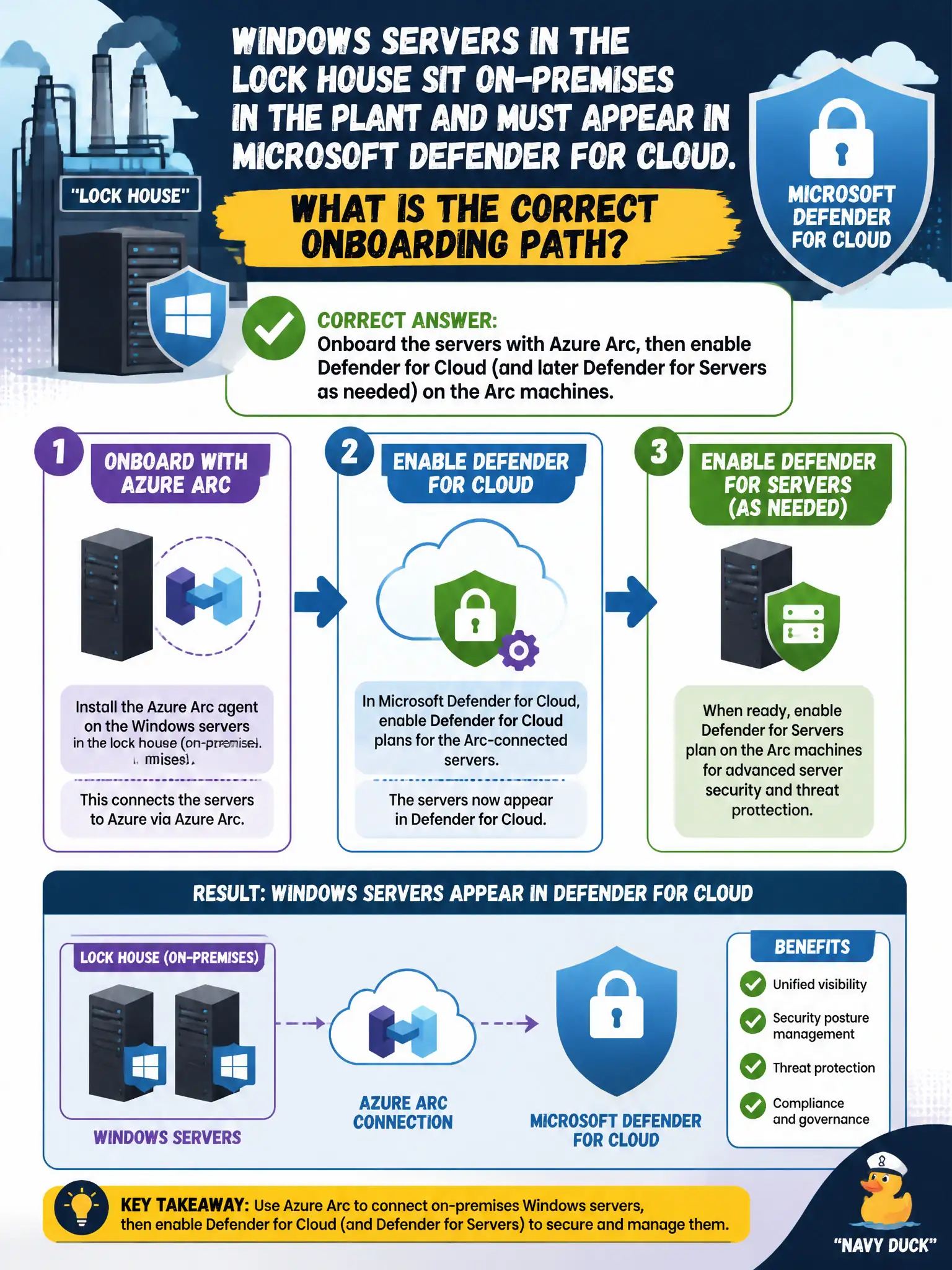
Windows servers in the lock house sit on-premises in the plant and must appear in Microsoft Defender for Cloud. What is the correct onboarding path?
Select an answer to reveal the explanation.
Short Explanation
Plant-floor boxes are not Azure VMs until Arc badges them. Arc first, then turn on Defender for Cloud on those Arc machines—WSUS alone will not walk them onto the posture board.
Full Explanation
Windows servers in the lock house that sit on-premises must be onboarded with Azure Arc, then covered by Microsoft Defender for Cloud (and later Defender for Servers as needed) on those Arc machines. Arc creates the Azure resource representation hybrid machines need before Defender for Cloud can assess and protect them in the portal.
Installing only a standalone WSUS server and assuming Defender for Cloud discovers the hosts automatically provides patch infrastructure without Azure representation or Defender onboarding. Forwarding Windows Event Logs to Microsoft Sentinel and skipping any Azure resource representation may aid detection in Sentinel but does not place the servers in Defender for Cloud Inventory/posture as Arc machines. Placing the servers on a public IP and enabling JIT without connecting them to Azure exposes management without establishing the Arc/Defender for Cloud onboarding path JIT expects for Azure/Arc machines.
Exam caveat: Arc onboarding alone enables representation; enabling Defender for Servers (paid workload plan) is a separate step when you need the Servers plan's threat and vulnerability capabilities beyond foundational posture.
Operational check: install and connect the Arc agent on a pilot lock-house server, confirm the Arc machine resource appears in Azure, enable Defender for Cloud on that machine's subscription/plan settings, and verify it shows in Inventory with recommendations.