
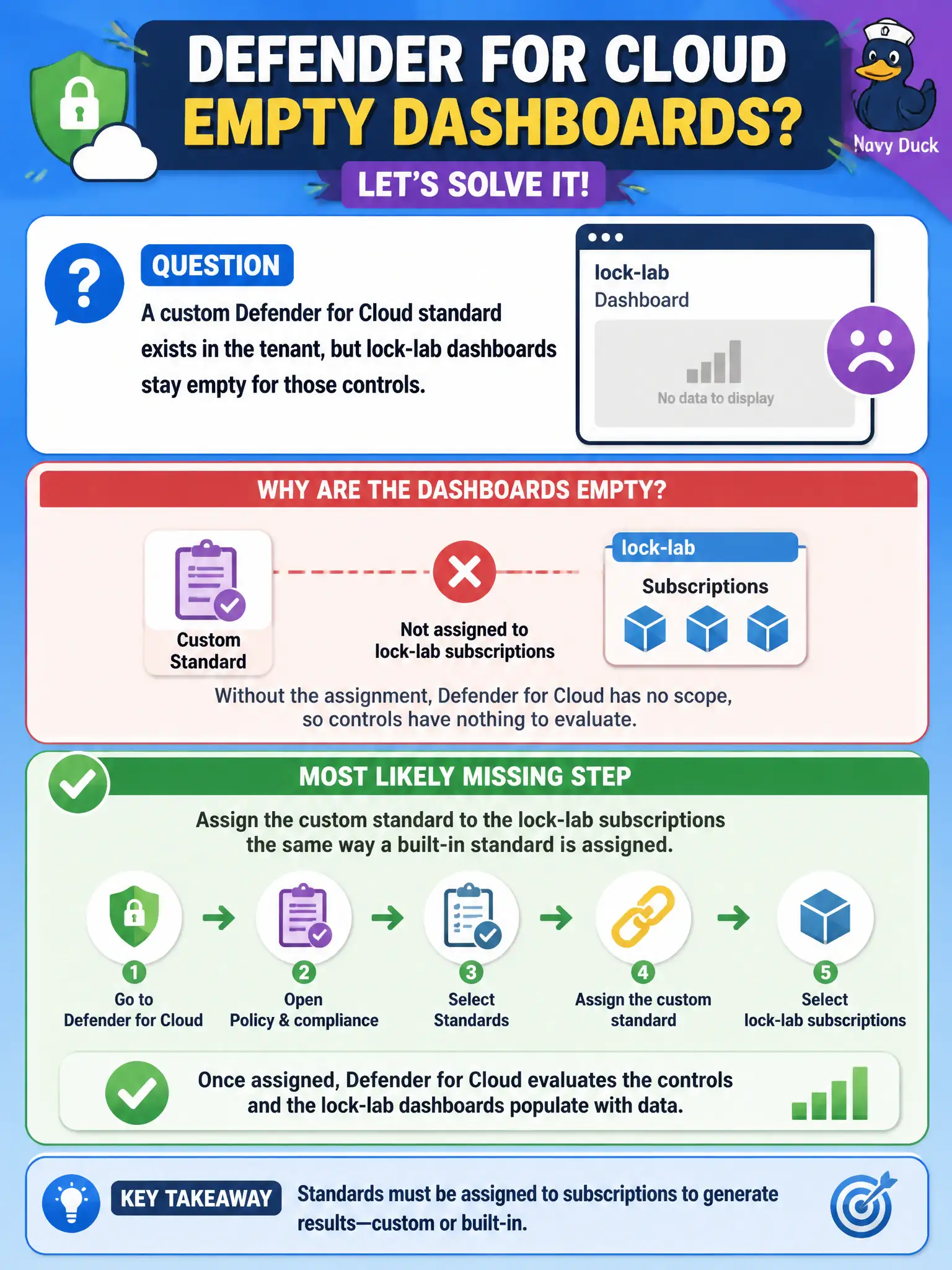
A custom Defender for Cloud standard exists in the tenant, but lock-lab dashboards stay empty for those controls. What is the most likely missing step?
Select an answer to reveal the explanation.
Short Explanation
Creating the standard parks it in the library; assigning it puts it on the lock-lab shelves. Empty dashboards usually mean nobody checked it out to those subscriptions yet.
Full Explanation
If a custom Defender for Cloud standard exists in the tenant but lock-lab dashboards stay empty for those controls, the most likely missing step is assigning the custom standard to the lock-lab subscriptions the same way a built-in standard is assigned. Creation parks the standard in the library; assignment applies it to a scope so assessments run.
Converting the custom standard into an Entra ID administrative unit mixes directory AU scoping with Defender compliance standards and does not populate the dashboard. Deleting MCSB so custom standards become visible by default is unnecessary and harms baseline posture visibility; custom standards do not require MCSB removal. Recreating the standard daily because custom standards expire after twenty-four hours invents a false lifecycle rule—standards do not need daily recreation to remain valid.
Exam caveat: assignment scope mistakes (wrong subscription, management group, or multi-cloud connector scope) produce the same empty-dashboard symptom as forgetting assignment entirely.
Operational check: open Defender for Cloud security standards / regulatory compliance settings, assign the custom standard to each lock-lab subscription, wait for assessment population, and verify house-rule controls now list resources and pass/fail state.