
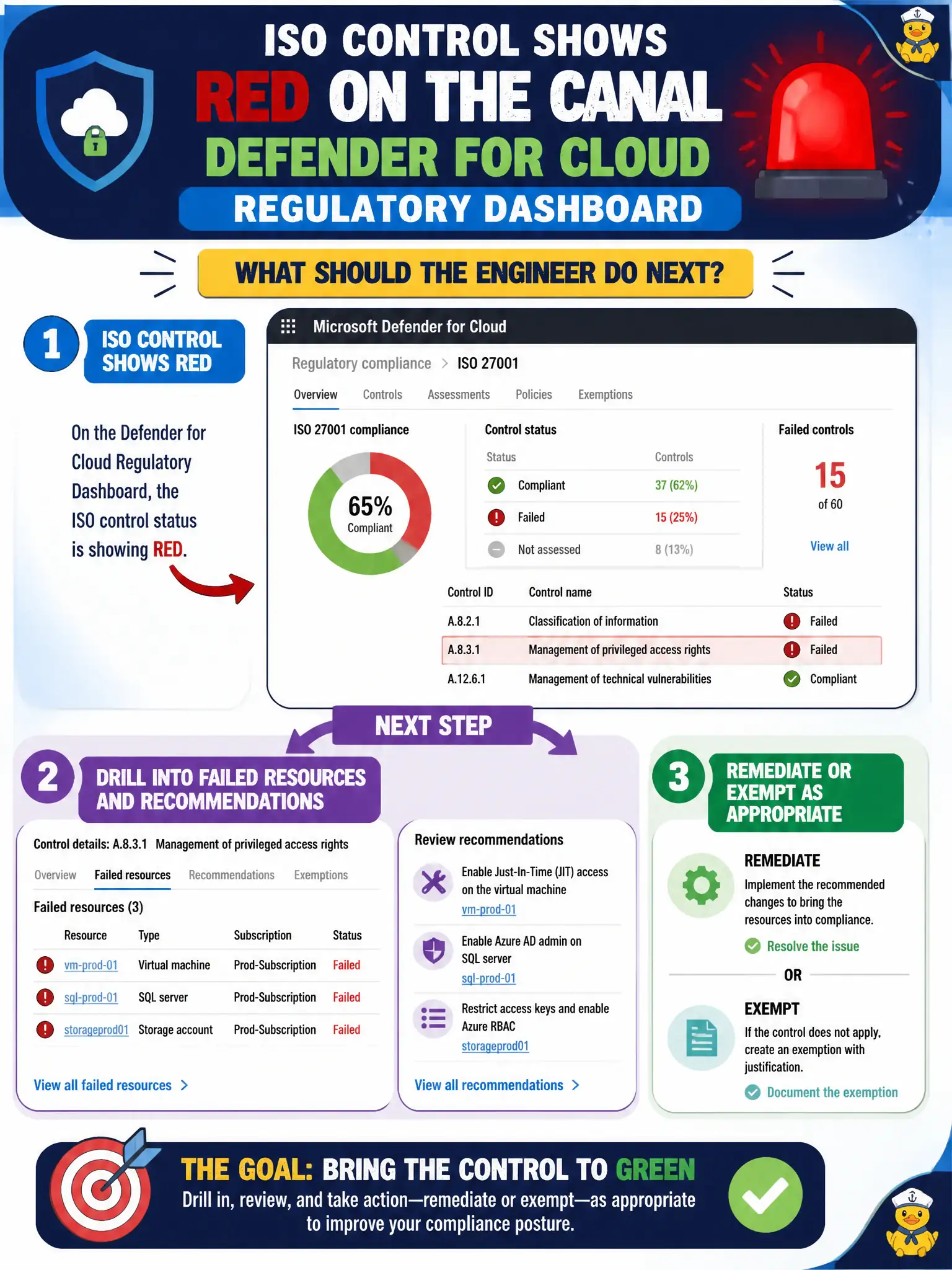
An ISO control shows red on the canal Defender for Cloud regulatory dashboard. What should the engineer do next?
Select an answer to reveal the explanation.
Short Explanation
Red on the compliance board means failed resources, not “go invent a Sentinel hunt.” Drill into that control, fix or exempt what is listed, and leave the standard in place while you work.
Full Explanation
When an ISO control shows red on the canal Defender for Cloud regulatory dashboard, drill into the failed resources and recommendations for that control and remediate or exempt as appropriate. Red means assessed resources failed the control—not that the standard should be deleted or that a new hunt rule is required.
Writing a new Microsoft Sentinel KQL analytics rule named after the ISO control ID creates a detection artifact that does not remediate the failed posture assessment. Deleting the ISO standard from the tenant so the dashboard turns green hides the finding without fixing risk and destroys audit visibility. Assigning Owner on every failed resource so operators can hide the assessment manually escalates privilege dangerously and does not correctly clear a failed control through remediation or a justified exemption.
Exam caveat: some controls may be not applicable; use formal exemptions with justification rather than removing the entire standard when only a subset of resources is out of scope.
Operational check: open the red ISO control, list unhealthy resources, assign owners, remediate one representative failure, refresh the assessment, and confirm the control status moves as expected on the canal dashboard.