
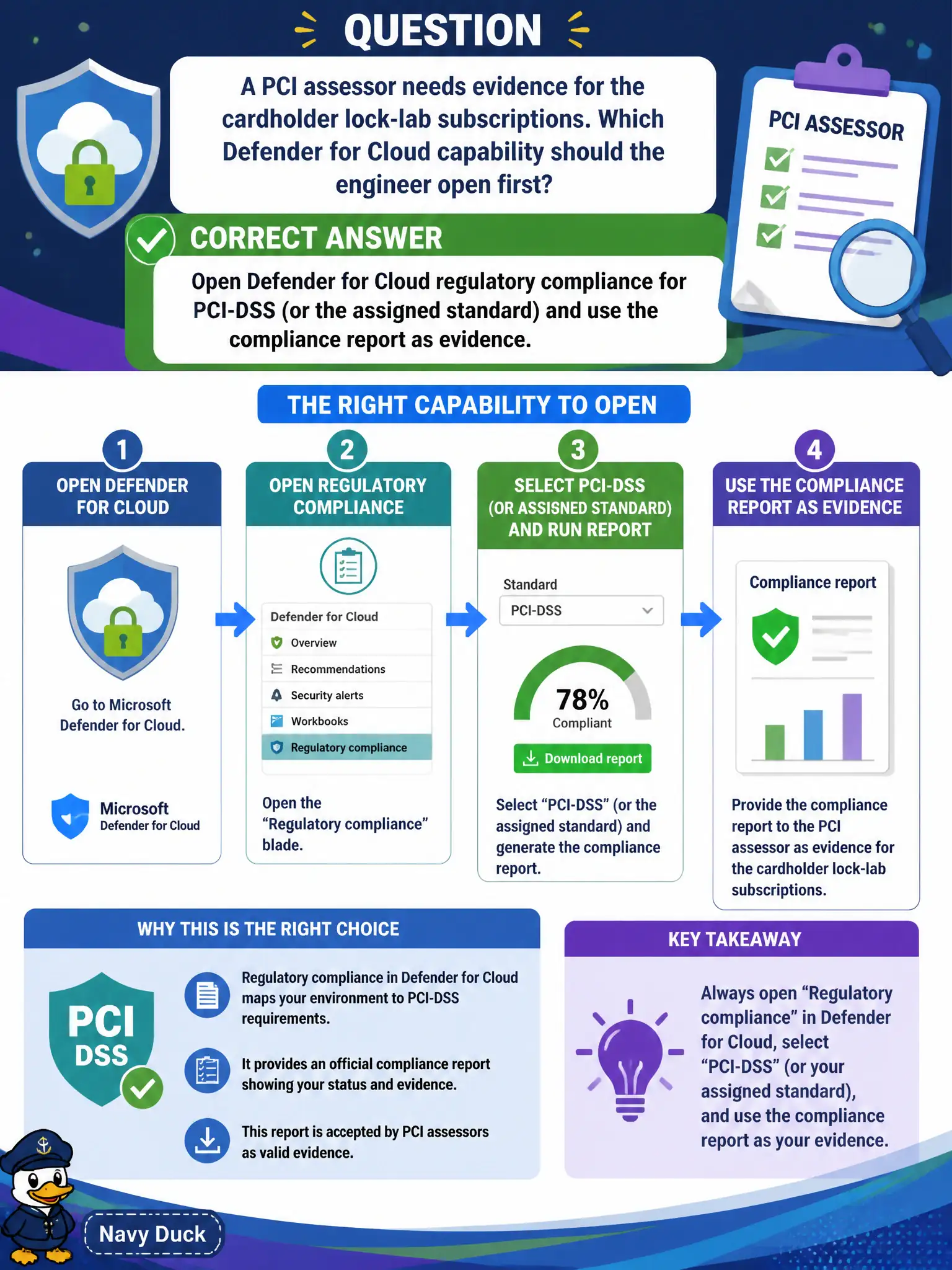
A PCI assessor needs evidence for the cardholder lock-lab subscriptions. Which Defender for Cloud capability should the engineer open first?
Select an answer to reveal the explanation.
Short Explanation
The assessor wants a mapped control report, not a homemade diagram or a cost invoice. Open Defender for Cloud regulatory compliance for PCI-DSS and hand over the evidence pack from that dashboard.
Full Explanation
For a PCI assessor seeking evidence on cardholder lock-lab subscriptions, open Microsoft Defender for Cloud regulatory compliance for PCI-DSS (or whichever PCI standard is assigned) and use that compliance report as structured evidence. The dashboard maps controls to assessments, failed resources, and status suitable for assessor review.
Creating a new Sentinel analytic rule that emails the assessor every failed NSG change builds a noisy detection feed that is not a PCI control evidence pack. Disabling MCSB so only PCI controls appear, then exporting Azure Cost Management invoices, removes useful default posture context and substitutes billing artifacts that do not prove PCI technical controls. Building a custom Threat Modeling Tool diagram instead of using any Defender dashboard produces an informal illustration, not the regulatory compliance assessment report assessors expect from the cloud security posture toolset.
Exam caveat: regulatory compliance reports support evidence collection, but they do not replace QSA procedures, scoping documents, or compensating-control narratives the assessor still requires outside the portal.
Operational check: enable PCI on the cardholder subscriptions if not already assigned, export or screenshot the compliance report with control status, and remediate or document failed resources before the assessor walkthrough.