
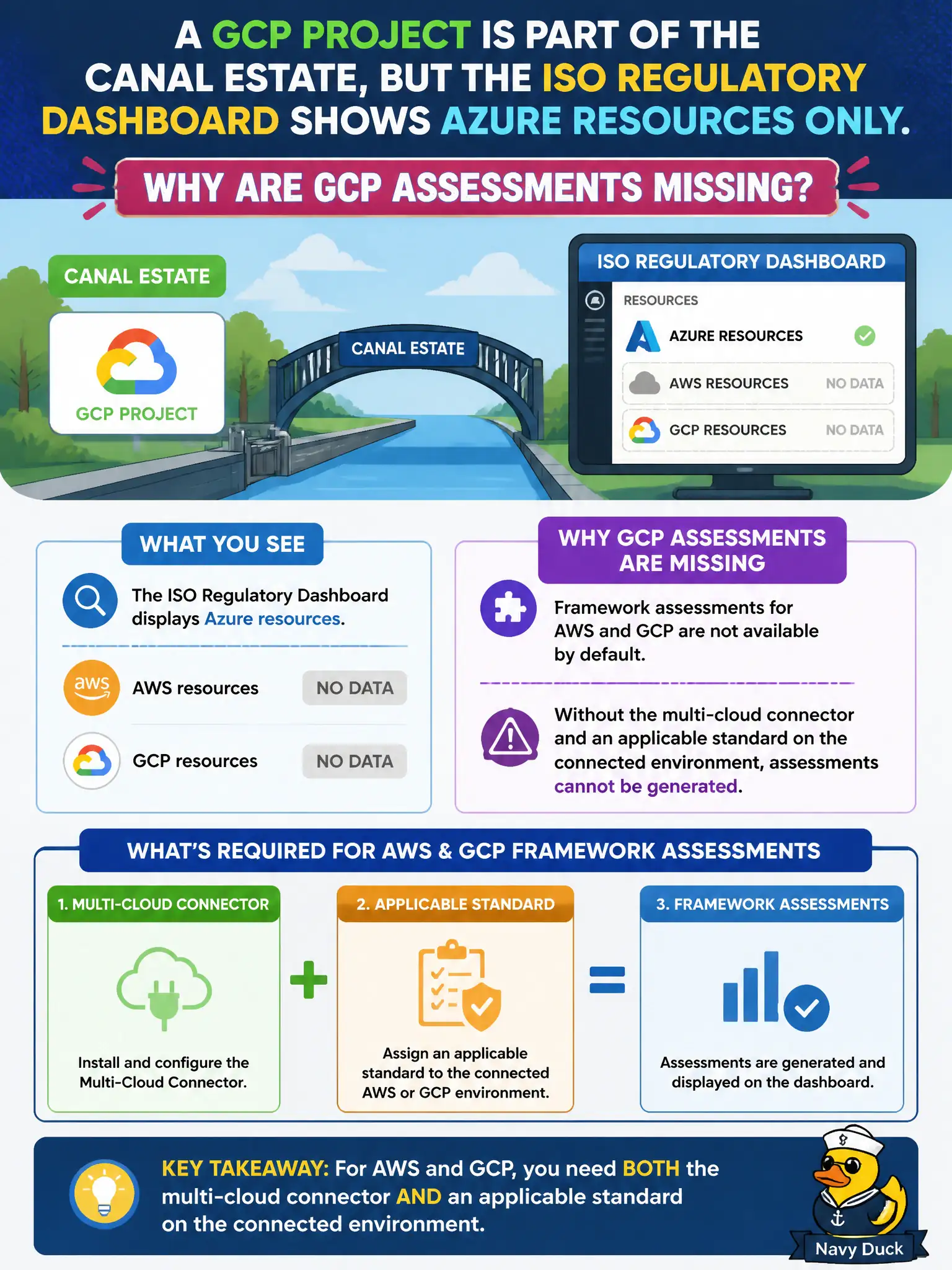
A GCP project is part of the canal estate, but the ISO regulatory dashboard shows Azure resources only. Why are GCP assessments missing?
Select an answer to reveal the explanation.
Short Explanation
Azure-only dashboards stay Azure-only until you plug the other cloud in. Connect GCP (and AWS the same way), then put the standard on that connected scope—or the ISO board will keep pretending the GCP pier does not exist.
Full Explanation
If a GCP project is part of the canal estate but the ISO regulatory dashboard shows Azure resources only, GCP assessments are missing because framework assessments for AWS and GCP require the multi-cloud connector plus an applicable standard on the connected environment. Without connecting GCP to Microsoft Defender for Cloud and enabling the standard for that connected scope, the ISO view remains Azure-centric.
Claiming ISO standards never apply outside Azure so GCP must be assessed only in Google's console ignores Defender for Cloud's multi-cloud regulatory capabilities once connectors are configured. Expecting GCP assessments to appear automatically from billing export without any Defender configuration confuses cost data with security posture assessment. Saying Defender for Cloud ignores GCP until Microsoft Sentinel is deployed in the same resource group incorrectly couples CSPM multi-cloud onboarding to Sentinel workspace placement.
Exam caveat: connecting the cloud account enables CSPM visibility; individual regulatory standards may still need to be assigned/enabled on the connected environment before ISO (or CIS/PCI) assessments populate for GCP resources.
Operational check: verify the GCP connector status in Defender for Cloud environment settings, assign the ISO standard to the connected GCP scope, then confirm GCP Compute Engine or Cloud SQL resources appear under the ISO control assessments.