
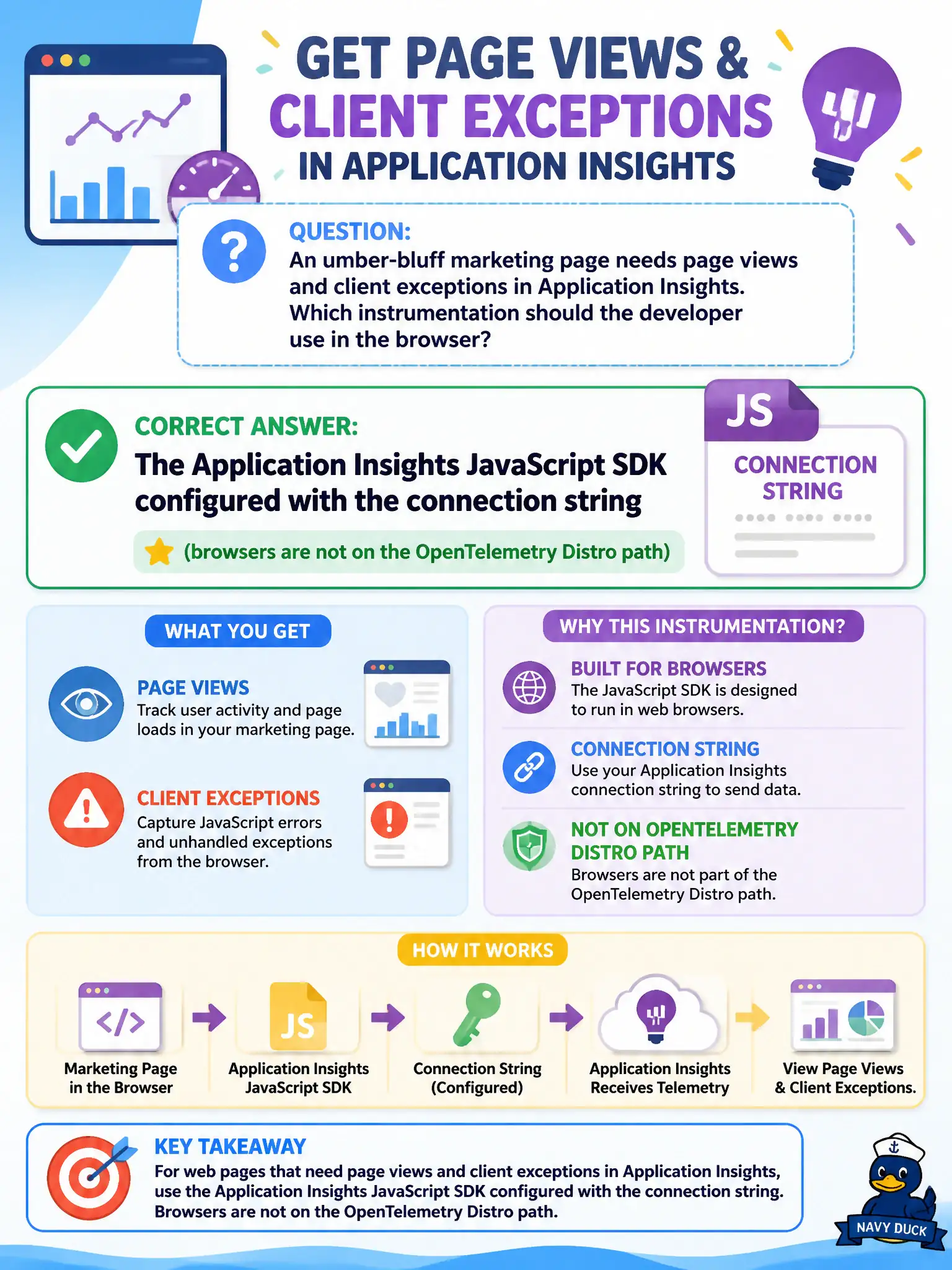
An umber-bluff marketing page needs page views and client exceptions in Application Insights. Which instrumentation should the developer use in the browser?
Select an answer to reveal the explanation.
Short Explanation
Browsers use the Application Insights JavaScript SDK plus the connection string. The OpenTelemetry Distro is the server story; GA is not the exam answer.
Full Explanation
Browser clients use the Application Insights JavaScript SDK configured with the connection string for page views and client exceptions. For the umber-bluff marketing page, that JS SDK is the official client path; the Azure Monitor OpenTelemetry Distro targets server applications, not browser pages as the exam’s client answer. Load the SDK, set the connection string, and collect client-side telemetry into the same Insights resource as needed.
Only the Azure Monitor OpenTelemetry Distro packaged for browsers as the official client path fails current AZ-204 guidance: Distro is the server story; browsers use the Application Insights JavaScript SDK.
Google Analytics alone as a required AZ-204 Application Insights substitute fails because third-party web analytics are outside the Application Insights skill the exam tests.
Server-only auto-instrumentation with no client SDK, claiming browsers never send exceptions, fails because client exceptions and page views require the JS SDK (or equivalent client instrumentation); server auto-instrumentation does not capture browser-side errors.
Exam caveat: protect the connection string as a client-visible ingestion config (it is not a full Azure management credential) and use role name/cloud_RoleName to separate client vs server telemetry in the resource. Operational check: open the marketing page with the SDK enabled, trigger a client exception in a test build, and confirm pageViews and exceptions appear in Insights.