
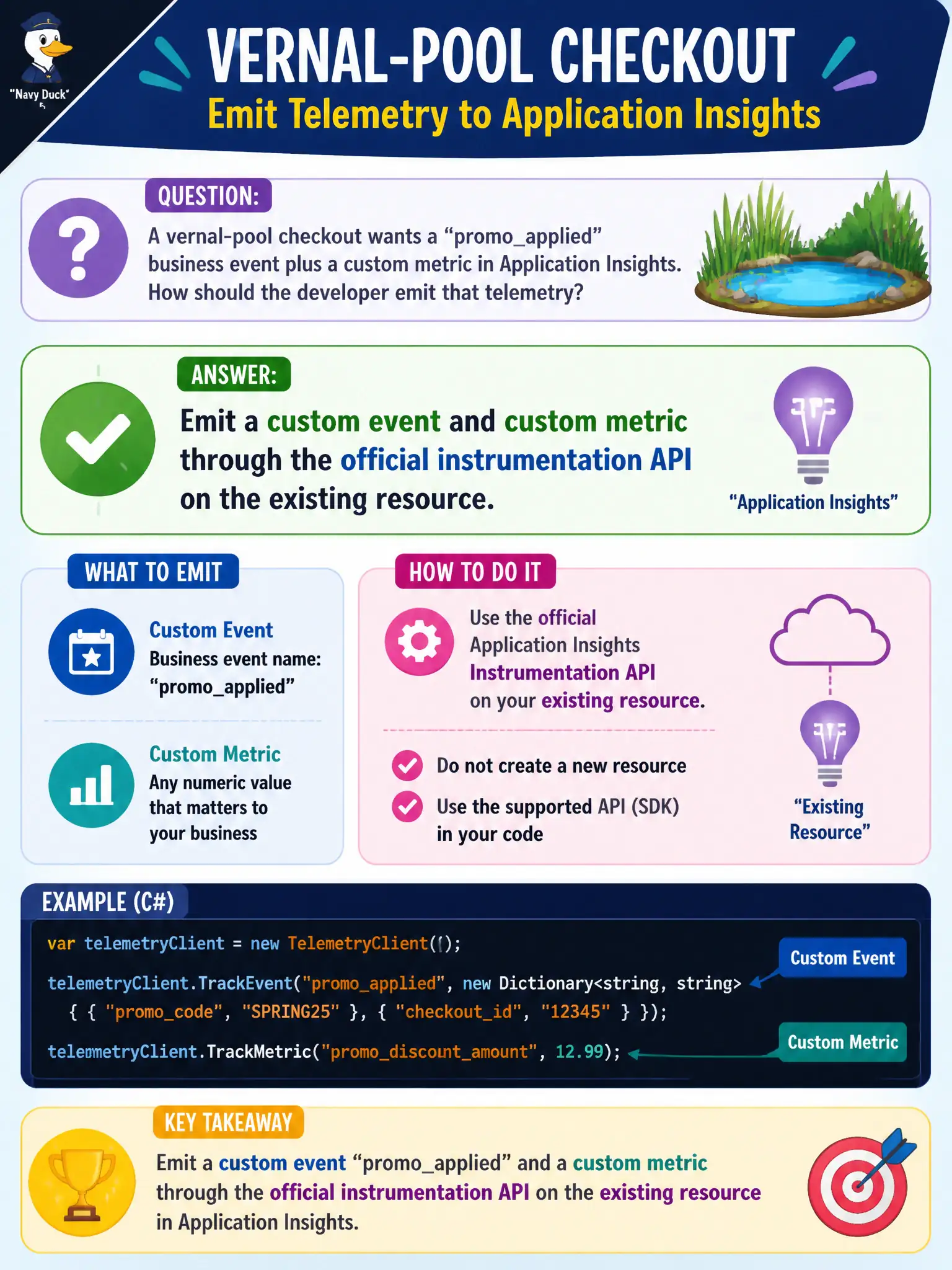
A vernal-pool checkout wants a “promo_applied” business event plus a custom metric in Application Insights. How should the developer emit that telemetry?
Select an answer to reveal the explanation.
Short Explanation
Custom events and metrics ride the same Insights resource—name the business signal and track it. Do not spawn a resource per button or hide in Redis.
Full Explanation
Auto-collected requests and dependencies do not name business outcomes. For the vernal-pool checkout that needs a “promo_applied” business event plus a custom metric, emit a custom event and a custom metric through the official instrumentation API on the existing Application Insights resource. Name the event for the business signal and track the metric for aggregates and alerts—without creating new resources per UI control.
Creating a separate Application Insights resource for every checkout button fails because custom telemetry is meant to share one (or few) resources with consistent schema; resource sprawl destroys correlation, cost control, and querying.
Storing promo flags only in Azure Cache for Redis and skipping Insights custom telemetry fails because Redis flags are runtime state, not Insights custom events/metrics for monitoring and alerting on promo_applied.
Relying solely on auto-collected requests and never emitting business-named events fails because request names and URLs rarely encode “promo_applied” as a first-class signal; custom events fill that gap.
Exam caveat: keep custom event and metric names stable and low-cardinality; avoid putting unbounded ids into metric names or event name strings. Operational check: apply a promo in a test checkout, query customEvents for promo_applied and customMetrics for the companion metric, and confirm both land on the existing resource with expected properties.