
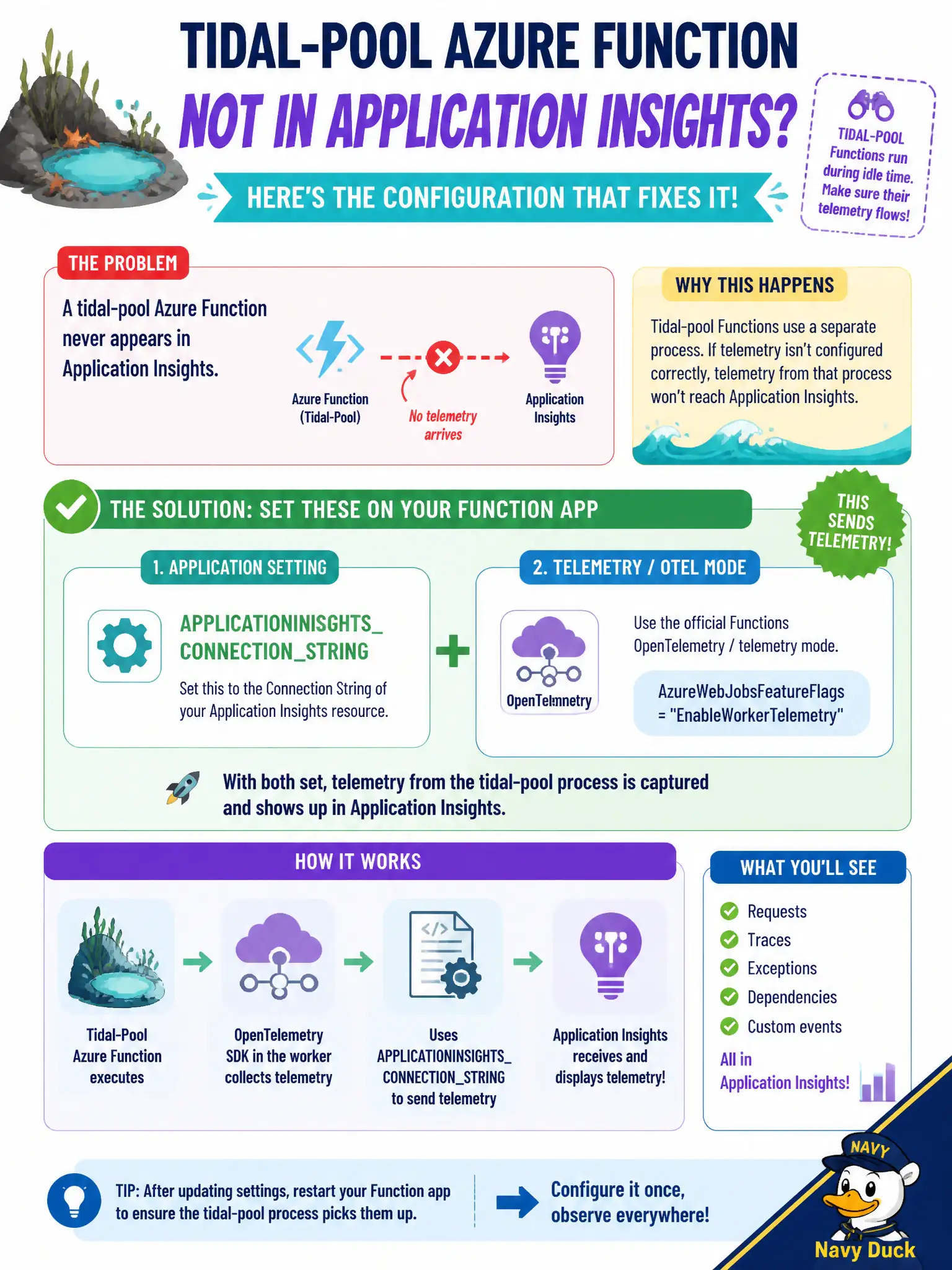
A tidal-pool Azure Function never appears in Application Insights. What configuration should the developer set on the Function app?
Select an answer to reveal the explanation.
Short Explanation
Functions need APPLICATIONINSIGHTS_CONNECTION_STRING (plus the documented telemetry mode). Hosting-plan SKU is Domain 1; Redis is not Insights wiring.
Full Explanation
Azure Functions emit Application Insights telemetry when the Function app is configured with APPLICATIONINSIGHTS_CONNECTION_STRING and the current Functions OpenTelemetry or hosted telemetry mode described in docs. For the tidal-pool Function that never appears in Insights, set that connection string (and telemetry mode) on the Function app rather than assuming hosting SKU alone creates telemetry.
Only changing an App Service plan SKU fails because the hosting plan size does not invent Insights configuration; without the connection string and telemetry wiring, raising SKU still yields empty Insights.
Only a Redis connection string so Functions publish metrics without Insights fails because Redis is not the Application Insights pipeline for Functions.
Assuming portal toggles always create a resource and wire Functions without settings fails because incomplete or missing APPLICATIONINSIGHTS_CONNECTION_STRING (and related mode settings) leaves Functions silent in Insights.
Exam caveat: Consumption, Premium, and Dedicated plans all still need Insights connection configuration; also watch sampling and host.json logging levels if volume looks wrong after wiring. Operational check: set APPLICATIONINSIGHTS_CONNECTION_STRING, restart or wait for host refresh, invoke the Function, and confirm requests/traces appear in the linked Insights resource.