
A flax-mill ledger blob is in the Archive tier. A clerk asks for a lifecycle policy that periodically moves it back to Hot on a calendar. What should the developer tell them?
Select an answer to reveal the explanation.
Short Explanation
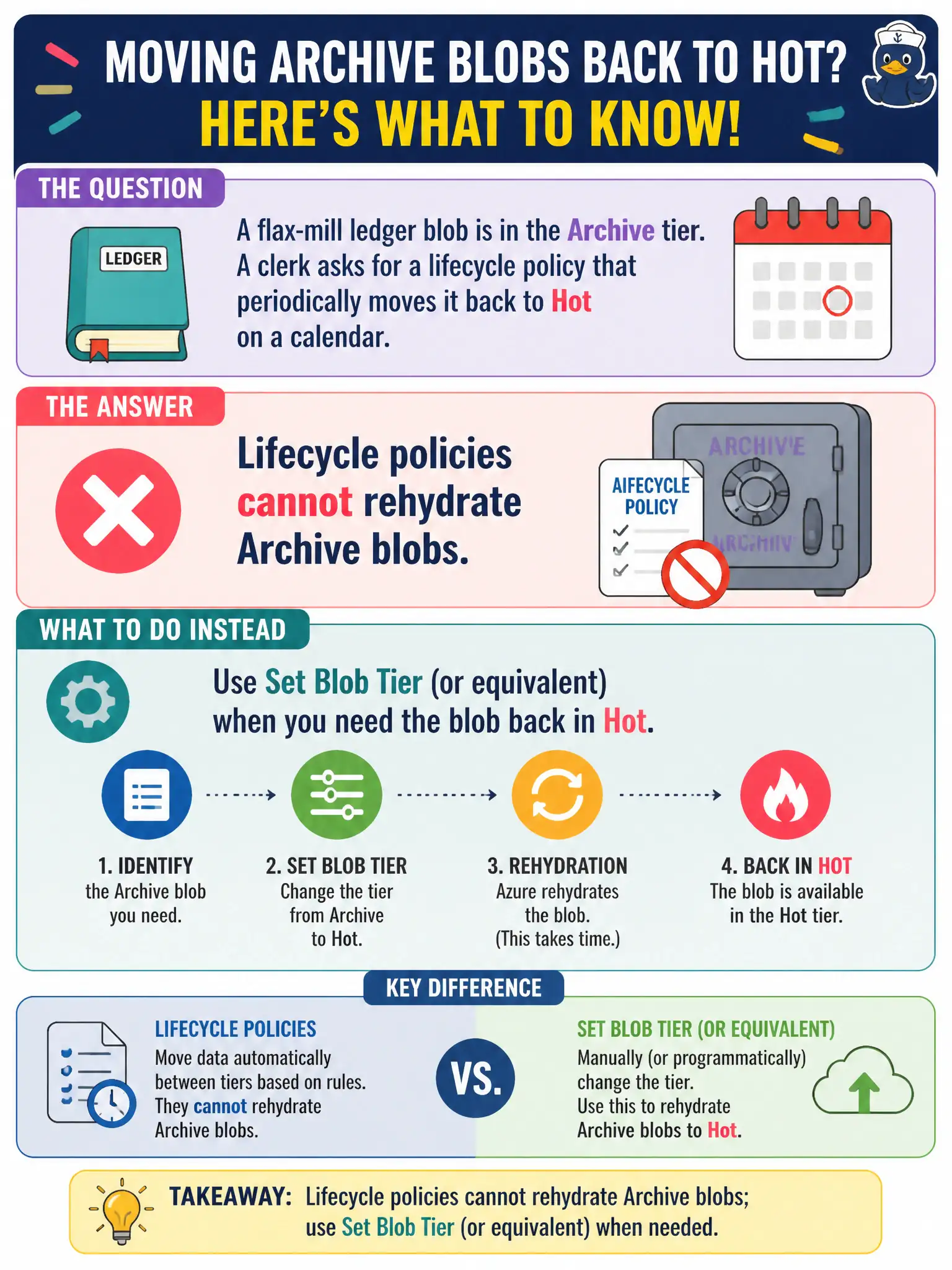
Archive is deep storage with a one-way door from lifecycle’s point of view—you can send blobs down, but lifecycle will not schedule them back up. When someone needs the ledger, the app (or a one-time Set Tier) must rehydrate.
Full Explanation
Lifecycle management can tier blobs down to Archive (and among online tiers) and can delete blobs, but it does not provide a scheduled rehydrate-to-Hot action for Archive objects. Once a flax-mill ledger blob is in Archive, returning it to an online tier requires an explicit Set Blob Tier / rehydrate operation (with standard or high priority) initiated by the SDK, portal, PowerShell, or CLI. Telling the clerk that a lifecycle policy will periodically move Archive content back to Hot on a calendar is incorrect; lifecycle will not rehydrate Archive blobs on a timer.
Configuring a lifecycle rehydrate-to-Hot action with a 7-day schedule fails because that action does not exist in lifecycle policy capabilities. Designing operations around a fictional scheduled rehydrate rule will leave data offline.
Lifecycle automatically rehydrates Archive blobs the first time they are listed fails because listing does not rehydrate Archive objects; data-plane reads fail until rehydration completes after an explicit tier change to an online tier.
Enabling soft delete so Archive blobs rehydrate overnight fails because soft delete is unrelated to Archive rehydration.
Exam caveat: rehydration takes time (hours depending on priority and size), and while a blob is pending rehydration it is not fully available—plan SLAs accordingly. Operational check: attempt to set a lifecycle rule and note the absence of Archive-to-Hot rehydrate actions; rehydrate a test Archive blob with SetAccessTier and wait for status to become usable online.