
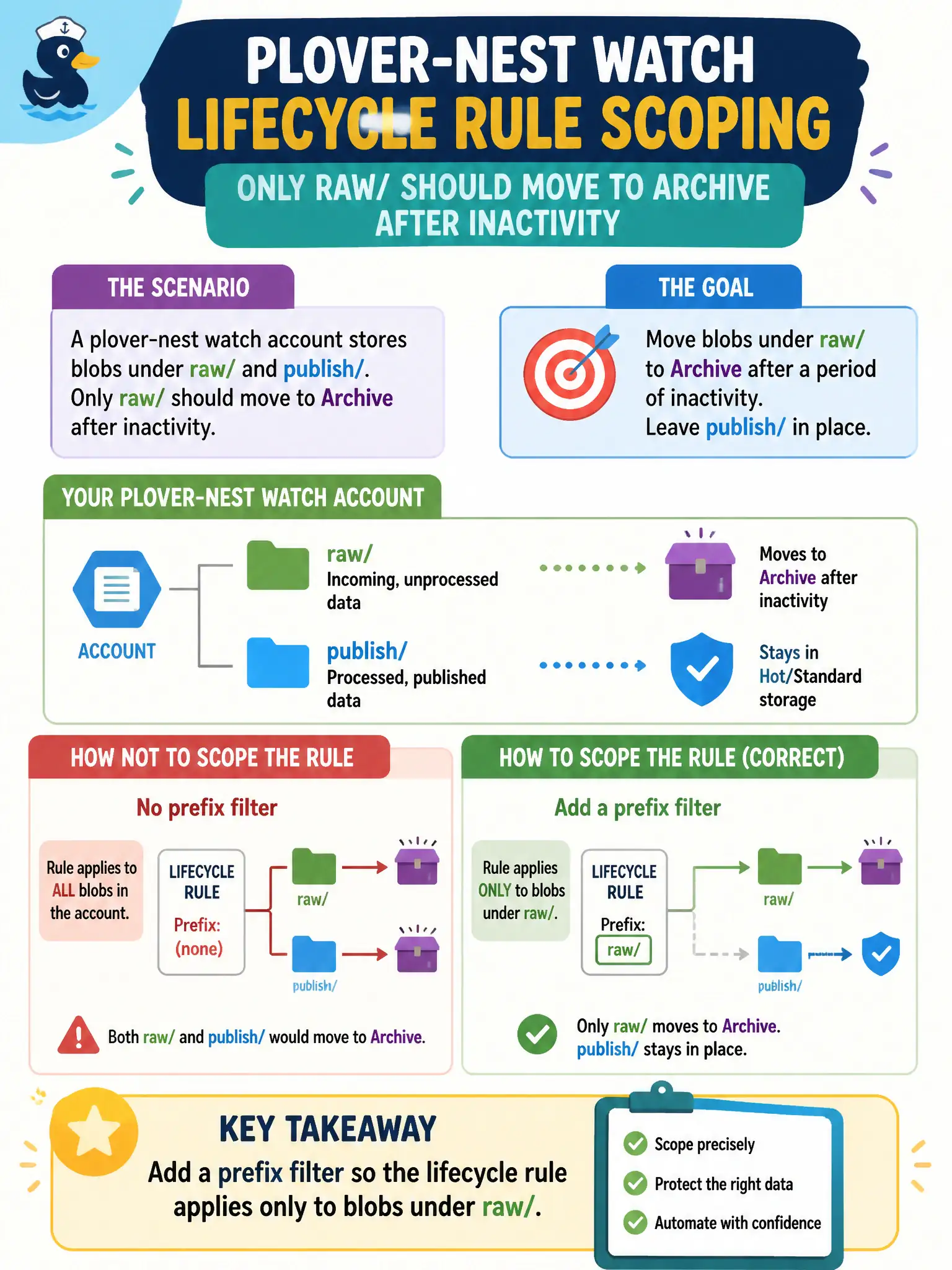
A plover-nest watch account stores blobs under raw/ and publish/; only raw/ should move to Archive after inactivity. How should the developer scope the lifecycle rule?
Select an answer to reveal the explanation.
Short Explanation
Prefix filters are the “apply this rule only to aisle raw/” sign. Lifecycle does not give you a neat NOT publish/ switch—scope the rule to the paths you want. Soft delete and manual Archive on the other folder do not replace a prefix filter.
Full Explanation
Lifecycle rules accept prefix filters to limit which blobs an action applies to. For an account with raw/ and publish/ virtual folders where only raw/ should move to Archive after inactivity, add a prefix filter such as raw/ on the rule. Blobs whose names start with that prefix are in scope; publish/ objects remain unaffected by that rule. Prefix scoping is the supported way to separate lifecycle behavior across virtual folders in one container or account policy.
Writing a NOT publish/ exclusion fails because lifecycle prefix filters are inclusive prefixes, not a general Boolean NOT language for paths. There is no native “everything except publish/” operator equivalent to a simple negative path filter as described.
Putting publish/ blobs in Archive manually so the raw/ rule can ignore filters fails as operational nonsense: it mutates the wrong set of objects and still does not correctly scope automation for raw/.
Enabling soft delete on publish/ fails because soft delete is not a lifecycle scope control and is not configured per virtual folder path as a way to prevent Archive on raw/. Soft delete and lifecycle prefix filters solve different problems.
Exam caveat: overlapping rules can interact—avoid multiple rules that unintentionally both match the same blob with conflicting actions, and remember prefixes are case-sensitive. Operational check: create sample blobs under raw/ and publish/, attach a rule with prefix raw/ targeting Archive after a short test age, and confirm only raw/ candidates are reported as acted upon.