
A pumice-quarry log blob in the Archive tier fails when the app calls Download. What must the developer do before the content can be read?
Select an answer to reveal the explanation.
Short Explanation
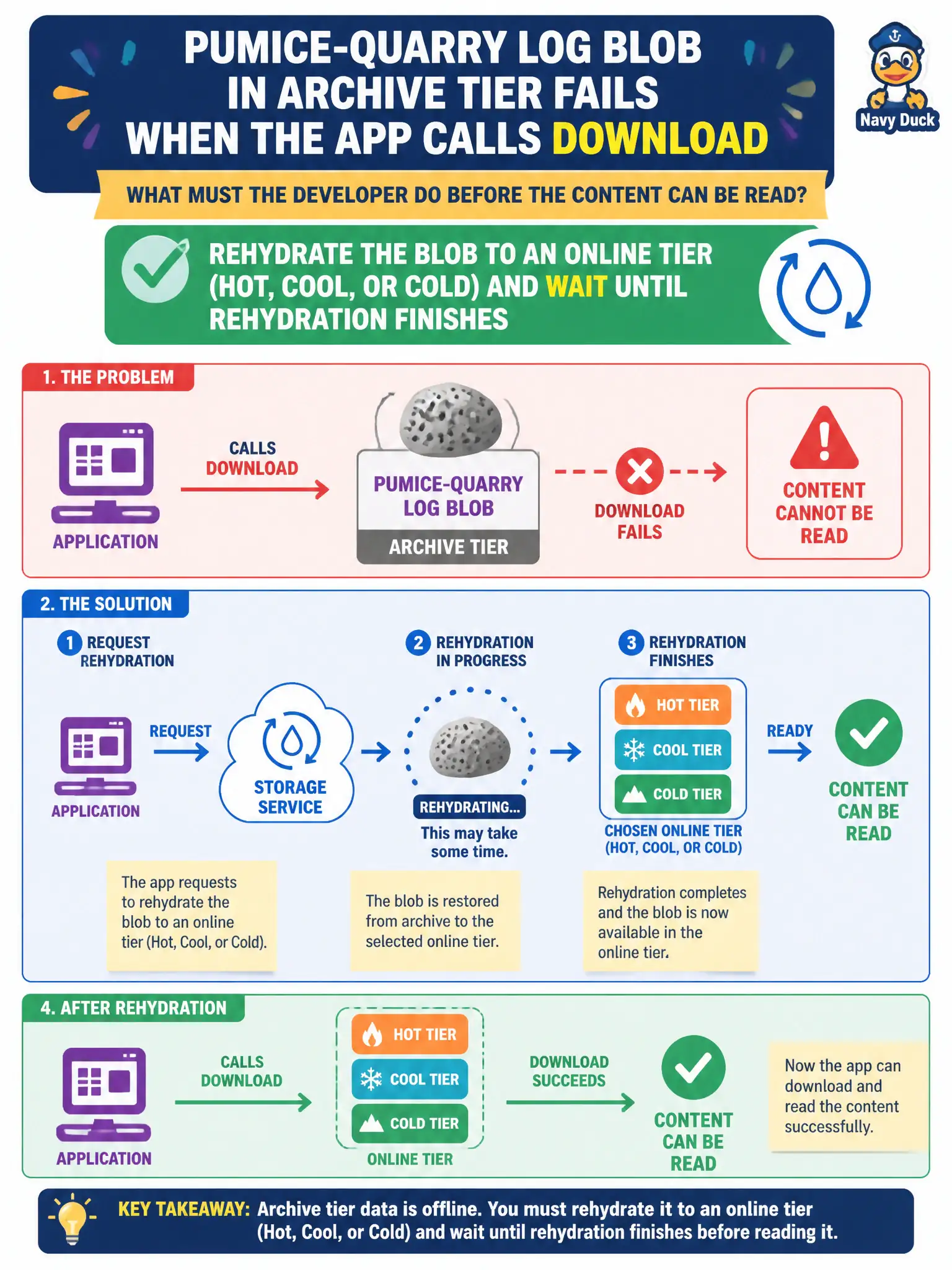
Archive is offline—like a crate in deep storage. You rehydrate it to Hot/Cool/Cold (standard or high priority), wait until it is online, then download. Insights and public-access toggles do not thaw Archive.
Full Explanation
Archive tier blobs are offline. Download and other data reads fail until the blob is rehydrated to an online tier—Hot, Cool, or Cold—and the rehydration operation finishes. The pumice-quarry app must call Set Blob Tier (or SDK SetAccessTier) targeting an online tier, choose rehydration priority as appropriate, poll until the blob’s archive status shows rehydration completed, and only then Download. Skipping the wait and treating Archive like Cool will continue to produce failures.
Opening Application Insights Live Metrics fails as a remediation: telemetry does not change blob tier state or unlock Archive bytes.
Changing only the container public access level fails because public access concerns anonymous HTTP access policies; it does not rehydrate Archive objects or make offline data readable.
Calling GetProperties twice fails because property reads do not force Archive-to-Hot transitions. GetProperties may report archive status, but it is not a rehydrate command.
Exam caveat: choose rehydration priority deliberately—high priority costs more and may complete faster, but still is not instantaneous for large objects; also note early deletion fees if the blob left Archive before minimum duration. Operational check: SetAccessTier from Archive to Hot/Cool/Cold, monitor rehydration status until complete, then successfully Download the log blob.