
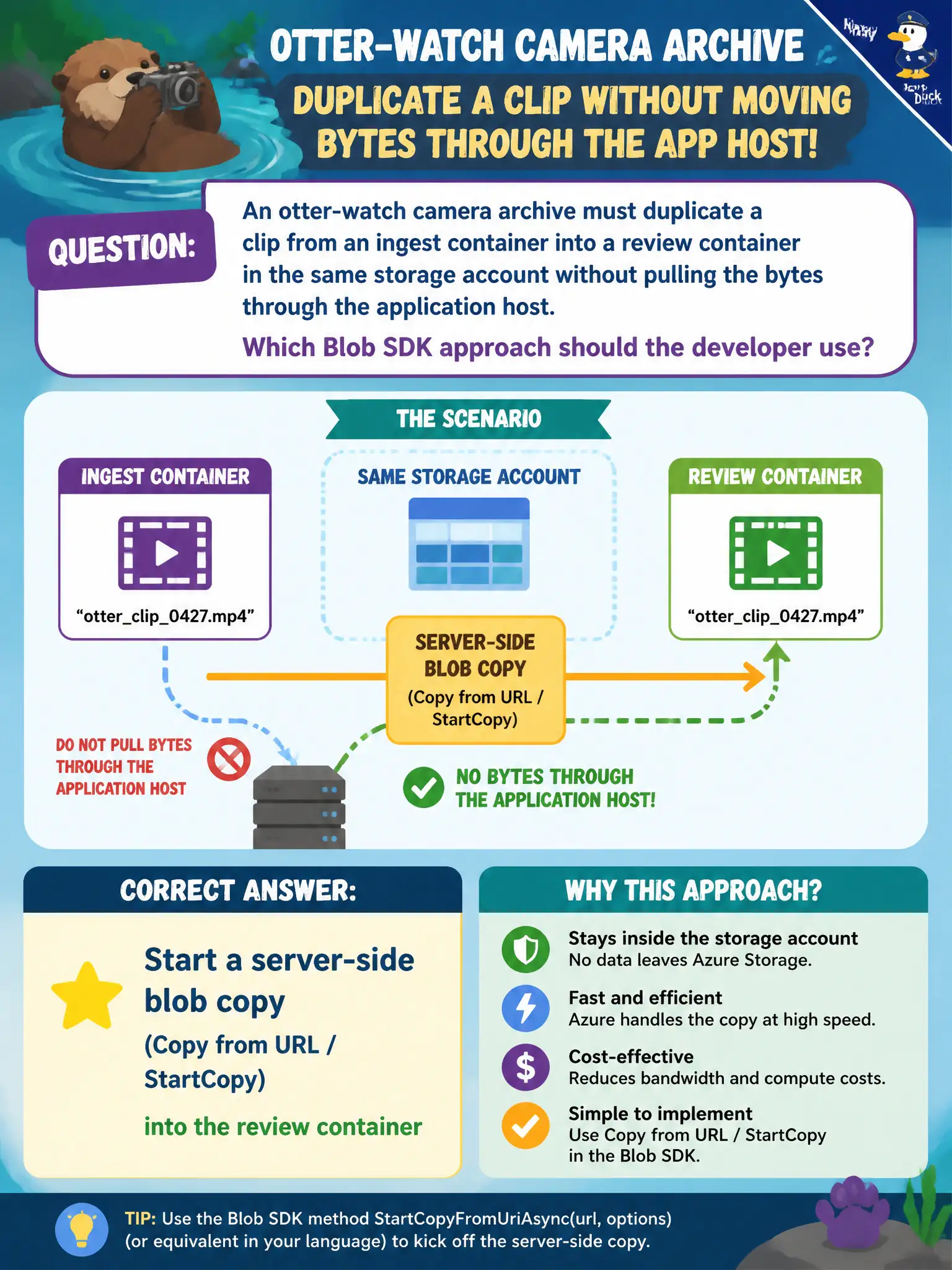
An otter-watch camera archive must duplicate a clip from an ingest container into a review container in the same storage account without pulling the bytes through the application host. Which Blob SDK approach should the developer use?
Select an answer to reveal the explanation.
Short Explanation
Let Azure copy shelf-to-shelf inside the warehouse instead of hauling the film through your truck. Download-then-upload works but wastes bandwidth and time. Queues and tier changes do not duplicate a blob into another container.
Full Explanation
Server-side copy (Start Copy from URL / StartCopyFromUri and related APIs) instructs the Blob service to duplicate an object from a source URI into a destination blob without streaming the payload through your application host. For the otter-watch archive copying a clip from ingest to review in the same storage account, that is the efficient approach: the service reads source and writes destination internally, while the app only starts and monitors the copy operation. Bandwidth, memory, and egress on the app host stay off the critical path.
Download then re-upload fails the “without pulling bytes through the application host” requirement. It works functionally but burns host resources and time, and it is the pattern server-side copy is meant to avoid for same-cloud duplicates.
Moving the clip with Queue Storage peek-and-delete fails because queues do not move blob bytes. A queue message might carry a name for a worker, but peek-and-delete is messaging ACK semantics, not a blob copy or rename across containers.
SetAccessTier on the source fails because access tier changes affect storage cost/latency of that blob; they do not create a second object in another container or make one blob “appear” in two containers.
Exam caveat: copy is asynchronous—poll copy status until success, and ensure the source remains readable for the duration (leases, soft-delete, or access changes can affect in-flight copies). Operational check: start a server-side copy into the review container, wait for success status, then compare destination size/hash to the source without ever downloading through the app.