
A barley-malt silo app deletes a mistyped lot photo with the Blob SDK. Soft delete is enabled on the account. What should the developer expect immediately after a successful delete call?
Select an answer to reveal the explanation.
Short Explanation
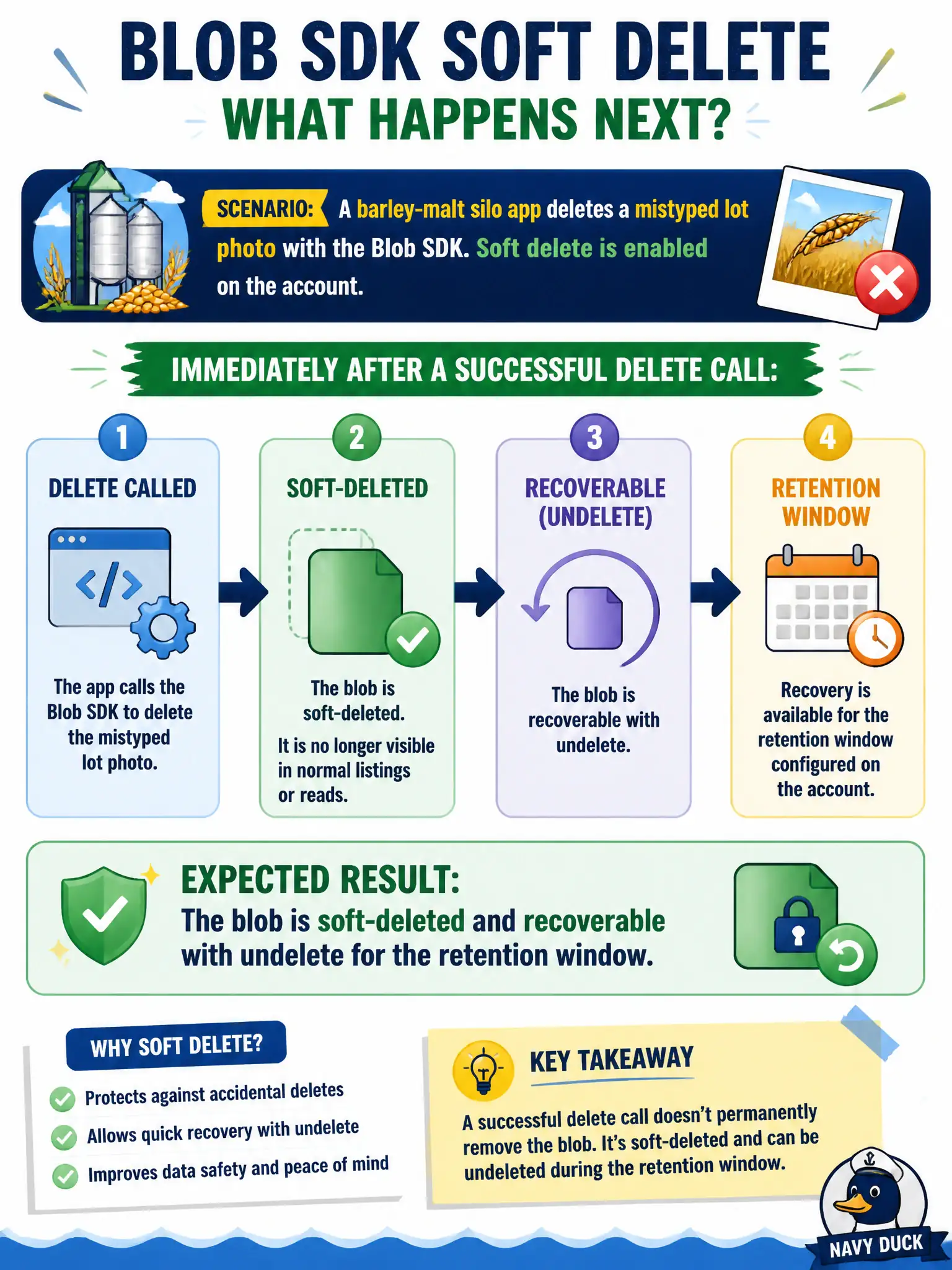
With soft delete on, delete is more like moving the photo to a recycle bin than shredding it. For the retention days you configured, undelete can bring it back. Lifecycle rules are a separate timer; Insights does not gate the delete API.
Full Explanation
When soft delete is enabled on the storage account (or blob soft delete is on), a successful delete does not immediately purge the object. The blob becomes soft-deleted and remains recoverable with undelete for the configured retention period. The barley-malt silo app should therefore expect recoverability after the SDK delete succeeds, not permanent destruction. Soft-deleted blobs are hidden from normal lists unless you include deleted items, and they continue to incur storage until purged after retention.
The idea that the blob is purged instantly and soft delete never applies to SDK deletes fails because soft delete is enforced by the service for eligible delete operations regardless of whether the caller used the SDK, REST, or portal—soft delete is an account/data protection setting, not a portal-only behavior.
Lifecycle management alone must run before any delete becomes recoverable fails because soft delete’s retention window starts from the delete operation itself. Lifecycle may delete blobs by rule, but it is not a prerequisite for soft-delete recoverability after an SDK delete.
The delete call failing until Application Insights registers a dependency fails because telemetry does not gate data-plane deletes. Insights may observe the call, but it is not a precondition for success or for soft delete.
Exam caveat: soft delete retention is finite; after the window, purge is permanent, and versioning/immutability settings can change what “delete” means—know which protection features are enabled together. Operational check: delete a test blob, list with include-deleted, undelete within the retention window, and confirm the object is readable again before relying on the setting in production.