
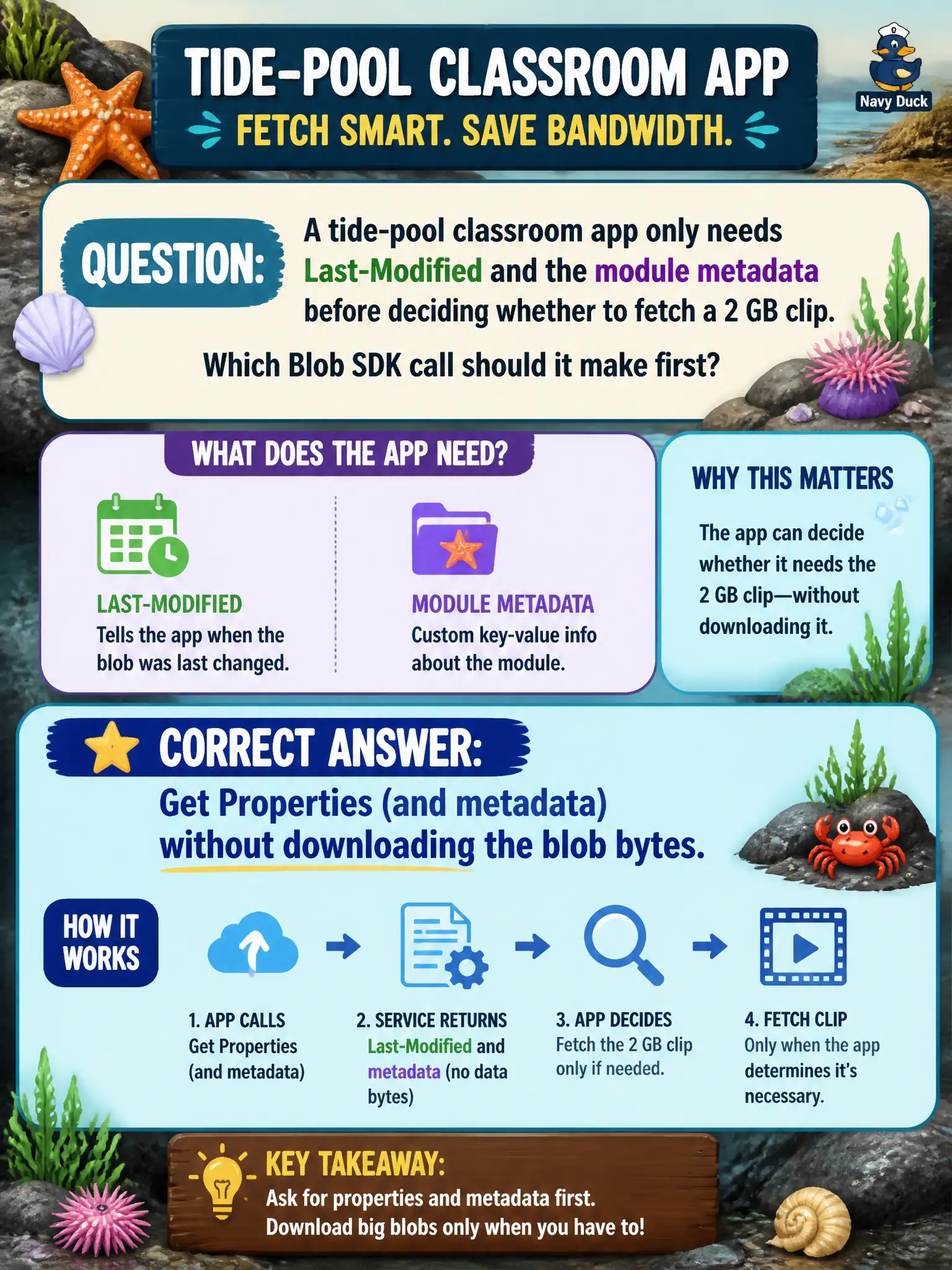
A tide-pool classroom app only needs Last-Modified and the module metadata before deciding whether to fetch a 2 GB clip. Which Blob SDK call should it make first?
Select an answer to reveal the explanation.
Short Explanation
Do not haul a 2 GB film reel across town just to read the label. Call Get Properties for Last-Modified and metadata first, then download only if needed. Properties retrieval is not a data download.
Full Explanation
A tide-pool classroom app that only needs Last-Modified and module metadata before deciding whether to fetch a 2 GB clip should call Get Properties (and metadata) without downloading the blob bytes. Property retrieval returns system properties such as Last-Modified, Content-Length, and ETag along with user metadata. That is enough for a freshness check without transferring a multi-gigabyte classroom video across the network.
Downloading the entire blob to local disk just to inspect headers wastes bandwidth and time and conflates metadata inspection with content transfer. Opening a page blob lease and streaming every block before reading metadata adds locking and I/O that the decision path does not need. Deleting the blob and recreating smaller sample content destroys the classroom asset and is not a properties API.
Exam caveat: Get Properties is not a download; if the app later needs bytes, use a separate download API conditioned on the property check so cold paths never pull the 2 GB clip.
Operational check: call Get Properties on the clip, assert Last-Modified and metadata populate with near-zero payload transfer, then only download when the timestamp or module version indicates an update the tide-pool lesson actually needs.