
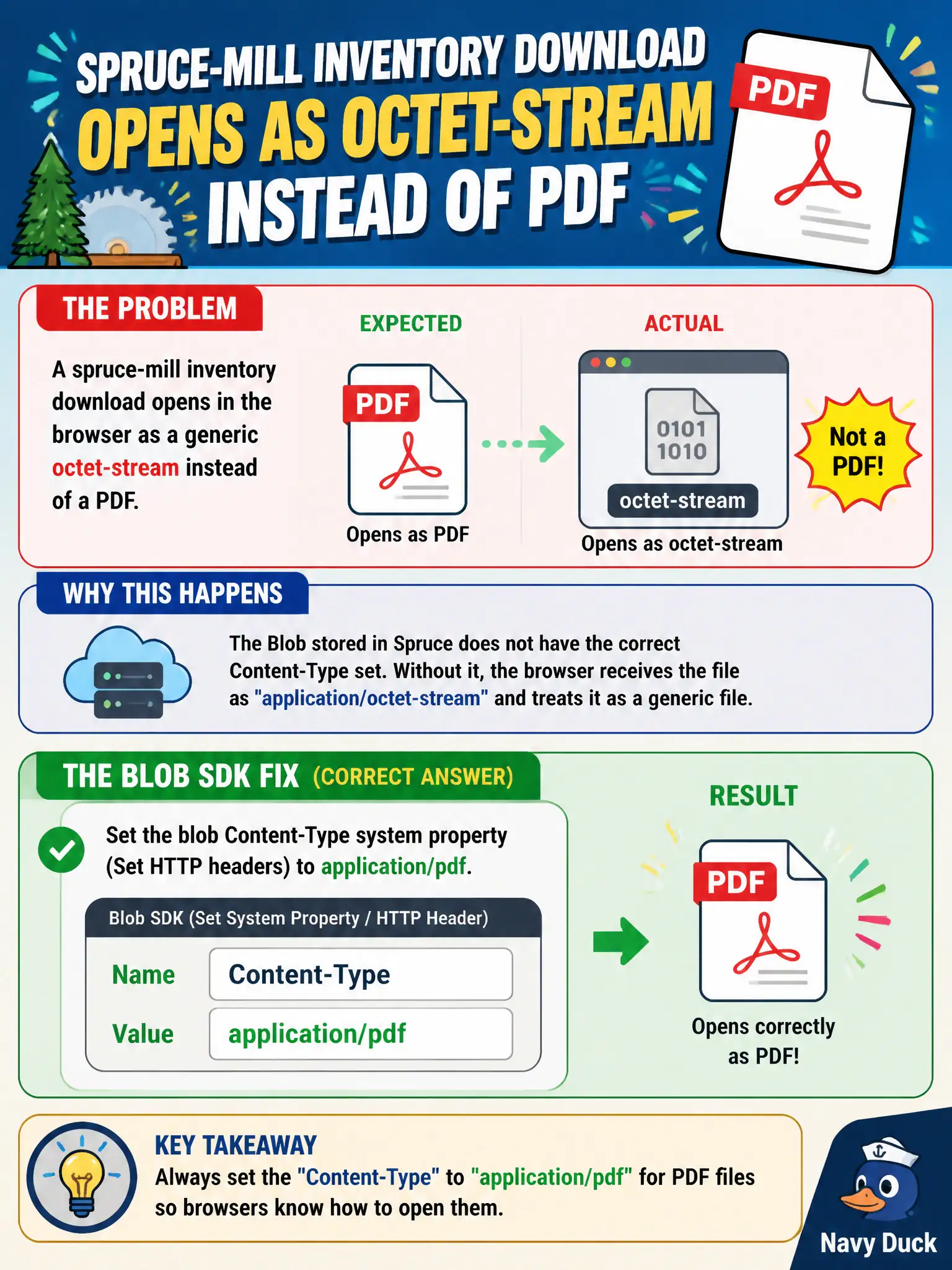
A spruce-mill inventory download opens in the browser as a generic octet-stream instead of a PDF. Which Blob SDK fix should the developer apply?
Select an answer to reveal the explanation.
Short Explanation
Browsers trust the Content-Type nameplate, not a sticky note in metadata. Set the blob’s HTTP Content-Type property to application/pdf. Redis and Azure Files are the wrong toolbox for this header fix.
Full Explanation
When a spruce-mill inventory download opens as a generic octet-stream instead of a PDF, the Blob SDK fix is to set the blob’s Content-Type system property (Set HTTP headers) to application/pdf. Browsers and many clients choose rendering behavior from the HTTP Content-Type on the object, not from filename folklore alone. Correcting that system property makes the mill inventory open as a PDF.
Enabling Azure Cache for Redis in front of the storage account may cache wrong headers faster; it does not fix the blob’s stored Content-Type. Storing application/pdf only as user metadata named mime leaves the real Content-Type untouched, so browsers still see octet-stream. Moving the file to Azure Files so browsers “ignore Content-Type” is the wrong service detour and does not teach the blob property skill.
Exam caveat: uploading tools often default to application/octet-stream when type is omitted—set Content-Type at upload time or immediately via SetHttpHeaders rather than assuming the .pdf extension is enough.
Operational check: after setting Content-Type to application/pdf, issue a HEAD or Get Properties on the blob and perform a browser download to confirm the response Content-Type header is application/pdf and the file opens as expected.