
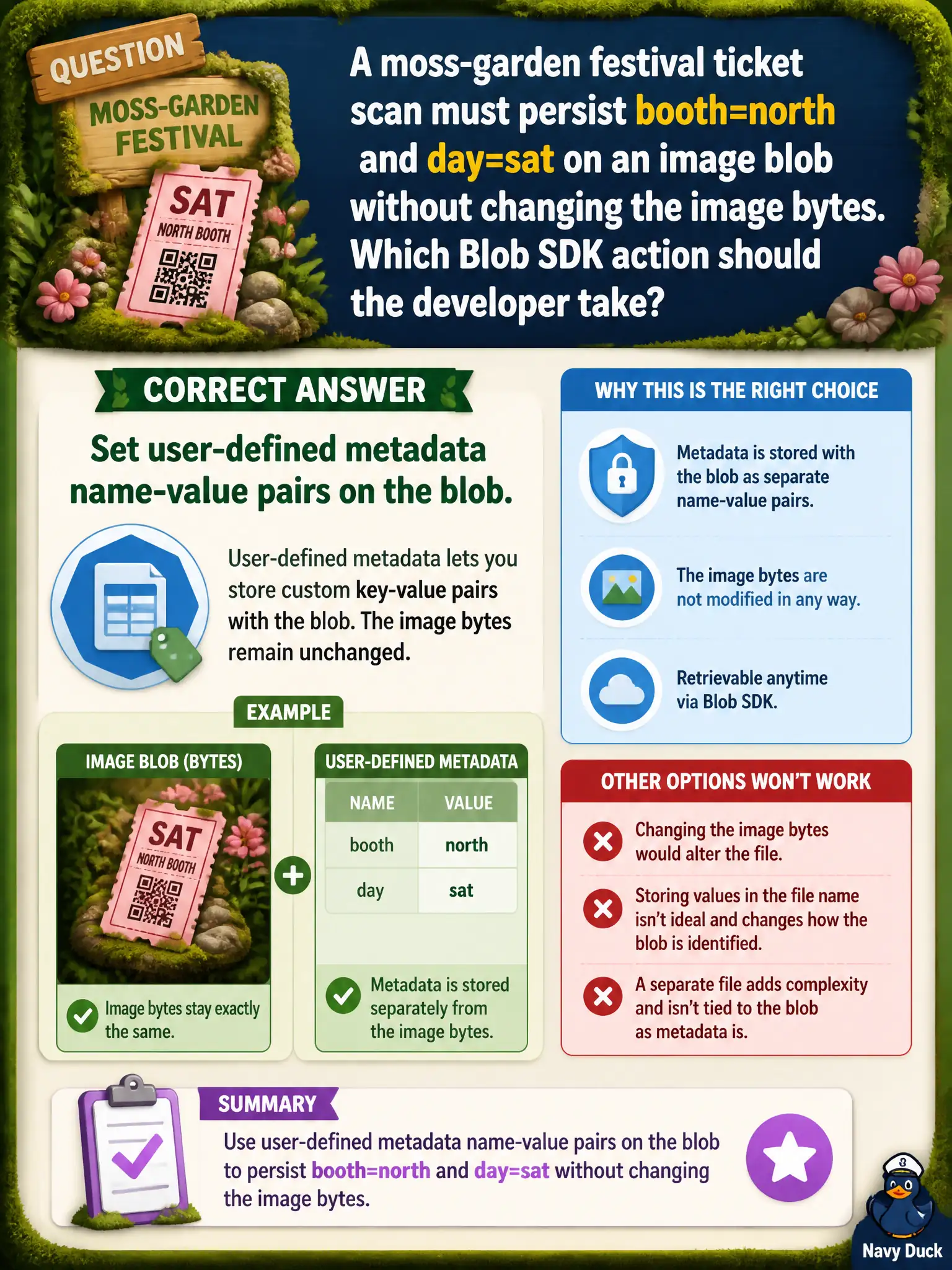
A moss-garden festival ticket scan must persist booth=north and day=sat on an image blob without changing the image bytes. Which Blob SDK action should the developer take?
Select an answer to reveal the explanation.
Short Explanation
Stick booth and day on the blob like luggage tags—metadata—without rewriting the photo. That is set/retrieve user metadata, not a Cosmos detour and not “metadata cannot do custom keys.”
Full Explanation
A moss-garden festival ticket scan that must persist booth=north and day=sat on an image blob without changing the image bytes should set user-defined metadata name-value pairs on the blob. Metadata attaches application labels to the object while leaving the data stream untouched—exactly what luggage-tag style booth and day markers need on a photo blob.
Overwriting the blob contents with a JSON document that embeds the labels destroys or replaces the image bytes and breaks any client expecting a picture. Creating a Cosmos item instead of using blob metadata moves the labels to another store and does not satisfy the blob-metadata skill. Relying only on blob index tags because “metadata cannot store custom keys” is incorrect: metadata can store custom keys; index tags are a different filtering feature with their own limits and APIs.
Exam caveat: Set Metadata replaces the entire metadata dictionary—read-merge-write if other keys already exist on the festival blob so you do not drop prior labels while adding booth and day.
Operational check: upload or select the image, set booth and day metadata, download or Get Properties without fetching bytes unnecessarily, and verify the image hash/content length unchanged while metadata shows both keys.