
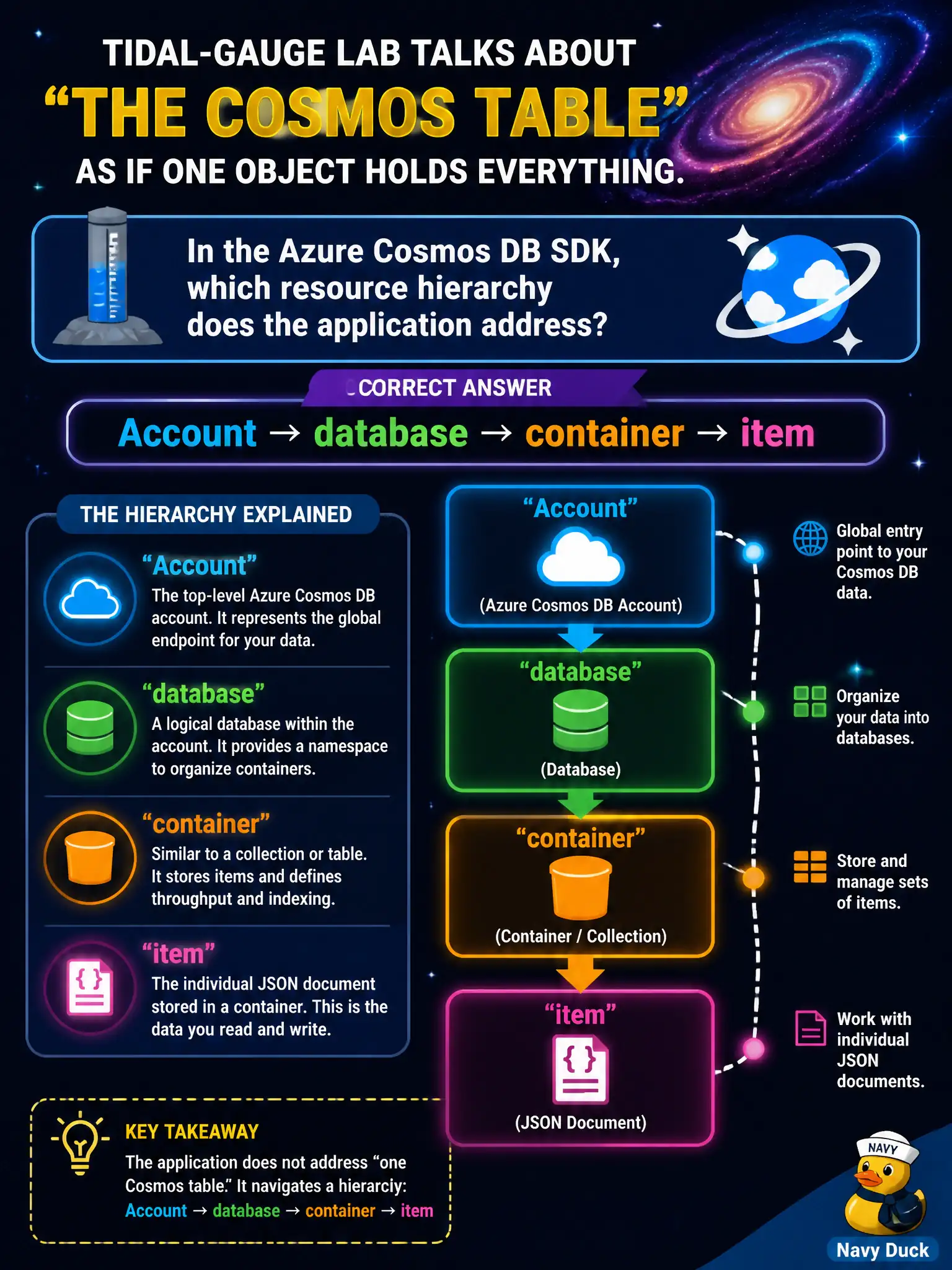
A tidal-gauge lab talks about “the Cosmos table” as if one object holds everything. In the Azure Cosmos DB SDK, which resource hierarchy does the application address?
Select an answer to reveal the explanation.
Short Explanation
Cosmos isn’t one mystery “table.” You walk account → database → container → item—like building, floor, room, then the clipboard on the desk.
Full Explanation
In the Azure Cosmos DB SDK, applications address data through the resource hierarchy Account → database → container → item. The tidal-gauge lab’s informal phrase “the Cosmos table” maps conceptually to a container holding items inside a database under a Cosmos account. SDK clients navigate that hierarchy when creating databases/containers and when reading or writing items.
Resource group → virtual network → subnet → network interface is an Azure networking control-plane hierarchy, not the Cosmos data model the SDK uses for documents. Storage account → file share → directory → file describes Azure Files, a different storage service. Subscription → management group → tenant → directory role is Azure AD / management-group structure for governance, not how you address Cosmos items in application code.
Exam caveat: older docs sometimes say “collection” for what is now “container,” and Table API / Gremlin API accounts expose different conceptual models—AZ-204 Core (SQL) API questions expect account/database/container/item. Partition keys are properties of containers/items, not a separate hierarchy level above account. Operational check: in code or Data Explorer, create/list databases and containers under the account, then upsert an item and retrieve it by id and partition key to confirm you are addressing the correct level of the hierarchy.