
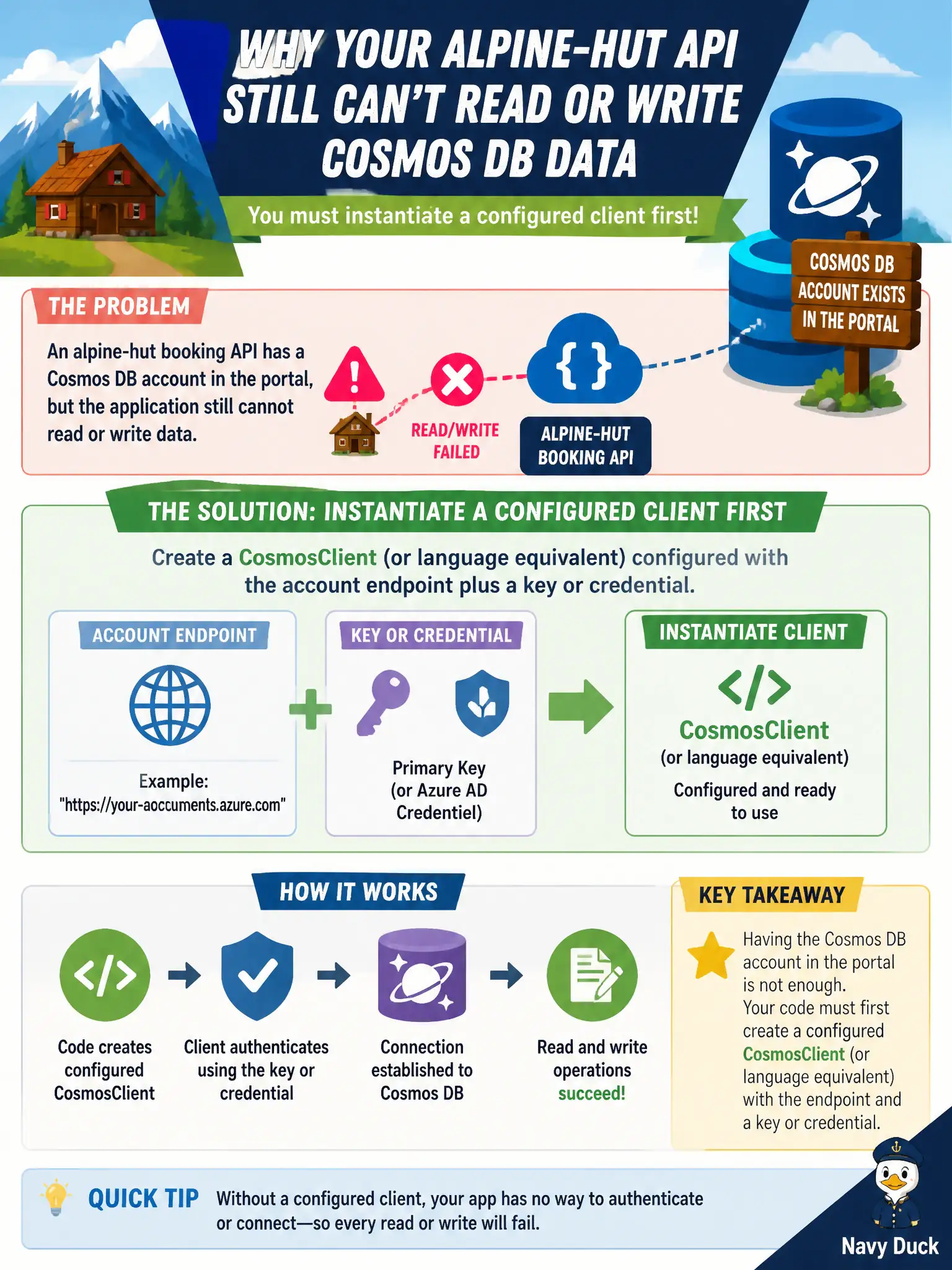
An alpine-hut booking API has a Cosmos DB account in the portal, but the application still cannot read or write data. What must the developer instantiate first in code?
Select an answer to reveal the explanation.
Short Explanation
The portal’s Data Explorer is a flashlight for humans, not the app’s front door. Spin up a CosmosClient with endpoint and credential—that’s how the booking API actually talks to Cosmos.
Full Explanation
Application access to Cosmos DB begins by instantiating a CosmosClient (or language equivalent) configured with the account endpoint and an authentication key or Microsoft Entra credential. Portal presence of an alpine-hut Cosmos account alone does not give the booking API a runtime path; the SDK client is the entry point for reads and writes from application code.
Relying only on the Azure portal Data Explorer session fails the application requirement: Data Explorer is an interactive human tool, not the API’s data access layer. A Kubernetes Secrets Store CSI driver bound to an AKS cluster may deliver secrets to pods, but it is not the Cosmos SDK entry point and is irrelevant if the app is not even constructing a client. An Azure Front Door profile that replaces the Cosmos endpoint for all SDK traffic misunderstands Front Door’s role; it is not a substitute for CosmosClient configuration to the account endpoint.
Exam caveat: prefer least-privilege Entra ID RBAC over account keys when possible, and treat the account endpoint URL and credential as configuration—not hard-coded literals. Gateway versus direct connectivity modes affect how the client talks to Cosmos but still start from CosmosClient. Operational check: instantiate the client in a health check or startup path, perform a lightweight read or container metadata call, and confirm failures show credential/endpoint issues clearly in logs before serving booking traffic.