
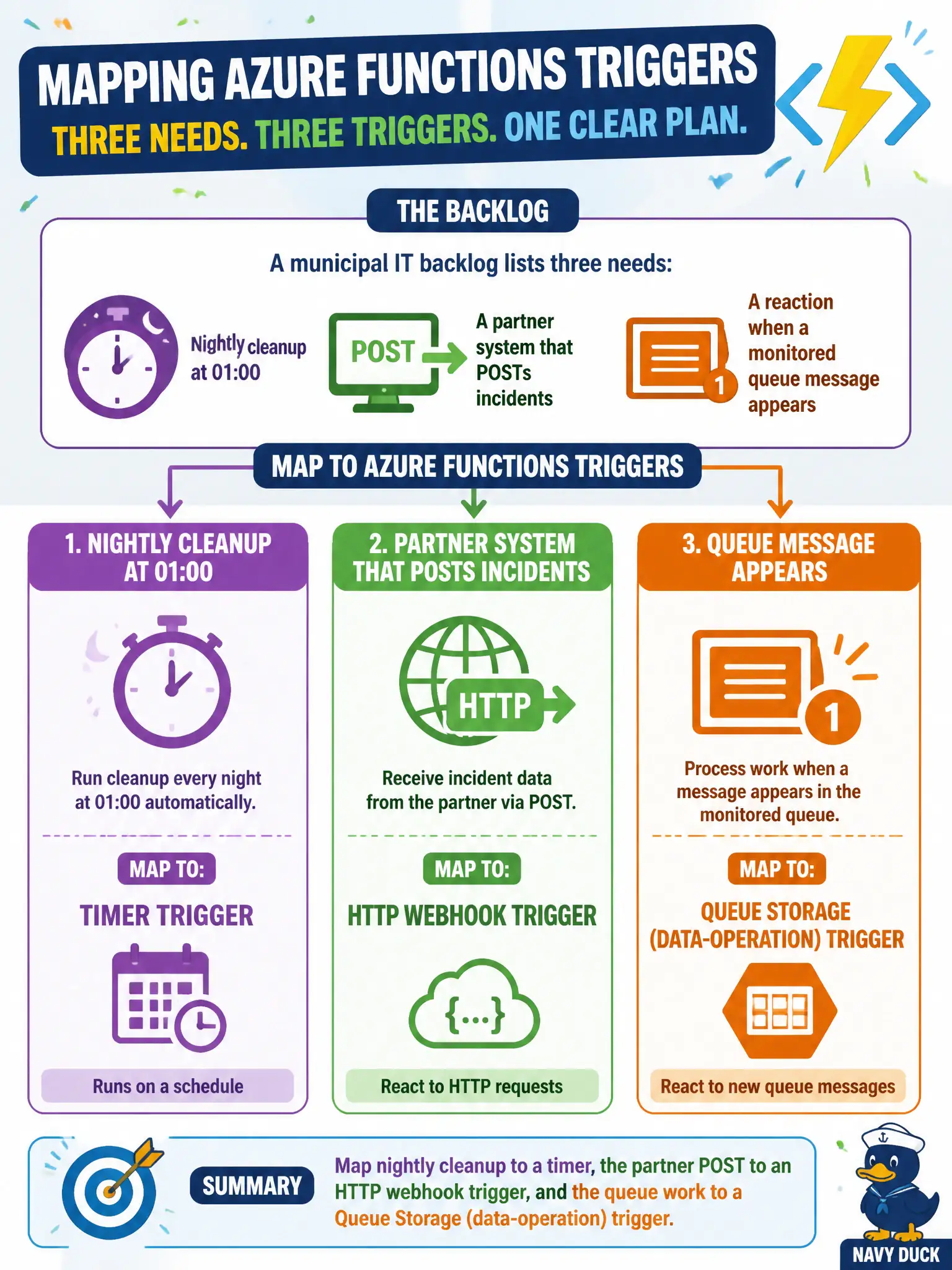
A municipal IT backlog lists three needs: nightly cleanup at 01:00, a partner system that POSTs incidents, and a reaction when a monitored queue message appears. How should the team map Azure Functions triggers?
Select an answer to reveal the explanation.
Short Explanation
Match the doorbell to the knock: timer for night cleanup, HTTP for the partner’s POST, queue trigger when messages show up. Three needs, three trigger families—not one orchestration hammer.
Full Explanation
Azure Functions triggers should map to the event source. Nightly cleanup at 01:00 is a timer trigger. A partner system that POSTs incidents is an HTTP webhook trigger. Work that appears when a monitored queue message arrives is a Queue Storage (data-operation) trigger. Mapping those three municipal IT backlog items to timer, HTTP, and queue triggers respectively is the correct AZ-204 trigger-selection answer.
Using one Durable orchestration for all three so trigger choice does not matter dodges the skill being tested; Durable still needs an appropriate starter trigger for each entry path and does not erase timer versus HTTP versus queue semantics. Implementing all three as Logic Apps only because Functions cannot host timers or HTTP is false—Functions support those triggers natively. Using only Blob triggers for every scenario ignores the actual event sources and will not fire for schedules, POSTs, or queue messages that never create blobs.
Exam caveat: a function still has a single trigger—three needs typically mean three functions (possibly in one app), not one function with three triggers. Choose authorization and connection settings appropriate to each trigger type. Operational check: schedule a short timer test, POST a sample incident to the HTTP function, and enqueue a test message; confirm three distinct invocations and that each path’s logs identify the correct trigger source.