
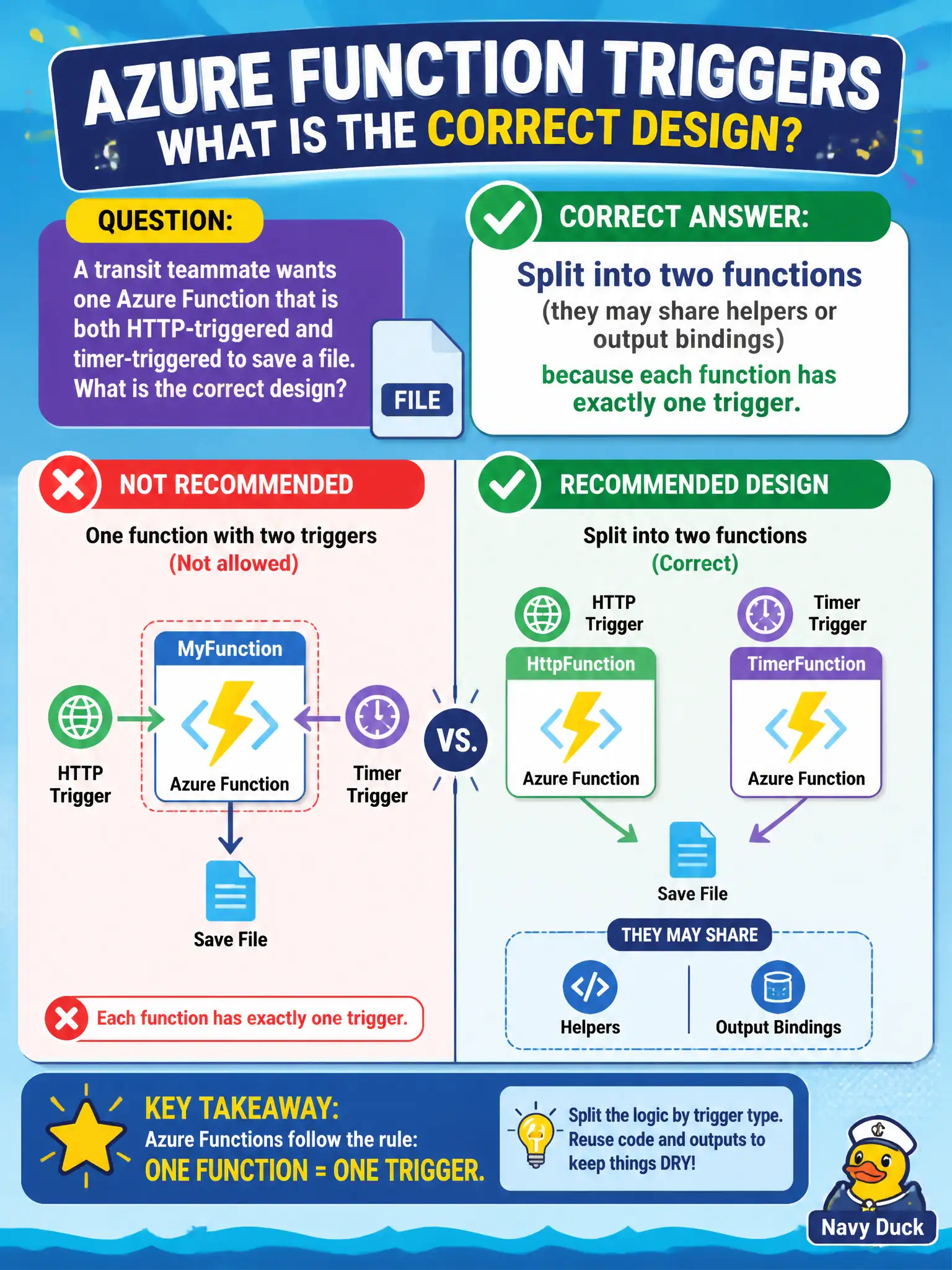
A transit teammate wants one Azure Function that is both HTTP-triggered and timer-triggered to save a file. What is the correct design?
Select an answer to reveal the explanation.
Short Explanation
One function, one doorbell—that’s the rule. Need HTTP and a nightly timer? Make two functions and share the helper code; don’t duct-tape two triggers onto one.
Full Explanation
Each Azure Function has exactly one trigger. If a transit teammate wants both HTTP-triggered and timer-triggered entry points that share processing logic, the correct design is to split into two functions that may share helper code or common output bindings. That preserves the one-trigger-per-function rule while avoiding duplicated business logic.
Declaring both an HTTP trigger and a timer trigger as co-primary triggers on the same function.json bindings array violates the Functions model and is not supported as a dual-trigger function. Using Durable Functions solely so multiple triggers can attach to one activity name without splitting misunderstands Durable: orchestrations and activities still start from a single trigger on the starter function; Durable does not license dual triggers on one function definition. Converting the Function app to Logic Apps so multiple receivers share one workflow is a different product choice, not the Functions rule for this design question.
Exam caveat: shared output bindings or common libraries are encouraged, but do not confuse “one function app” (many functions) with “one function” (one trigger). HTTP and timer functions can live in the same app safely. Operational check: create DelayHttp and DelayTimer (or similar), point both at the same helper that writes the file, deploy, invoke via HTTP once and wait for the timer once, and confirm both paths produce the expected artifact without dual-trigger metadata on a single function.