
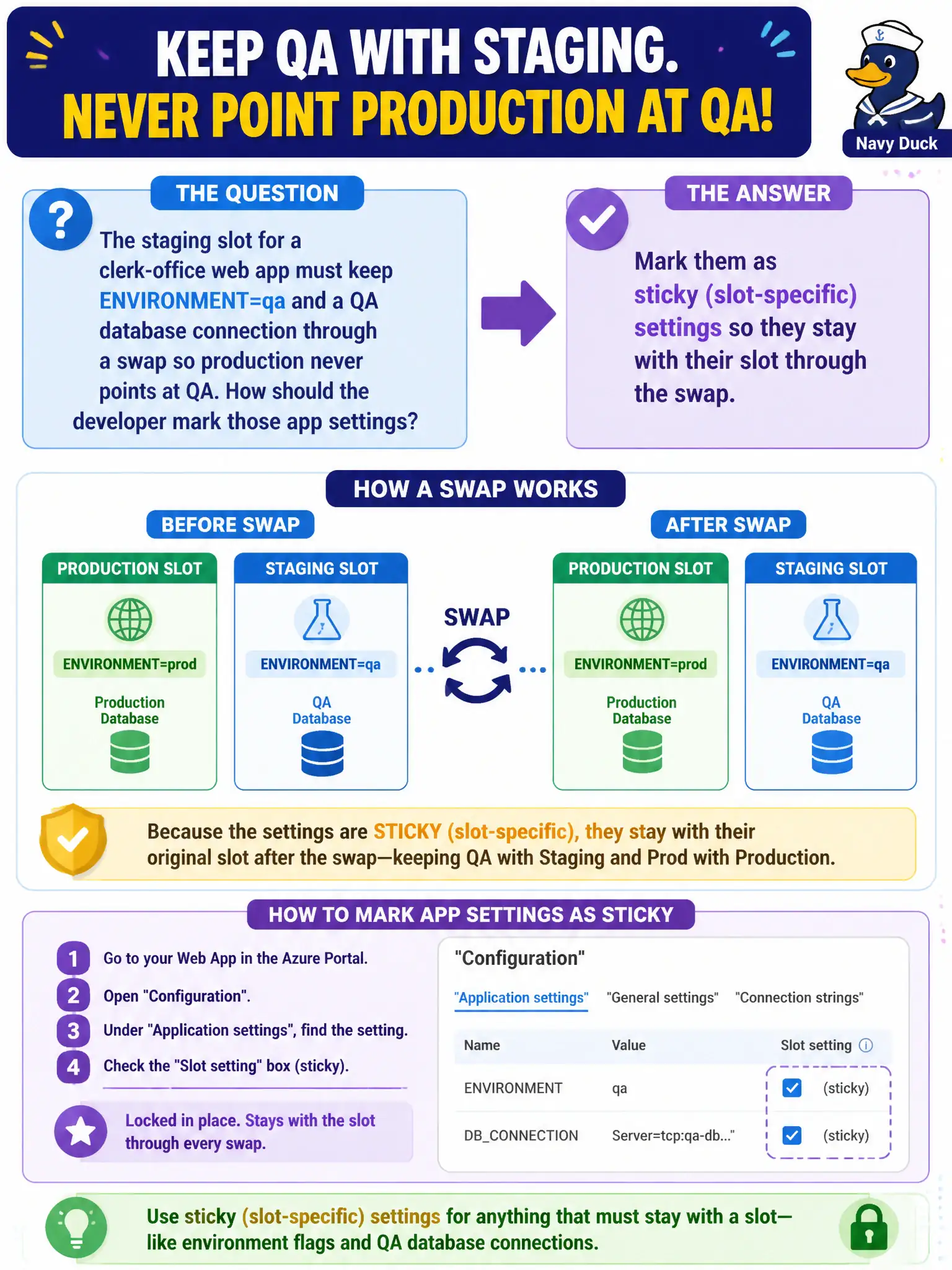
The staging slot for a clerk-office web app must keep ENVIRONMENT=qa and a QA database connection through a swap so production never points at QA. How should the developer mark those app settings?
Select an answer to reveal the explanation.
Short Explanation
Sticky settings are name tags taped to the slot, not the luggage. Mark ENVIRONMENT and the QA connection sticky and they stay on staging when content swaps. If they ride with the swap, production suddenly talks to QA—bad day at the clerk office.
Full Explanation
The staging slot for the clerk-office web app must keep ENVIRONMENT=qa and a QA database connection through a swap so production never points at QA. Mark those app settings as sticky (slot-specific). Sticky settings remain associated with each slot during swap: staging keeps QA values, production keeps production values, while non-sticky settings move with the swapped content. That is the App Service control that prevents environment bleed across slots.
Storing them only in local.settings.json so they never appear in Azure confuses Functions local development files with App Service slot configuration; those values would not govern the cloud slots. Putting them in a public blob so both slots download the same file after swap shares one configuration source and cannot keep QA versus production distinct—and publishing connection details in a public blob is unsafe. Leaving them as normal (non-sticky) app settings means they travel with swapped content, so production can suddenly inherit QA connection strings after a swap.
Exam caveat: connection strings and app settings each have their own sticky checkboxes—marking only one surface is a common miss when both are used. Operational check: mark ENVIRONMENT and the QA connection sticky on staging, swap with production, then read settings on each slot and confirm QA values remained on staging while production retained production connection settings.