
A library Shared App Service plan shows no Slots blade. What should the developer know about enabling deployment slots?
Select an answer to reveal the explanation.
Short Explanation
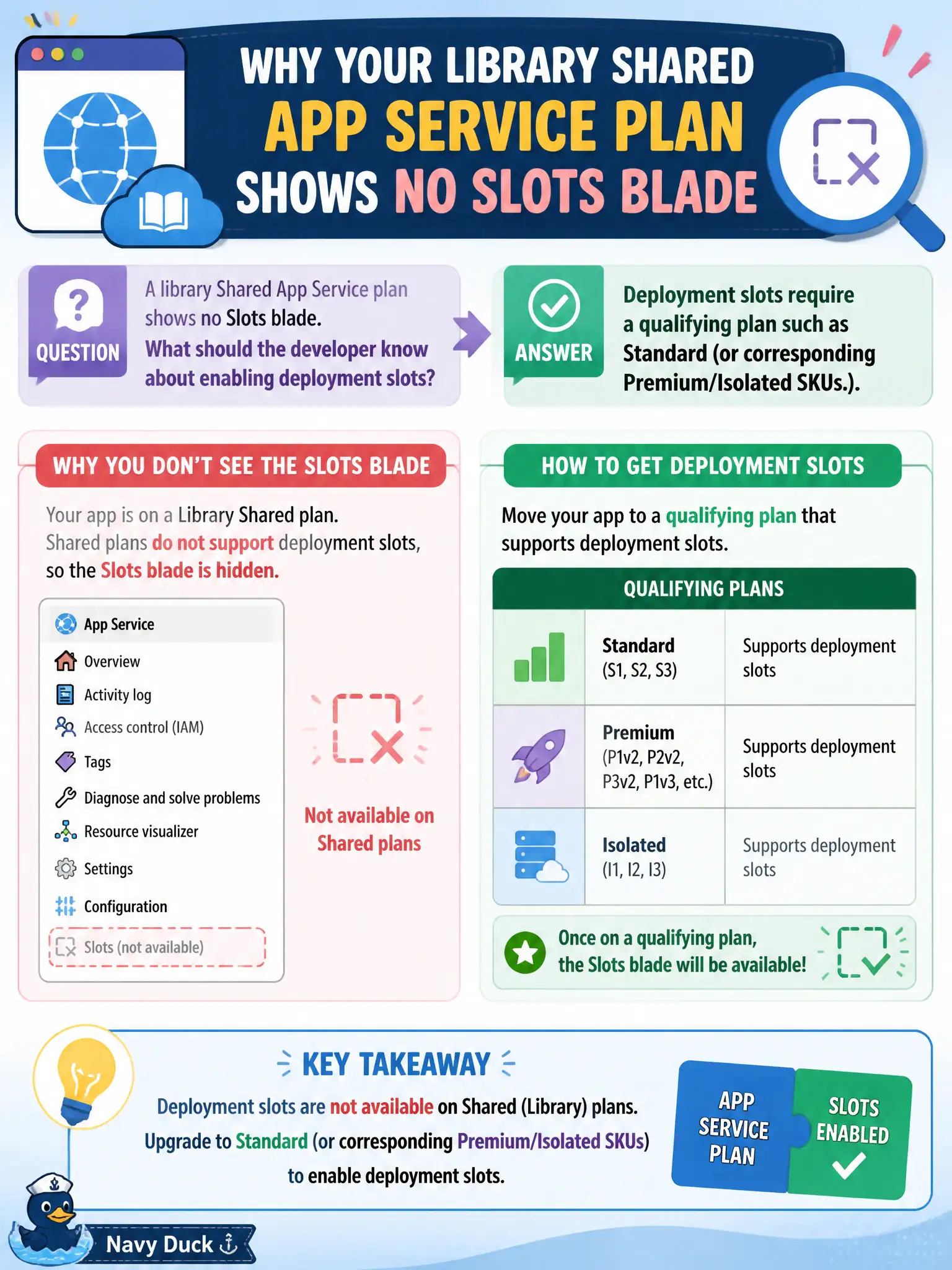
Shared tier is a studio apartment—no spare room for a staging slot. Step up to Standard (or Premium/Isolated) and the Slots blade shows up. Always On and App Insights do not unlock slots on Shared.
Full Explanation
The library Shared App Service plan shows no Slots blade because deployment slots are not offered on Free or Shared tiers. Enabling slots requires a qualifying plan such as Standard, or corresponding Premium/Isolated SKUs that include slot capacity. Shared tier is intentionally limited; the missing blade is expected until the plan is upgraded. Knowing the SKU prerequisite prevents filing phantom platform bugs and guides the correct capacity change.
Claiming slots are available on every Free and Shared plan after enabling Always On is wrong—Always On keeps a site loaded on eligible tiers; it does not unlock slots on Shared. Claiming slots exist only on Azure Functions Consumption apps, never on App Service web apps, reverses reality: slots are a classic App Service web app feature on eligible plans. Claiming slots appear automatically once Application Insights is linked confuses monitoring setup with deployment features; App Insights linkage does not create the Slots blade.
Exam caveat: slot count and features vary by tier and legacy versus newer SKU families—verify the specific plan’s slot limit before designing a multi-slot release train. Operational check: review the plan’s tier documentation or pricing blade for deployment slots support, scale up to Standard or higher if needed, then reopen Deployment Center/Slots and confirm a staging slot can be created.