
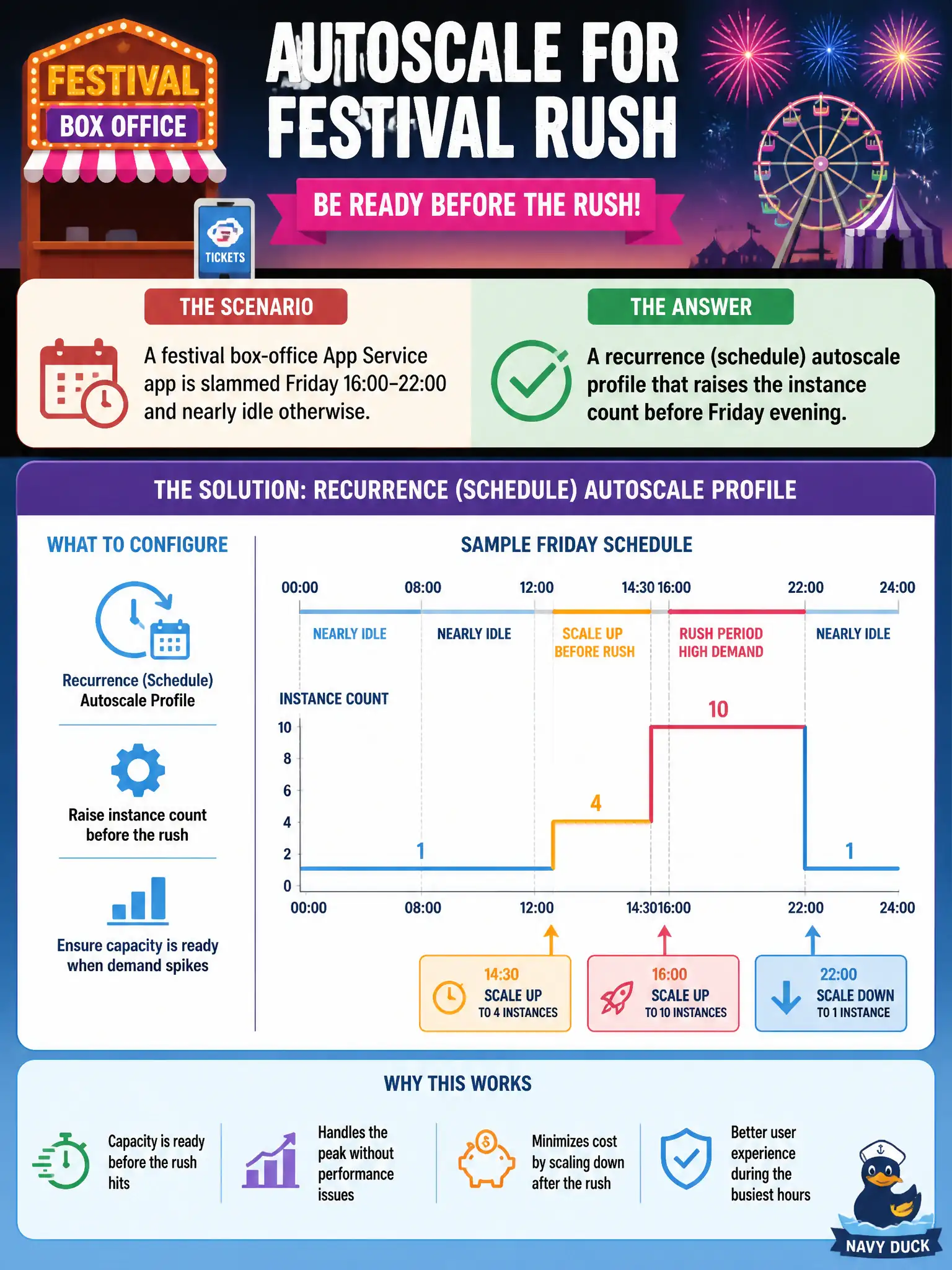
A festival box-office App Service app is slammed Friday 16:00–22:00 and nearly idle otherwise. What autoscale configuration should the developer add so capacity is ready before the rush?
Select an answer to reveal the explanation.
Short Explanation
If the crowd always shows up Friday at four, do not wait for CPU to scream—pre-warm with a schedule profile. Metric rules are reactive; recurrence profiles put instances on the calendar before the line forms.
Full Explanation
The festival box-office app is slammed Friday 16:00–22:00 and nearly idle otherwise, so capacity should be ready before the rush rather than only after pain appears. Add a recurrence (schedule) autoscale profile that raises minimum/default instance counts ahead of Friday evening and lowers them afterward. Schedule profiles are the right tool when load is calendar-predictable: instances are warm before riders hit the box office, instead of waiting for the first metric breach under peak arrival.
Only a CPU scale-out rule with no schedule is purely reactive; it waits until load already hurts, which is late for a known Friday spike. Disabling Always On so cold starts reduce idle cost overnight does not add Friday capacity and can worsen first-request latency; Always On is not a substitute for scheduled instance counts. A single manual scale to maximum instances for the whole season wastes money during long idle periods and abandons the autoscale skill of matching capacity to known windows.
Exam caveat: schedule profiles and metric rules can coexist—use the schedule to raise the floor before Friday, and keep metric rules for unexpected surges inside that window. Operational check: inspect autoscale history around a Friday window, confirm instance count rises before 16:00 per the recurrence profile, and confirm it scales back down after 22:00 without leaving the plan pinned at maximum all week.