
A clerk-office Free-tier App Service plan has no autoscale blade, and a teammate files a platform bug. What should the developer conclude?
Select an answer to reveal the explanation.
Short Explanation
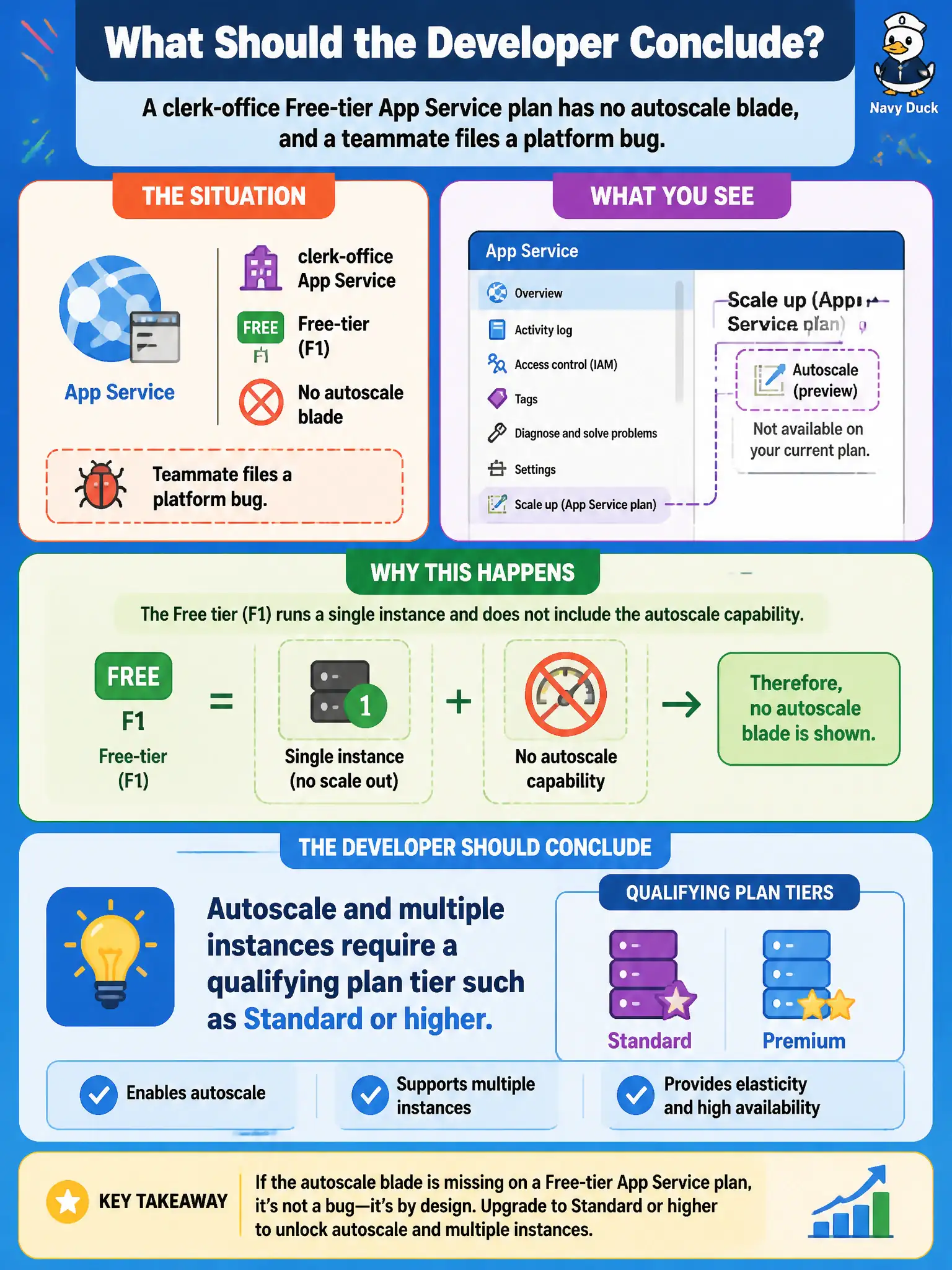
Free and Shared plans are single-instance playgrounds—no autoscale blade by design. Move up to a Standard-class (or better) plan and the scale-out controls show up. Filing a bug on Free tier is chasing a feature the SKU never promised.
Full Explanation
A clerk-office Free-tier App Service plan has no autoscale blade because Free and Shared tiers are single-instance SKUs by design. Autoscale and multiple instances require a qualifying plan tier such as Standard or higher (including Premium and Isolated families). The missing blade is not a platform outage; it is a SKU limitation. The correct conclusion is to move the app to a tier that supports scale-out before expecting autoscale controls to appear.
Assuming autoscale is broken and must be enabled with a support ticket on every Free plan misreads a product limitation as an incident; support cannot unlock multi-instance autoscale on Free. Claiming autoscale only exists for Azure Functions Consumption and never for App Service web apps is false—App Service web apps on eligible plans have first-class autoscale. Claiming autoscale requires Azure Cache for Redis to be linked before the blade appears invents a dependency; Redis is unrelated to whether the App Service plan exposes autoscale.
Exam caveat: changing tier can affect cost, Always On, slots, and networking features at the same time—plan the SKU change as a capacity prerequisite, not a silent toggle. Operational check: compare the plan’s pricing tier to Microsoft’s App Service limits for autoscale/instances; after scaling the plan up to Standard or higher, reopen the scale-out blade and confirm instance count and autoscale rules are configurable.