
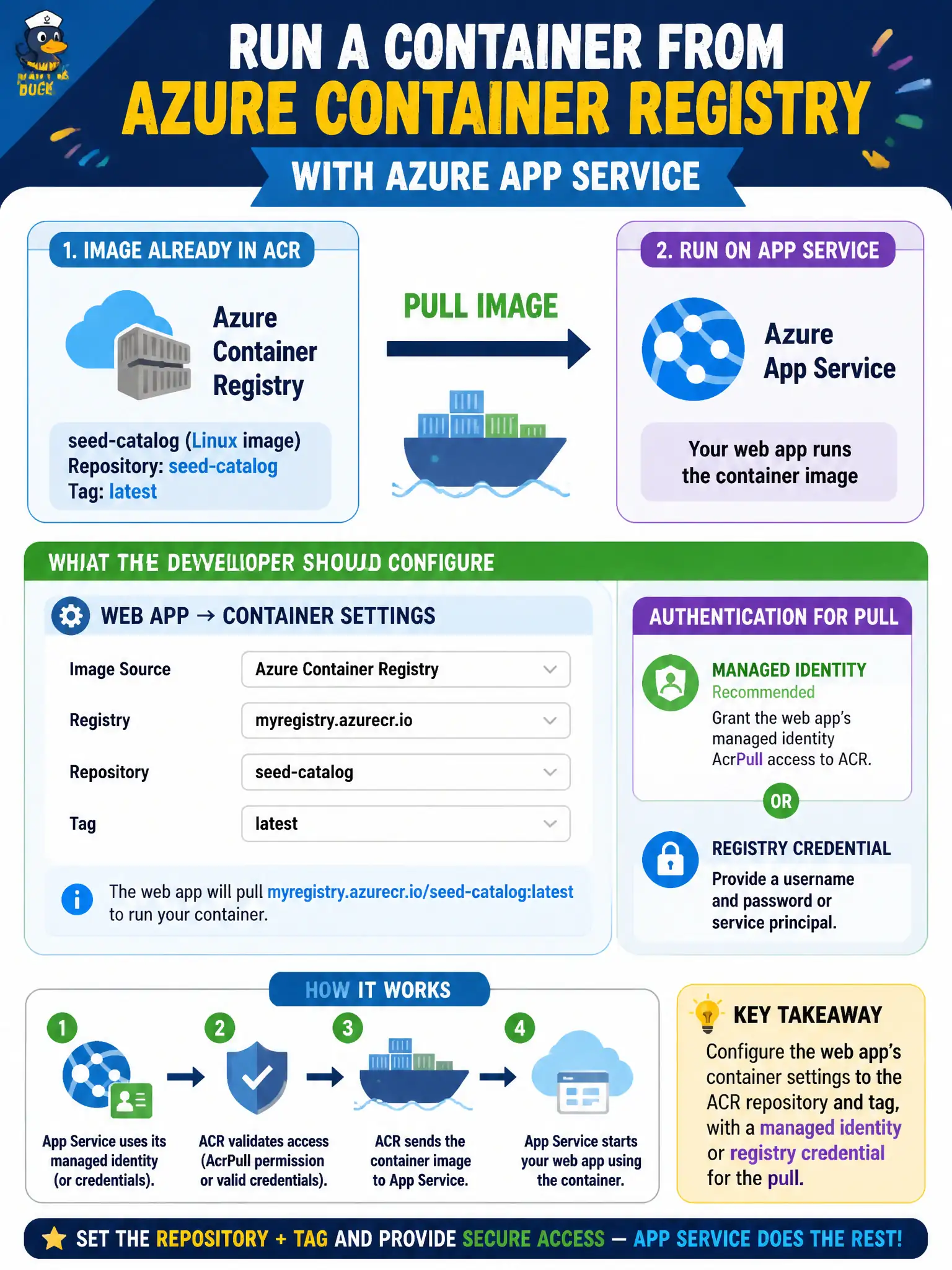
A seed-catalog Linux image already lives in Azure Container Registry. The team wants App Service to run that image. What should the developer configure?
Select an answer to reveal the explanation.
Short Explanation
When the finished image is already in ACR, tell App Service which repository and tag to pull—and how to authenticate. That is a container web app, not a ZipDeploy of source. Point at the registry; do not unpack layers into wwwroot.
Full Explanation
For a finished Linux image that already lives in Azure Container Registry, configure the App Service web app’s container settings to the ACR repository and tag, and authenticate the pull with a managed identity or registry credentials. That is the seed-catalog container web app path: point App Service at the registry artifact you already built—do not pretend the image is a source zip.
ZipDeploy of Dockerfile source into wwwroot does not make App Service build the image on each request as a substitute for an ACR pull. Exporting the image as a ZIP of layers and uploading it through Deployment Center as a code package is not how container web apps consume ACR. Claiming you must create an Azure Container Instances group only, because App Service cannot pull images from ACR, is false; App Service container web apps are designed to pull from registries including ACR.
Exam caveat: continuous deployment webhooks or an explicit restart may be required when tags move, especially mutable tags such as :latest. Prefer immutable tags or digests in production so you can prove which image is running after each release.
Operational check: set the web app container image to the ACR repository and tag, grant pull permission via managed identity or registry credential, restart if the host does not pull automatically, and confirm the site runs the expected image digest reported by ACR.