
A garden ticketing container on App Service listens on port 3000, but the platform probes 80/8080 and marks the site unhealthy. What should the developer set?
Select an answer to reveal the explanation.
Short Explanation
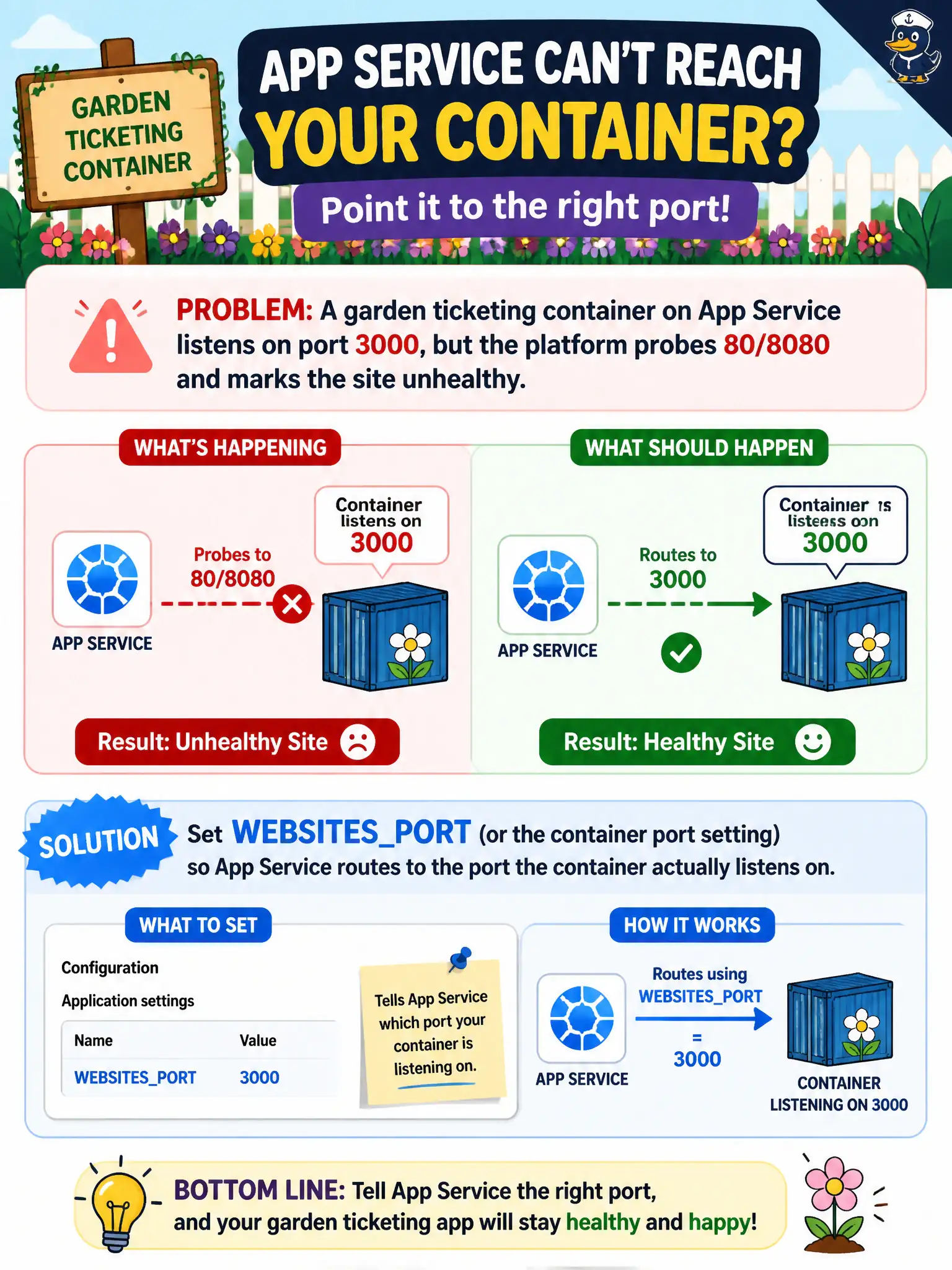
App Service knocks on 80 or 8080 unless you post a different apartment number on the door. If your container listens on 3000, set WEBSITES_PORT (or the container port setting) to match. Wrong door, unhealthy site—even when the app inside is fine.
Full Explanation
App Service expects containers to listen on port 80 or 8080 unless you tell it otherwise. If the garden ticketing container listens on port 3000, set WEBSITES_PORT (or the equivalent container port setting) so the platform routes health probes and HTTP traffic to the port the process actually binds. Without that setting, probes knock on the wrong door and mark the site unhealthy even when the app is fine inside the container.
Changing only an ACR DNS label does not teach App Service which port the process opened. Opening inbound NSG rules on “the App Service plan virtual machine” for port 3000 misunderstands App Service’s abstracted networking model and is not the documented fix for container listen ports. Switching the app to Azure Container Instances because “App Service containers may listen only on port 80” is false; custom ports work when WEBSITES_PORT matches the application’s bind port.
Exam caveat: the application must still bind inside the container to the configured port. Setting WEBSITES_PORT to 3000 while the Node process listens on 3001 still fails probes. Align Dockerfile EXPOSE, app listen config, and WEBSITES_PORT together.
Operational check: set WEBSITES_PORT=3000 (or the portal container port field), restart the web app, confirm platform health probes succeed, and browse the ticketing site without unhealthy marks caused by port mismatch. Recheck after the next image push if the listen port changes.