
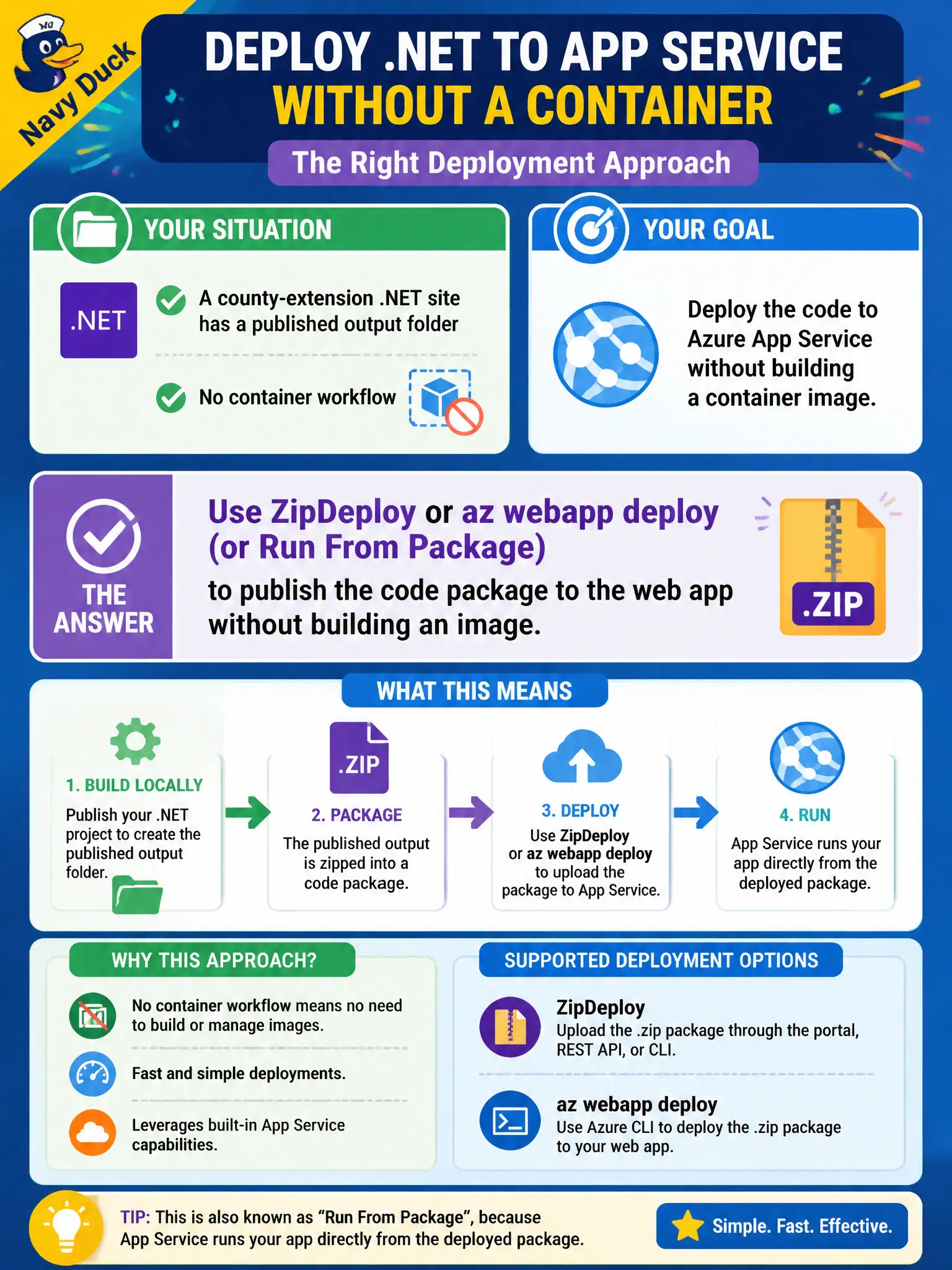
A county-extension .NET site has a published output folder and no container workflow. Which App Service deployment approach should the developer use?
Select an answer to reveal the explanation.
Short Explanation
Got a published folder and no container story? Zip it up and ship it—ZipDeploy, az webapp deploy, or Run From Package. You do not need to invent a Docker image just to host ordinary .NET output on App Service.
Full Explanation
When the county-extension team already has a published .NET output folder and no container workflow, the App Service deployment approach is ZipDeploy, az webapp deploy, or Run From Package. Those mechanisms publish a code package to the web app without building a container image—ship the folder as a package, not as an invented Docker detour.
Building a Docker image solely to satisfy Azure Container Registry, then ignoring that image and FTPing loose DLLs into wwwroot, adds useless steps and recreates partial-copy risk. Requiring a multi-stage AZ-400 YAML release pipeline before any package can be placed on App Service confuses exam boundaries; App Service accepts direct package deploy without mandating AZ-400 release-architect work first. Deploying the folder to Azure Container Instances and pointing the App Service custom domain at the ACI IP mixes two products instead of deploying into App Service itself.
Exam caveat: Run From Package mounts the zip as the content root and avoids extract-in-place races; classic ZipDeploy extracts onto the worker. Choose based on whether you need an atomic package mount versus traditional extract behavior, and keep deployment slots in mind when promoting packages.
Operational check: zip the published output folder, deploy with az webapp deploy or ZipDeploy (or enable Run From Package), browse the county-extension site, and confirm assemblies load from the package without involving ACR, ACI, or a mandatory YAML multi-stage pipeline.