
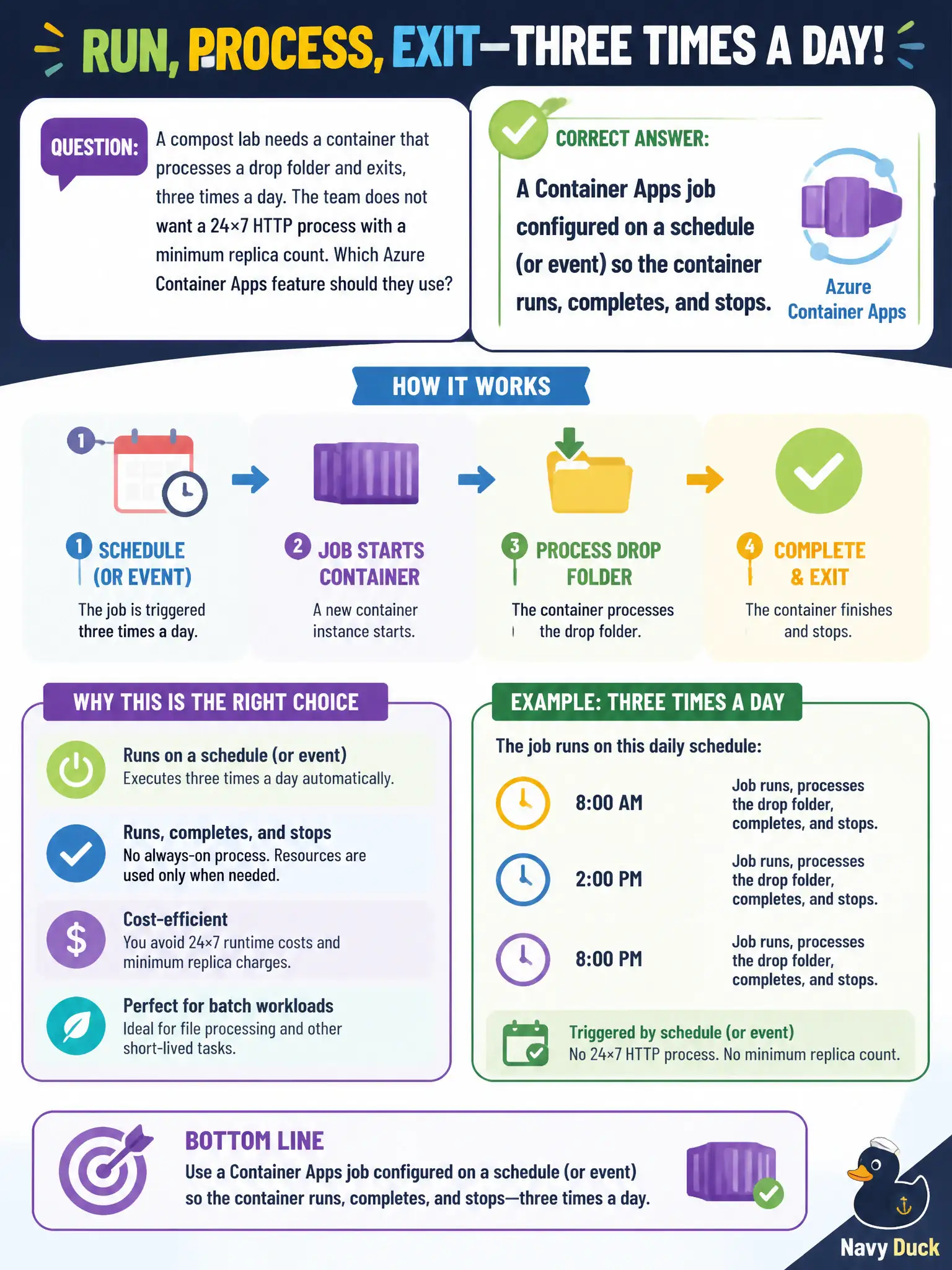
A compost lab needs a container that processes a drop folder and exits, three times a day. The team does not want a 24×7 HTTP process with a minimum replica count. Which Azure Container Apps feature should they use?
Select an answer to reveal the explanation.
Short Explanation
This is a timed chore, not a storefront that has to answer browsers all day. Container Apps jobs start on a schedule or event, do the work, and exit—like a scheduled dump-truck run at the compost yard. A min-replica web app would pay to sit idle between runs.
Full Explanation
Azure Container Apps jobs run a container to completion on a schedule or event and then stop. That matches the compost lab’s drop-folder processor that should run three times a day without staying up as a 24×7 HTTP process with a minimum replica count—like a scheduled dump-truck run rather than a staffed gatehouse.
An always-on Container App with external ingress and min replicas of one keeps a long-running process loaded, which is the opposite of a finite chore. Claiming you must use an Azure Kubernetes Service CronJob because Container Apps cannot run finite workloads is outdated relative to Container Apps jobs. An App Service WebJob on a Linux plan that mounts the same ACR image is a different hosting model and is not the Container Apps feature the scenario asks for.
Exam caveat: choose job trigger type deliberately—cron schedule versus event—and ensure the container exits successfully so the job reports completion. Jobs are not a substitute for HTTP APIs that must answer browsers continuously.
Operational check: create a scheduled Container Apps job pointing at the processor image, trigger a manual run, confirm the replica starts, processes the drop folder, exits, and leaves no lingering min-replica HTTP app in the environment.