
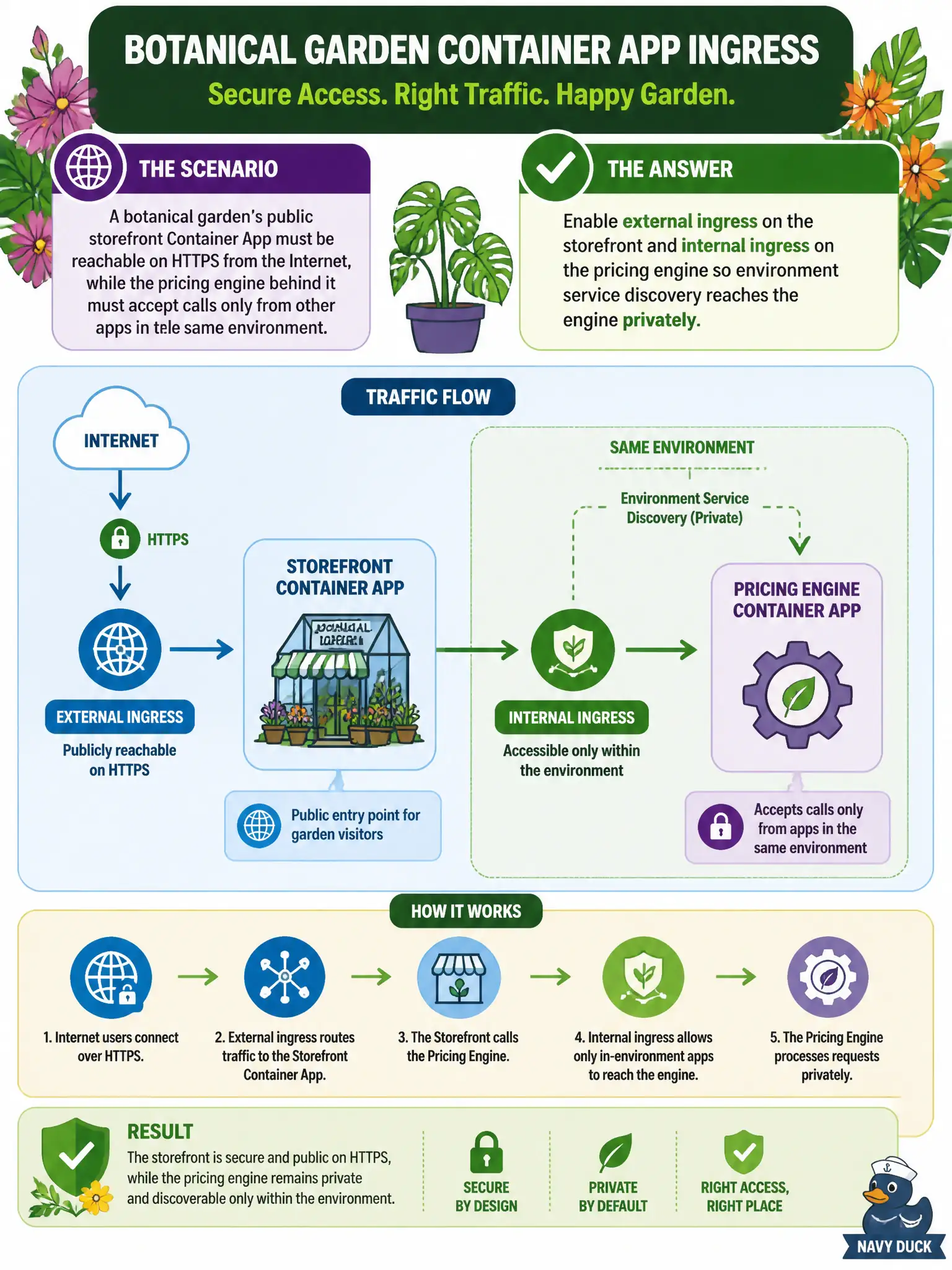
A botanical garden’s public storefront Container App must be reachable on HTTPS from the Internet, while the pricing engine behind it must accept calls only from other apps in the same environment. How should ingress be configured?
Select an answer to reveal the explanation.
Short Explanation
Think of the storefront as the garden’s front gate and the pricing engine as a workshop only staff can walk into. External ingress opens the gate to HTTPS callers; internal ingress keeps the workshop on the private environment path. You do not need a WAF redesign just to draw that line.
Full Explanation
Container Apps ingress is configured per app as external or internal. External ingress publishes HTTPS (or HTTP/TCP as configured) to Internet callers; internal ingress keeps the app reachable only inside the environment through service discovery. The botanical garden’s public storefront therefore needs external ingress, while the pricing engine—called only by peer apps—needs internal ingress so staff-path traffic never becomes a public garden gate.
Parking both apps behind Application Gateway with WAF while disabling Container Apps ingress entirely sidesteps the exam’s core control and is not required to draw the public-versus-private line. Publishing both apps with external ingress and hoping random high ports hide the pricing engine leaves a public surface that security scanners will still find. Hosting the pricing engine as a public ACR webhook endpoint forces Internet round-trips and misuses the registry; ACR webhooks are not a private pricing API.
Exam caveat: internal ingress still allows other apps in the same environment to call the engine. Isolation from untrusted apps still depends on environment membership, not only on ingress mode.
Operational check: resolve the pricing engine’s internal FQDN from the storefront and confirm success; attempt the same hostname from outside the environment (or via a public probe) and confirm it is unreachable. Verify the storefront’s external HTTPS endpoint still answers browsers.