
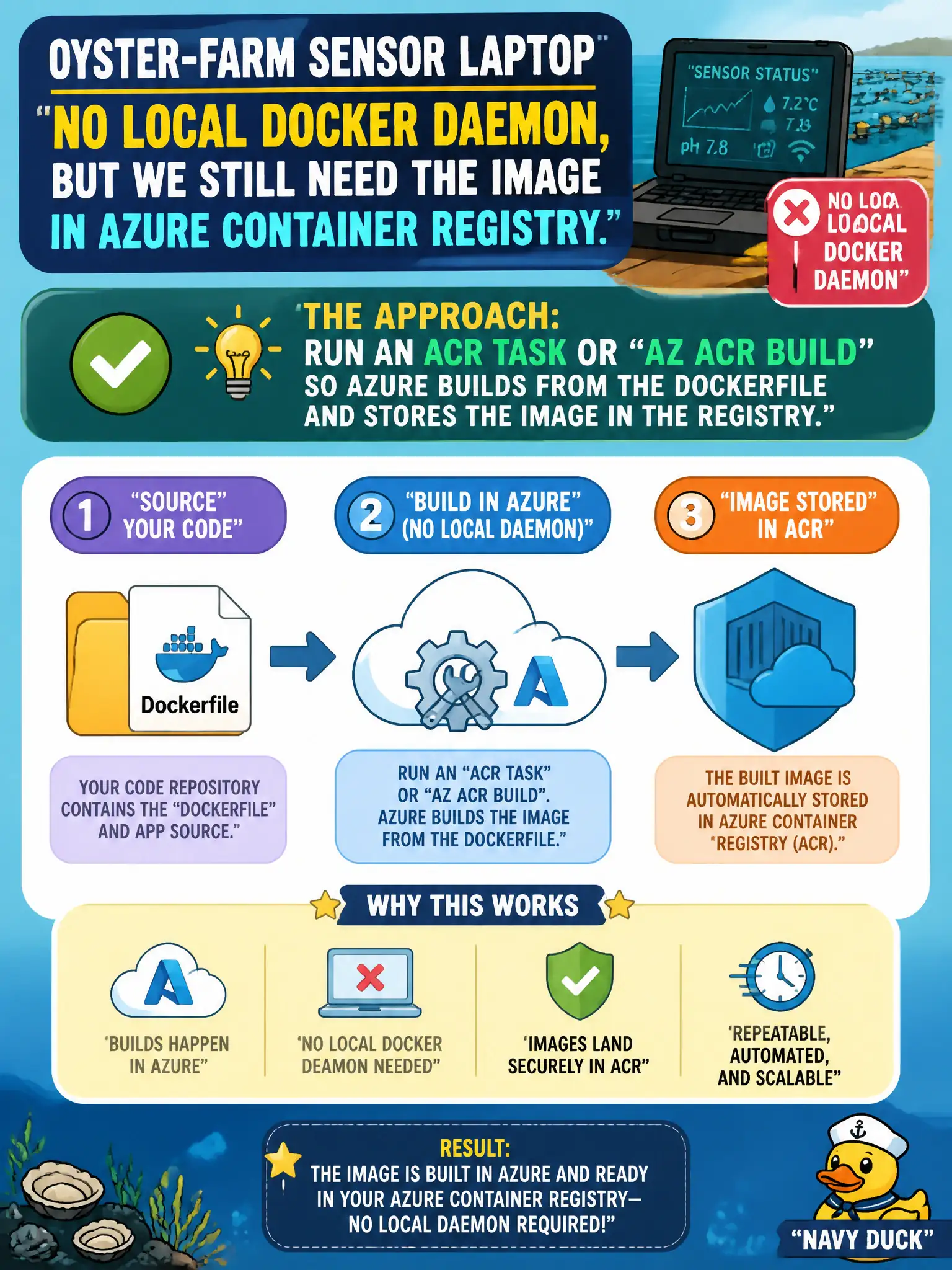
An oyster-farm sensor laptop has no local Docker daemon, but the team still needs the image in Azure Container Registry. Which approach builds and lands the image without a local daemon?
Select an answer to reveal the explanation.
Short Explanation
No Docker on the laptop? Hand the Dockerfile to ACR Tasks or az acr build and let Azure be the workshop. The finished image lands in the registry without a local daemon.
Full Explanation
When the oyster-farm sensor laptop has no local Docker daemon, Azure can still build the image. ACR Tasks or az acr build upload the Dockerfile and build context to Azure, perform the build on Microsoft-hosted builders, and store the resulting image directly in Azure Container Registry. That path removes the field requirement for Docker Desktop while still producing a normal pullable repository tag for later ACI or Container Apps deploys.
Mandating Docker Desktop on every laptop blocks the stated constraint instead of solving it and increases operational burden for seasonal field staff. Copying compiled binaries into an App Service wwwroot folder skips the container image workflow the team is trying to complete and is a different hosting model entirely. Azure DevOps release gates alone do not build or push images; without a pipeline job or ACR Task that runs a container build, nothing new lands in the registry.
Exam caveat: the ACR Task or az acr build identity still needs permission to write to the target repository, and the remote context must include every file the Dockerfile COPY expects—missing context files fail in cloud logs, not on the laptop daemon.
Operational check: from a machine without Docker installed, run az acr build --registry REGISTRY_NAME --image repo:tag . (or queue an equivalent Task), wait for the Succeeded state, then confirm the tag appears with az acr repository show-tags and that a compute host can pull it.