
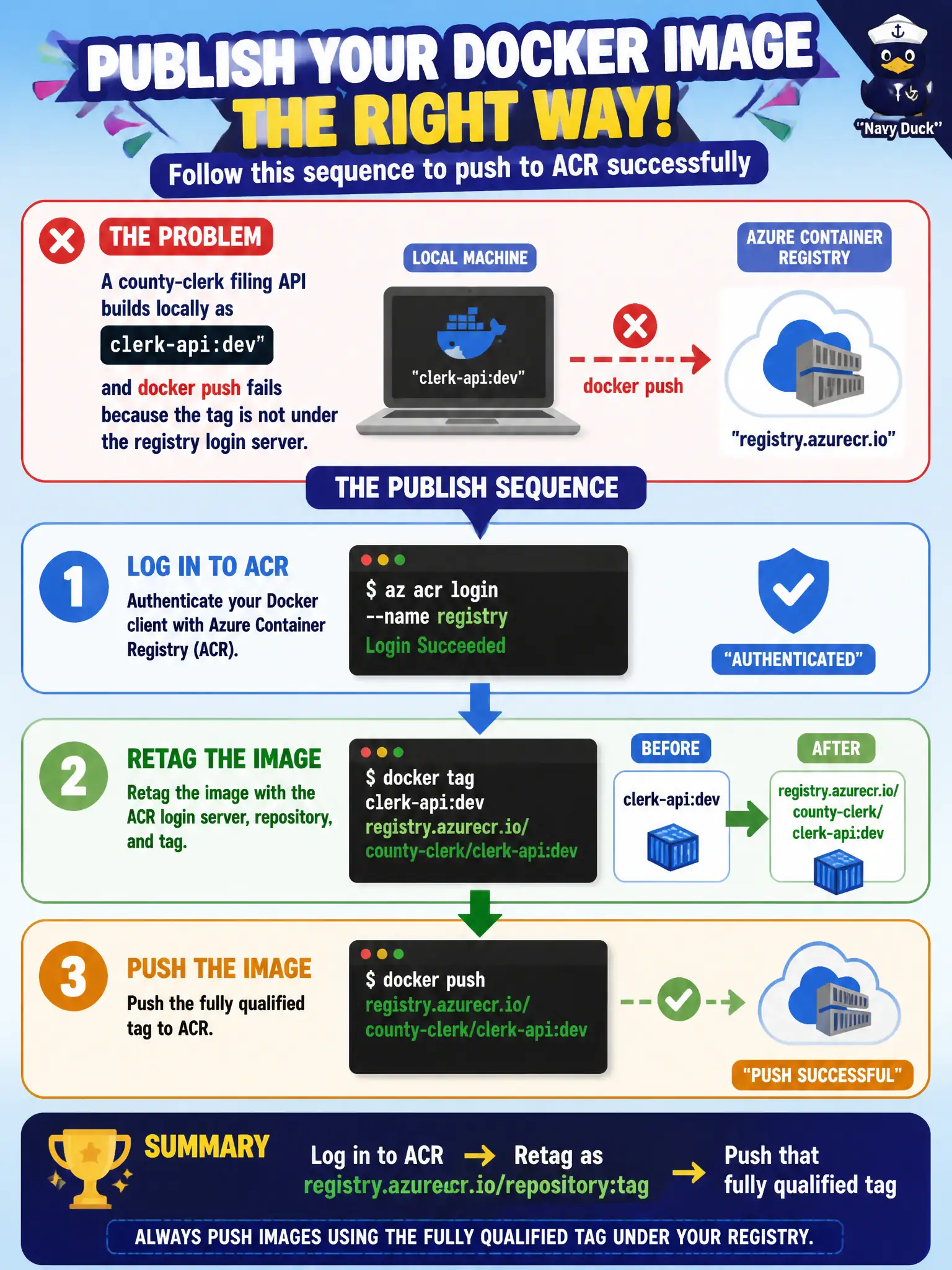
A county-clerk filing API builds locally as clerk-api:dev and docker push fails because the tag is not under the registry login server. What publish sequence should the developer follow?
Select an answer to reveal the explanation.
Short Explanation
Docker only pushes tags that already point at the registry’s address. Log in, retag to yourregistry.azurecr.io/repo:tag, then push—like rewriting the shipping label before the parcel leaves the dock.
Full Explanation
Docker push sends whatever tag you present to the registry implied by that tag. A local clerk-api:dev name is not under the county ACR login server, so push fails or targets the wrong place. The correct sequence is: authenticate to ACR, retag (or build with) registry.azurecr.io/repository:tag, then push that fully qualified reference so the filing API lands in the intended repository.
Pushing the bare local tag and hoping Azure rewrites it into ACR is not how the Docker client works. Uploading a Dockerfile to Blob Storage does not publish an image; ACR does not treat blob object names as image builds unless you deliberately run a build task that uses that context. Renaming the image to an App Service hostname misdirects the artifact toward a web app identity; App Service hosts containers by pulling from a registry, it is not the push destination for image layers.
Exam caveat: login server names look like myregistry.azurecr.io. Mixing up repository name, tag, and login server is a frequent failure mode even after az acr login succeeds.
Operational check: run docker images and confirm the fully qualified tag exists locally, az acr login --name ..., push, then az acr repository show-tags (or portal) to verify the county registry lists the new tag before any host deploy.