
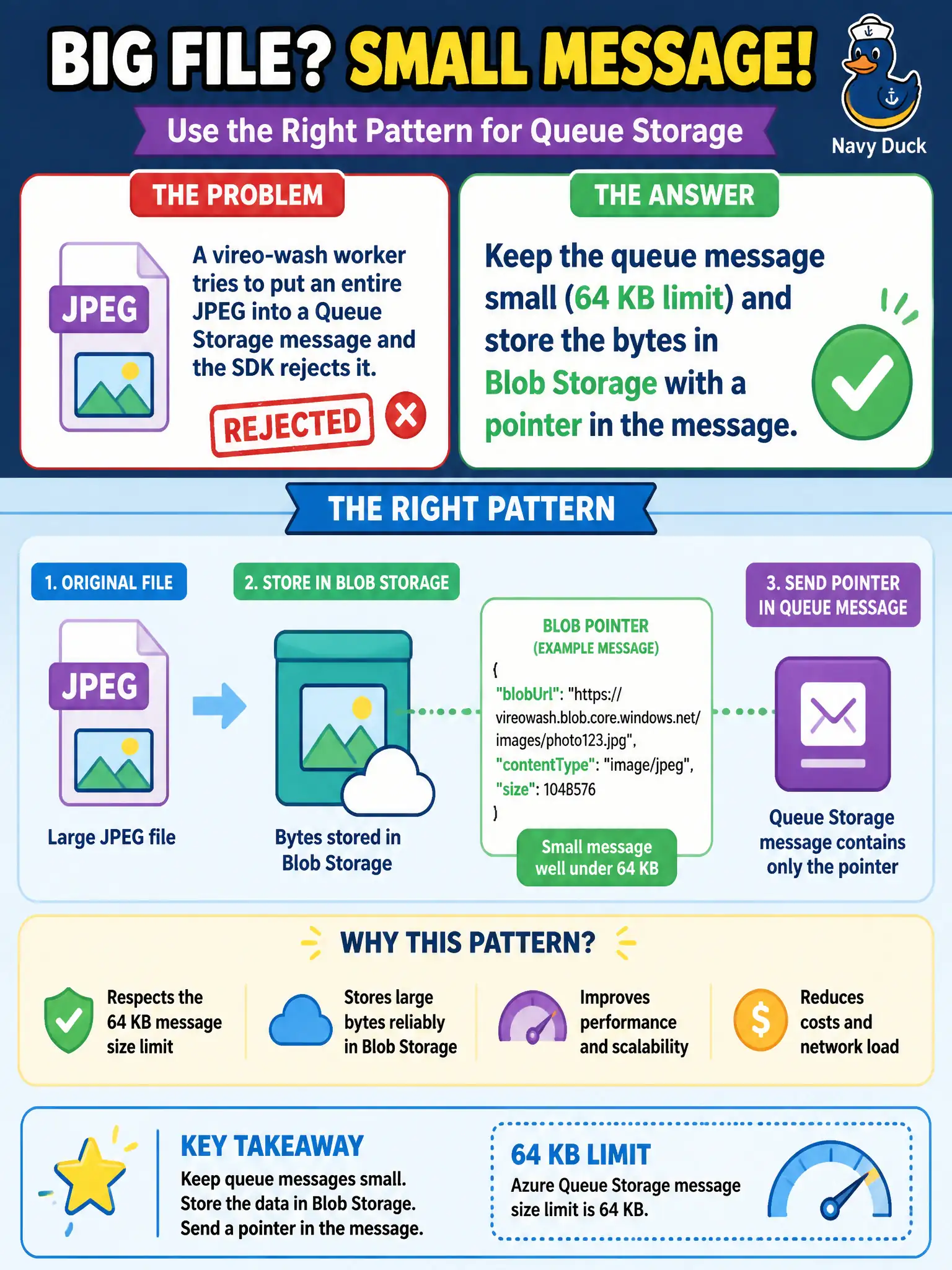
A vireo-wash worker tries to put an entire JPEG into a Queue Storage message and the SDK rejects it. What pattern should the developer use?
Select an answer to reveal the explanation.
Short Explanation
Queues are not photo albums — 64 KB is the ceiling. Drop the JPEG in Blob Storage and put a pointer in the queue message (claim-check).
Full Explanation
Azure Queue Storage rejects oversized bodies because messages are capped at 64 KB. For a vireo-wash worker that tried to embed an entire JPEG, the correct pattern is claim-check: store the bytes in Blob Storage and put a pointer (URL or blob name) in the small queue message so workers fetch the payload separately. That keeps the queue as a lightweight work ticket while Blob holds bulky content.
Raising the Queue Storage payload limit above 64 KB with a namespace SKU change fails because there is no SKU switch that turns Storage queues into arbitrary binary blob carriers for large JPEGs. Embedding the JPEG in an Event Grid subscription validation handshake fails conceptually: validation handshakes prove endpoint ownership; they are not image transport. Base64-encoding the JPEG into a Service Bus topic filter expression fails because filters match properties/rules—they are not a storage medium for image bytes.
Exam caveat: the queue message must include enough identity and authorization context for the worker to read the blob without widening access too far. Operational check: upload a sample JPEG to Blob, enqueue only the reference, process by downloading the blob, and confirm the queue message stays well under 64 KB.