
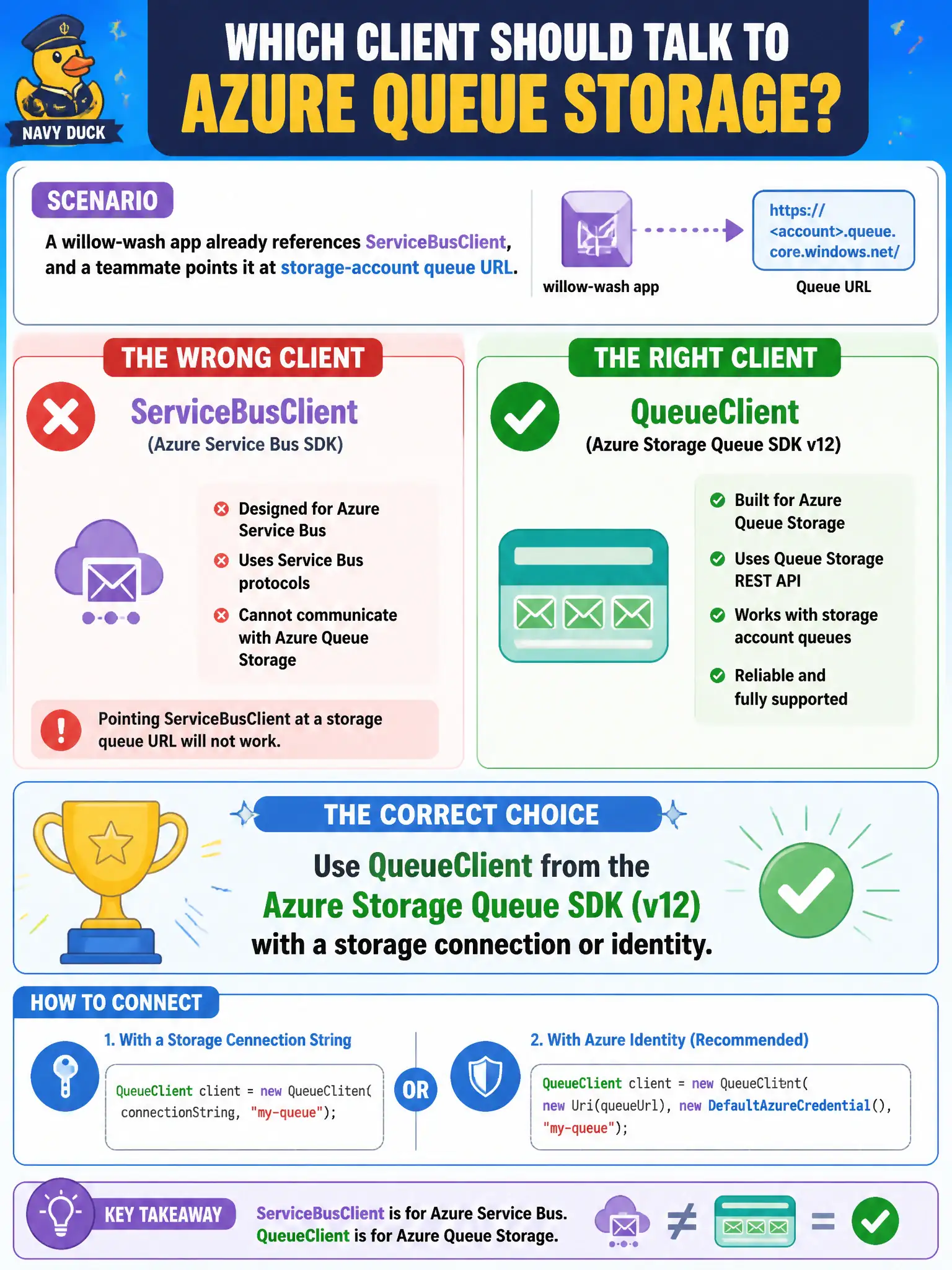
A willow-wash app already references ServiceBusClient, and a teammate points it at a storage-account queue URL. Which client should talk to Azure Queue Storage?
Select an answer to reveal the explanation.
Short Explanation
Wrong SDK, wrong broker. Storage queues want QueueClient (Storage Queue SDK) and a storage connection or managed identity — not ServiceBusClient on a queue URL.
Full Explanation
Azure Queue Storage is spoken with QueueClient from the Azure Storage Queues SDK (v12), authenticated via a storage connection string or Microsoft Entra identity. A willow-wash app that already references ServiceBusClient cannot simply aim that client at a storage-account queue URL—the protocols, endpoints, and resource models differ. Use the Storage Queue client for Storage queues and keep ServiceBusClient for Service Bus entities.
ServiceBusClient aimed at the storage queue endpoint fails because ServiceBusClient targets Service Bus namespaces, not storage-account queues. Microsoft Graph clients with Sites.ReadWrite.All on the queue fail conceptually: Graph permissions address Microsoft 365 resources, not Storage Queue APIs. EventHubProducerClient configured with a queue SAS only fails because that client publishes to Event Hubs, not Azure Queue Storage.
Exam caveat: connection strings and RBAC roles differ—Storage Queue Data Contributor-style access is not the same as Azure Service Bus Data Owner. Operational check: instantiate QueueClient against the storage account queue, enqueue and dequeue a test message with managed identity or connection string, and confirm ServiceBusClient is not used on that path.