
Trusted Advisor shows a university security group that allows a management port from the whole internet. An operator wants to exclude that check so the weekly report stays green. What should the operator do?
Select an answer to reveal the explanation.
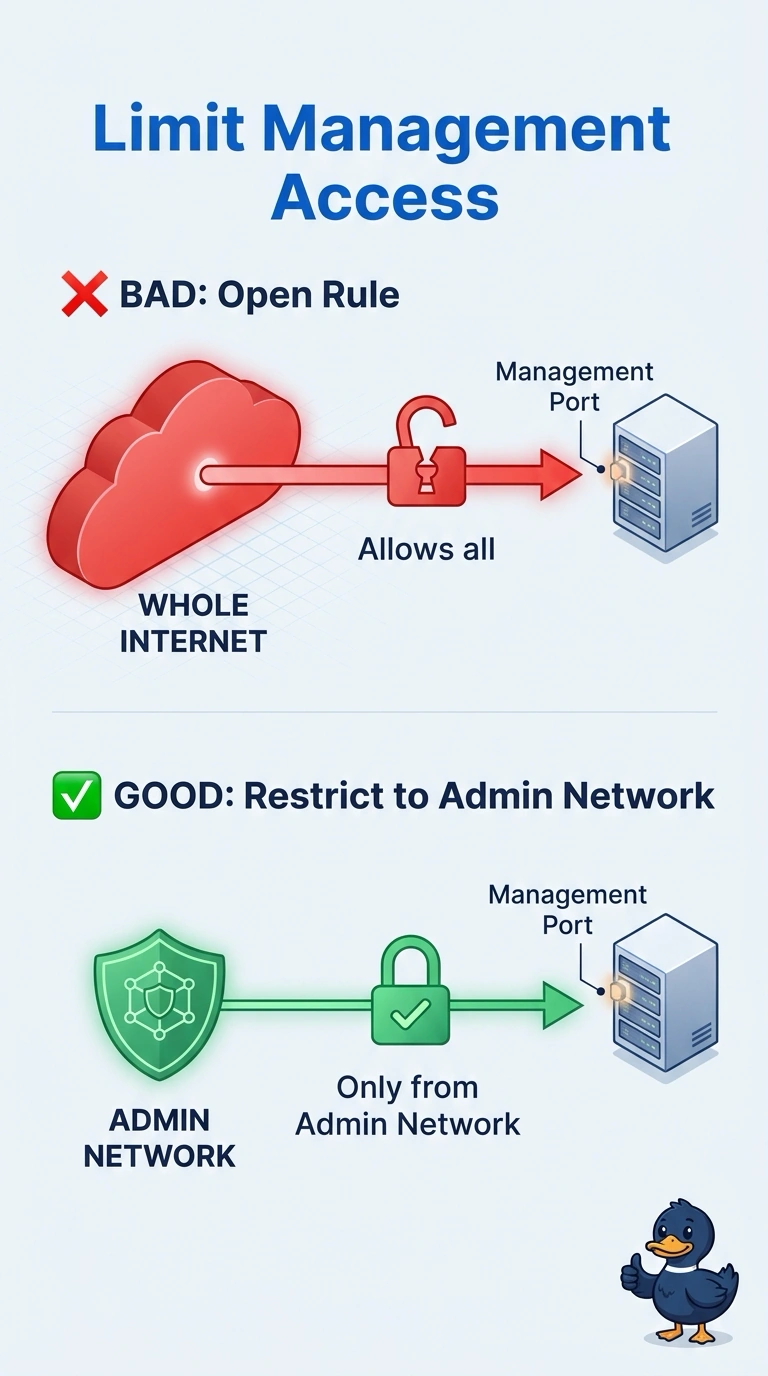
Short Explanation
Hiding the inspection sticker does not fix the brakes. You have a security group open to the world, and Trusted Advisor is right to keep saying so until the rule is gone. Exclude the check and the next person inherits the same hole with a clean report.
Full Explanation
Trusted Advisor's security check is evidence, not the control. The control is the security group rule. Remove the inbound rule that allows the management port from 0.0.0.0/0 and allow that port only from the admin CIDR that actually manages the instances. Excluding or suppressing the check changes the report and leaves the exposure in the account for as long as the rule exists. Moving the security group to another Region does not secure the instances, and the check runs per Region, so the finding follows the resource or the original group remains. A network ACL does not override a security group. Both are evaluated, and an allow on the ACL does not make a world-open security group compliant. Caveat: lock yourself out if the admin CIDR is wrong, so confirm a working admin path before you delete the wide rule. Operational check: refresh the Trusted Advisor check after the edit and confirm that security group is no longer listed, then attempt the management connection from outside the admin CIDR and confirm it fails.