
A school district on Basic Support is treating a cost-optimization Trusted Advisor result that never updates as if it were live evidence. What should the team do?
Select an answer to reveal the explanation.
Short Explanation
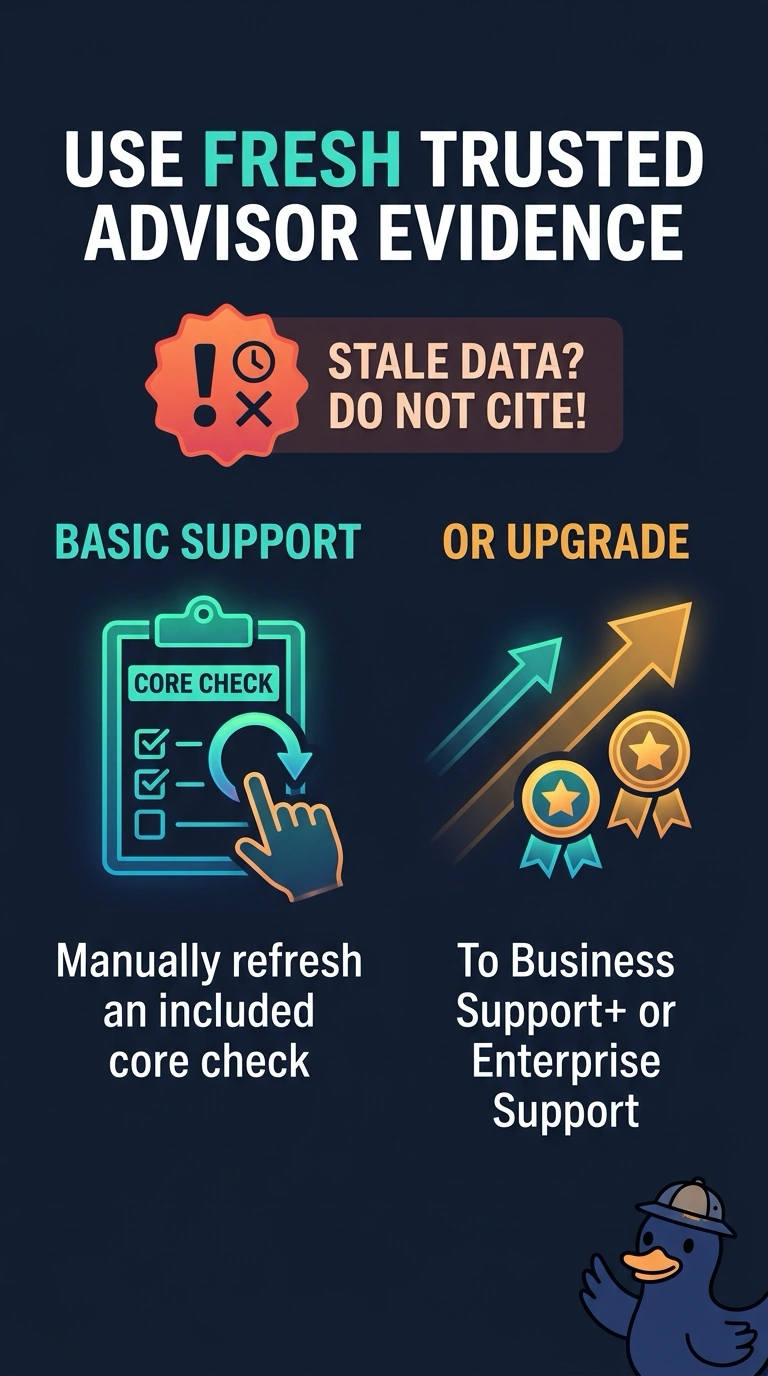
A clock that nobody winds is not evidence of the current time. You are on Basic Support, where Trusted Advisor does not update checks automatically, so a result that never changes is stale. Refresh a core check by hand, or move to Business Support+ or Enterprise Support for automatic updates, and do not brief the incident from the stale result.
Full Explanation
Basic Support gives you all Service Limits checks and selected Security and Fault Tolerance checks in Trusted Advisor. Automatic check updates are not available on Basic Support, so you must refresh the included checks manually with the Refresh button. The full check catalog, including cost optimization, is available with Business Support+, Enterprise Support or Unified Operations, which also update checks automatically. A cost result that never changes on a Basic plan is not live evidence of the account. Refresh a core check when you need a current signal, or upgrade so the broader checks are included and kept current. Turning Trusted Advisor off drops the core checks the account does have. Excluding resources marks rows as excluded and does not make a stale result current. A billing alarm watches billing metrics, and it cannot force a Trusted Advisor check to update. Caveat: Developer and Business Support are being discontinued on January 1, 2027, so new upgrades go to Business Support+ or Enterprise Support, and you should read the last refresh time before you cite any result. Operational check: compare the last refresh time on the check in question with a core security check you have just refreshed before either goes into an incident timeline.