
A city's workforce signs in with individual passwords on a shared IAM user so they can all reach the same account. The company wants each person to receive their own access through a central directory. What should replace the shared user?
Select an answer to reveal the explanation.
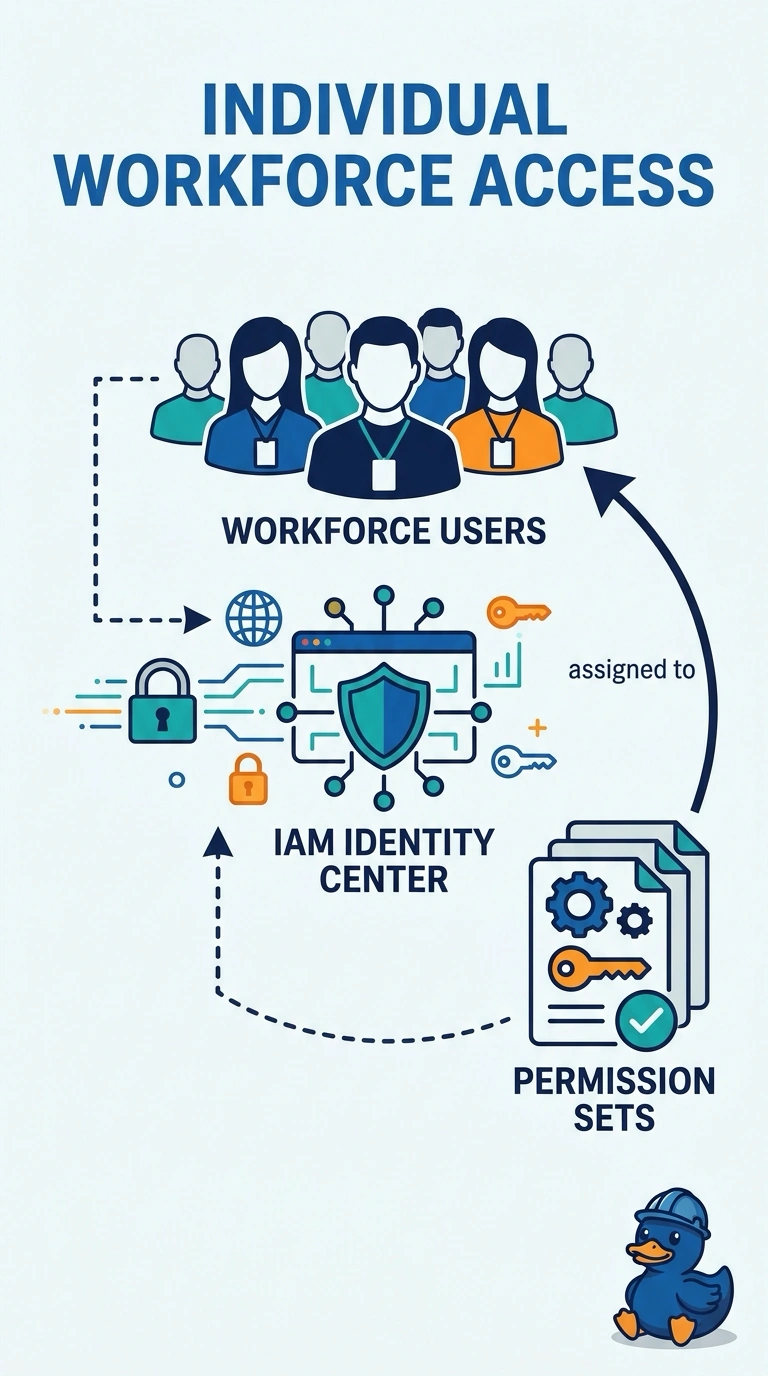
Short Explanation
A shared IAM user is one badge passed around the office. You want each person to sign in as themselves and receive a permission set. Identity Center is that front door, and another shared password is the same badge with a new sticker.
Full Explanation
IAM Identity Center assigns permission sets to workforce users or groups, usually from an external directory, and they assume roles in the accounts. That replaces a shared IAM user password. Another shared user keeps the same problem. A root access key in chat is a worse secret. An anonymous bucket policy does not administer the account. Caveat: permission sets grant access only in the accounts where you assign them, so a user who can enter one account may still be locked out of another until that assignment exists. Operational check: the shared IAM user's passwords and keys should be retired, and a workforce user should enter the account through Identity Center with the intended permission set. Create the users or groups in Identity Center, build a permission set with the rights the shared user had, and assign it to the account. People then sign in once and assume a role, and CloudTrail shows the person. Disable the shared user's console password and delete its keys after the assignment works. A longer shared password does not give you a per-person revoke.