
A company requires workforce access through federation, but one IAM user still has an active long-lived access key used by a script. What should operations do so that script follows the same rule?
Select an answer to reveal the explanation.
Short Explanation
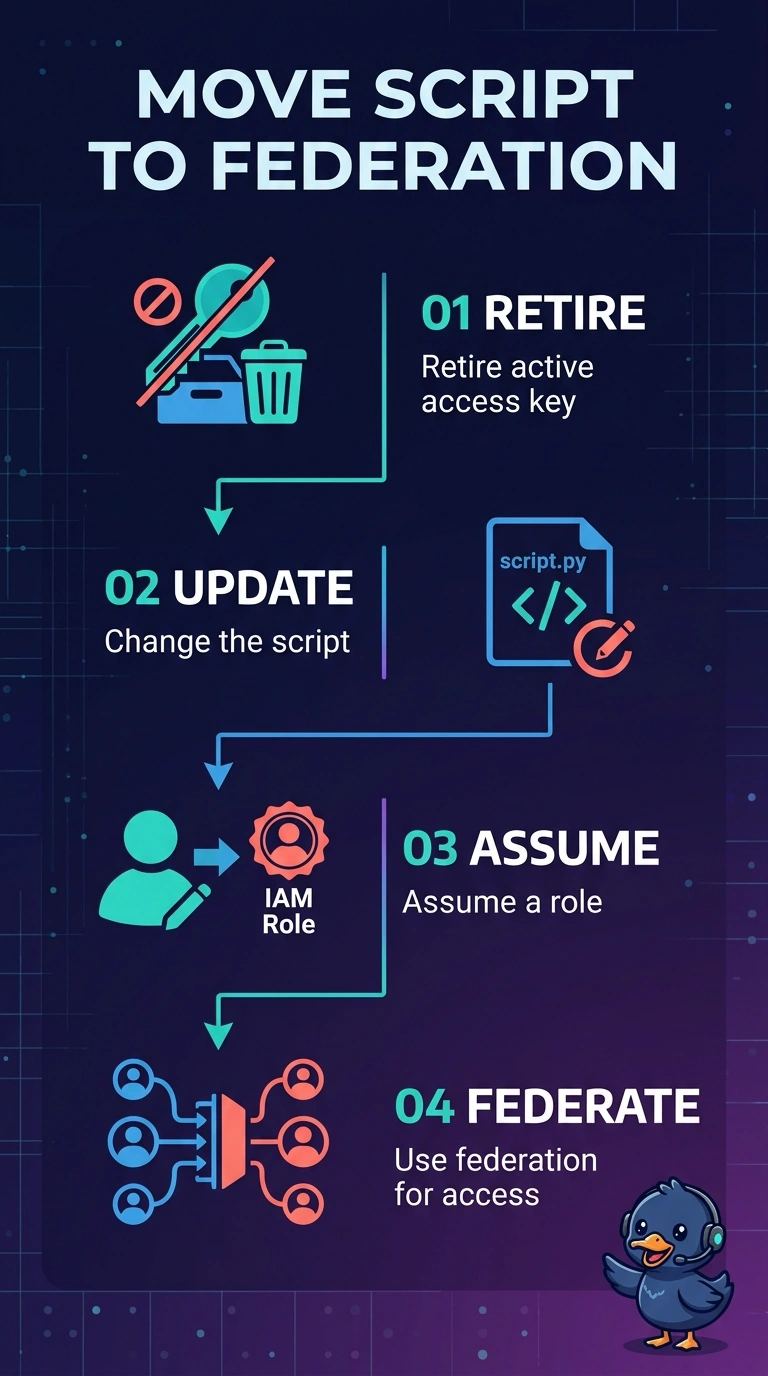
You want the script to follow the same federation rule as the rest of the workforce, so retire its IAM user access key and change the script to assume a role. Creating a second key leaves a long-lived credential in place, AdministratorAccess only broadens its permissions, and a public Parameter Store value exposes the key. You can verify the change by checking that the old key is inactive or deleted and the script uses a role session.
Full Explanation
Federation and roles provide short-lived credentials and a central way to control access. An active IAM user access key bypasses that path for as long as it remains usable, so retire the key and change the script to assume a role through the company’s federation path. Creating a second access key on the user does not retire the first; it adds another long-lived secret and leaves the script outside the federation rule. Attaching AdministratorAccess changes the user’s permissions, not the lifetime or authentication path of the key, and makes the bypass more powerful. Putting the key in a public Parameter Store value exposes the secret rather than making its use federated or safe. Exam caveat: retiring the key means deactivating it and then deleting it; simply changing permissions does not remove the long-lived credential. As a practical check, deactivate the key and confirm the script no longer depends on it, then delete it. Verify that the script’s activity appears in CloudTrail as an AssumeRole role session, not as activity by the IAM user. The replacement role should be assumable through the company’s federation path and have only the permissions the script needs.