
A retail Auto Scaling group shows desired capacity above the number of instances in service. Target tracking raised desired capacity, and the activity history is not launching anything. Launch is in the list of suspended processes. What should the operator do?
Select an answer to reveal the explanation.
Short Explanation
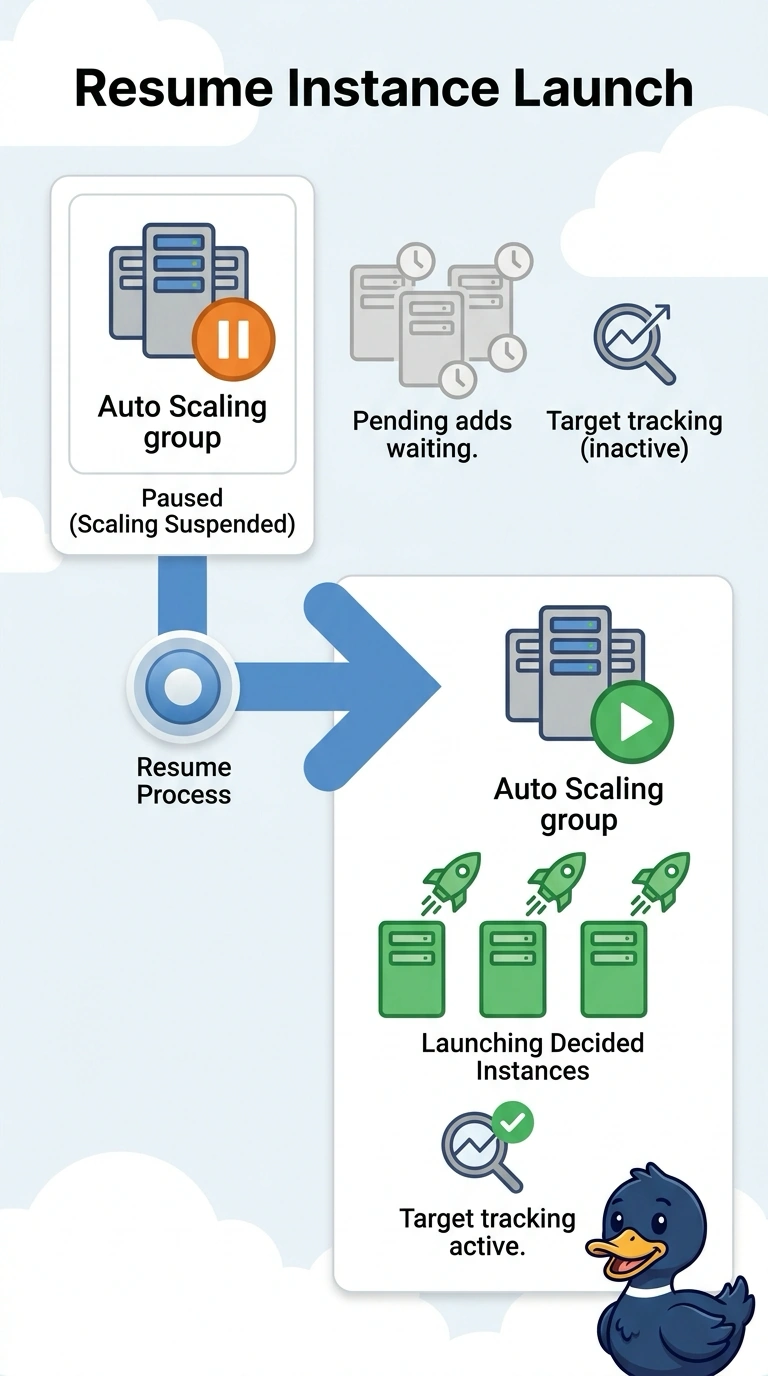
You’ve found why desired capacity is ahead of the instances in service: the group has decided to scale out, but launching is suspended. Resume the Launch process; changing load balancers or enabling log-bucket versioning won’t let the group start instances.
Full Explanation
Auto Scaling cannot start instances while the Launch process is suspended, even when target tracking has raised desired capacity. The quiet activity history is consistent with that suspension: the group has calculated a higher desired count but cannot act on it. Resuming Launch allows the group to start working toward the count it already decided to add. Deleting the target tracking policy and resetting desired capacity by hand would remove the intended automatic scaling, and manual edits still would not permit launches while Launch remains suspended. Replacing the Application Load Balancer with a Network Load Balancer does not resume a suspended Auto Scaling process or address the launch blockage. Enabling S3 versioning protects log objects from unwanted changes or deletion; it has no effect on instance launches. Caveat: resume Launch only if the suspension was not an intentional freeze during a bad deployment; if it was, first correct the launch template so the group does not start instances with a bad image. Practical check: after resuming Launch, confirm that activity history records launch attempts and that the in-service count moves toward desired capacity. If a launch then fails for another reason, such as insufficient capacity or a bad AMI, activity history should report an error rather than remain quiet because Launch is suspended.