
An Auto Scaling group scaled out, and a second CPU alarm fired two minutes later. No further instances launched. The group's cooldown is still running from the first scale-out. The team is about to add another scaling policy on the same metric. What should they do instead?
Select an answer to reveal the explanation.
Short Explanation
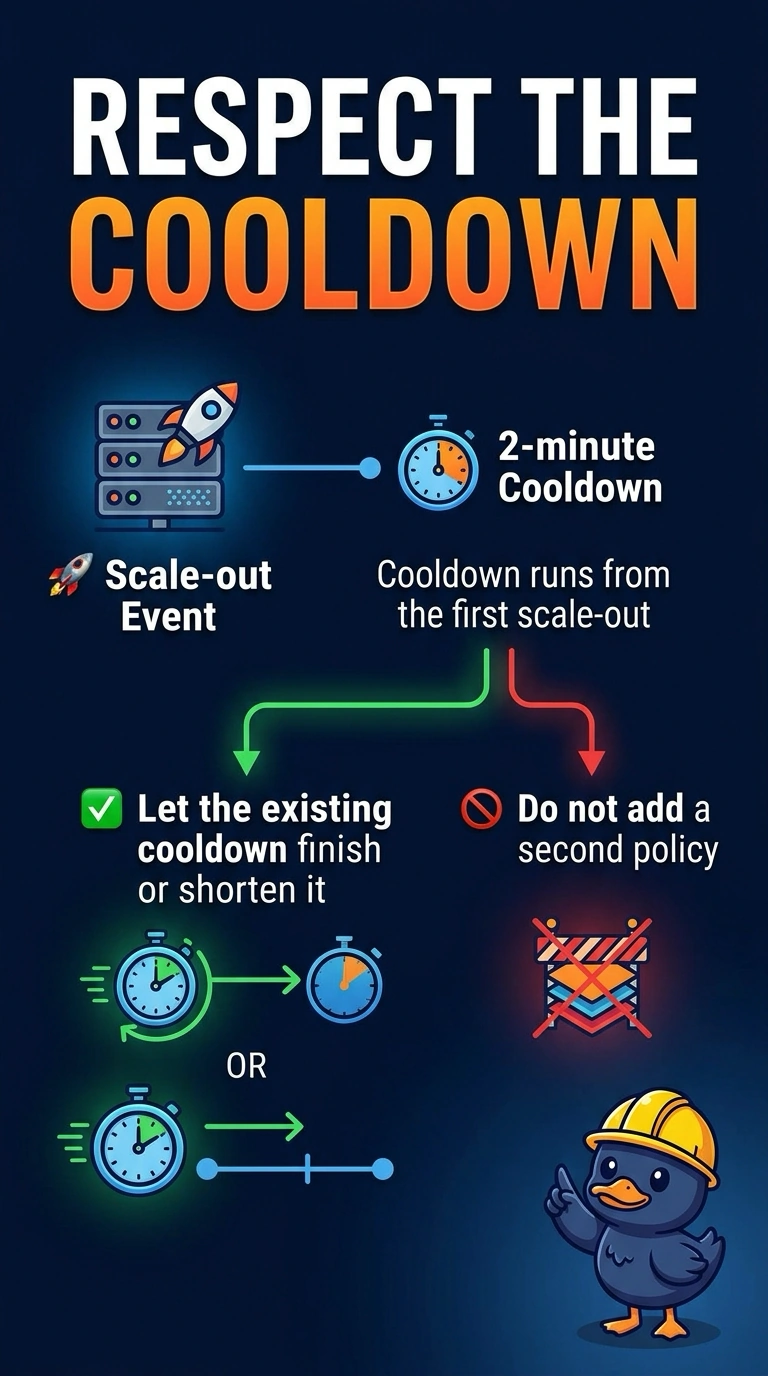
Cooldown is the group catching its breath after a scale-out, on purpose. You wait it out, or you shorten it if two minutes is too long for this workload. Adding another policy on the same CPU metric is a second driver, not a way through the pause.
Full Explanation
After a scale-out, cooldown stops another simple scaling activity from launching still more instances until the new ones have a chance to affect the metric. A second alarm during that window is expected to do nothing. Shortening the cooldown, or waiting, matches the symptom. A second policy on the same metric fights the first one after the cooldown ends. Suspending Launch means nothing will launch when the cooldown does end. Deleting the group removes the application. Caveat: target tracking has its own warmup behavior and does not use the group's cooldown the same way simple scaling does; know which policy type you are editing. Operational check: record the cooldown value, confirm the activity history shows the scale-out still inside that window, and change only that value if launches are too far apart. Simple scaling policies honor the group cooldown. Target tracking uses instance warmup instead, so confirm which policy fired before you edit cooldown and see no change. The activity history shows the scale-out time; compare it with the cooldown seconds. If launches are routinely late, lower the cooldown after one successful scale-out has registered healthy instances, not before the first instances are in service.