
A game studio's Auto Scaling instances stay in Pending:Wait. A lifecycle hook is attached, and the hook's action never calls back. The application on the instance is already healthy. What should the hook do so launching can finish?
Select an answer to reveal the explanation.
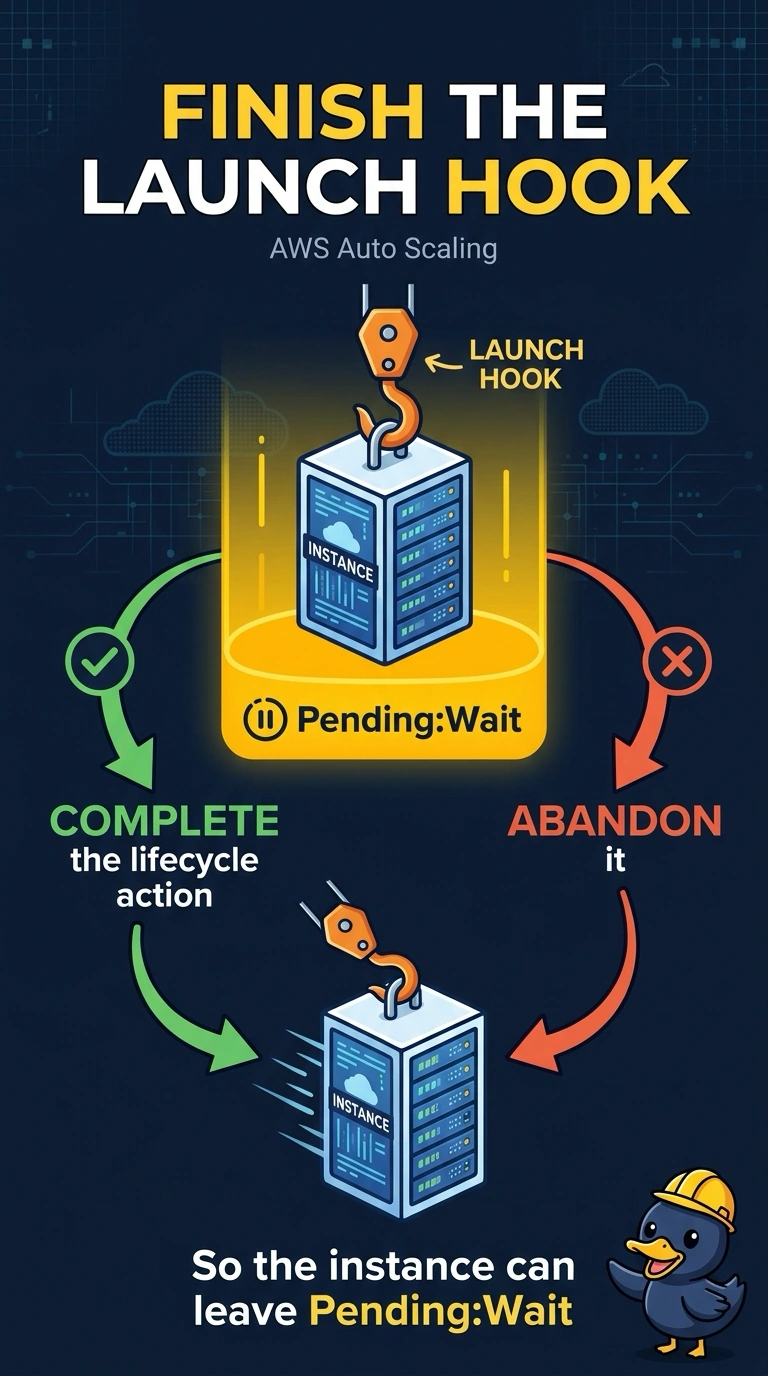
Short Explanation
Pending:Wait means the group is holding the door until the hook answers. The application is already healthy, so you complete the lifecycle action and let the instance in. Leaving the door shut on purpose, every time, is not a strategy.
Full Explanation
A lifecycle hook pauses an instance in Pending:Wait until CompleteLifecycleAction or AbandonLifecycleAction runs, or until the heartbeat timeout. The application being healthy means the work the hook was waiting on is done, so completing the action moves the instance to InService. Deleting the load balancer does not answer the hook and removes traffic from the fleet. Suspending Launch stops future launches and does not clear the instances already waiting. S3 versioning does not participate in lifecycle hooks. Caveat: if the hook exists to drain or to configure, fix the automation that should have called back rather than only clicking complete once, or the next launch waits again. Operational check: after the callback, the instance should leave Pending:Wait and the group's activity should show the hook completed. The hook has a timeout and a default result, CONTINUE or ABANDON, for when nobody calls back. Leaving the default to abandon will terminate healthy instances when the automation is late. If the hook's only job was a check that already passed, complete the action with the lifecycle action token from the instance or from the event. Then fix the automation so the next token is consumed without an operator.