
Users on the public internet report slow responses. The origin in the VPC is healthy and lightly loaded. Operators need the client ISP and the internet path, which a VPC flow log does not show. What provides that view?
Select an answer to reveal the explanation.
Short Explanation
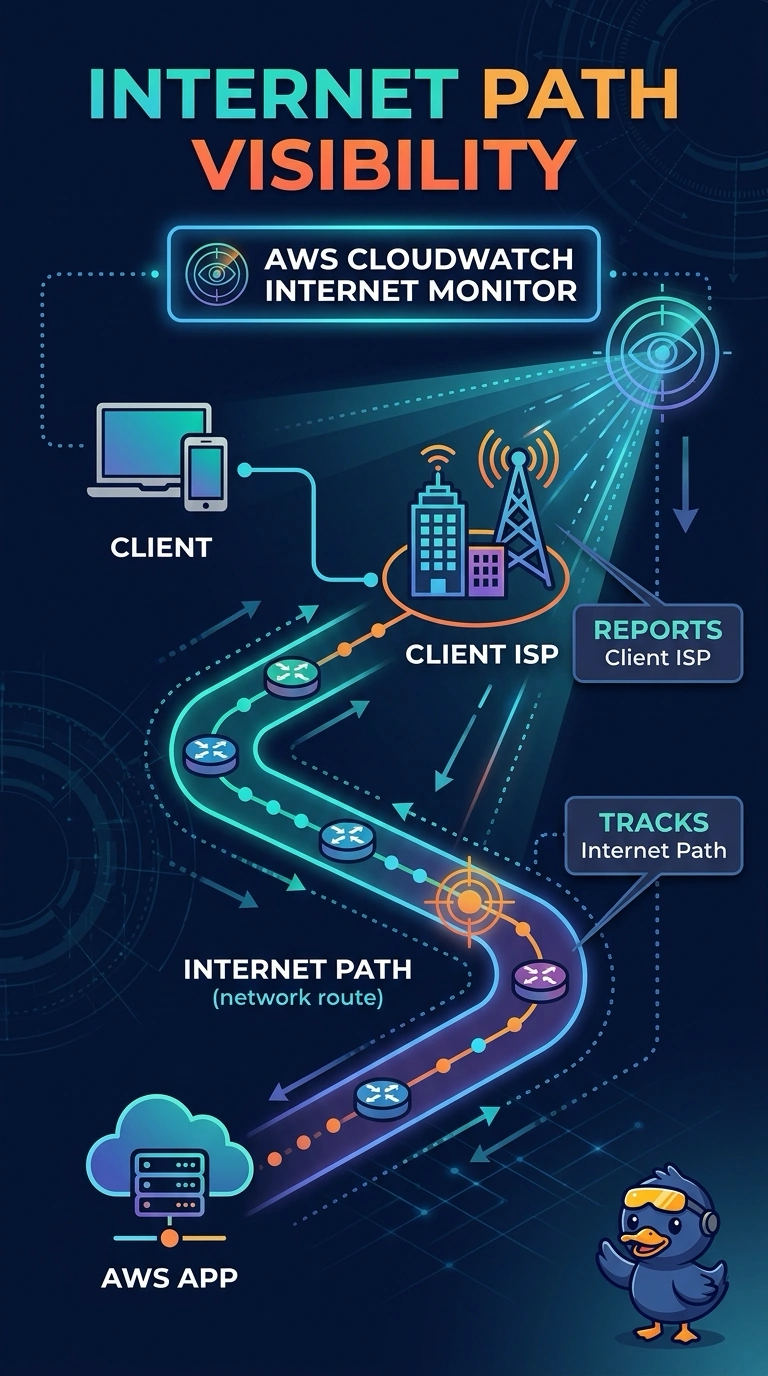
The origin's front desk is quiet; the traffic jam is out on the public roads. CloudWatch Internet Monitor shows which client ISPs and internet paths are slow, which is the view you need when the VPC origin itself is healthy. A VPC flow log records addresses and ports at the instance rather than the ISP and the path, and a probe toward the data center measures a different route.
Full Explanation
CloudWatch Internet Monitor reports the experience of users on the public internet, including the client ISP and the network path between those clients and the application. The origin is healthy and lightly loaded, so the slowness the users feel is outside the VPC, which is the view Internet Monitor is built to show. Network Synthetic Monitor probes a path you choose from a subnet, such as the path to an on-premises data center. That is a hybrid measurement, not the path from public users to this origin. A CPU alarm on a lightly loaded origin stays quiet, and CPU does not name a client ISP. A VPC flow log records the addresses, ports, and bytes at the instance's network interface. It does not record the ISP name or the internet path those packets took before they reached AWS. Caveat: Internet Monitor describes the client networks it can see for the resources you monitor, and it does not replace an application log when the slowness is inside one request. Operational check: open Internet Monitor for this application during the slow period and confirm the affected client ISP and path match the users who reported it.