
New instances in a shared VPC cannot resolve the corporate DNS zone. Instances that still use a hard-coded plant resolver can. The outbound Resolver rule for that zone targets two resolvers that were retired last week. What should be updated?
Select an answer to reveal the explanation.
Short Explanation
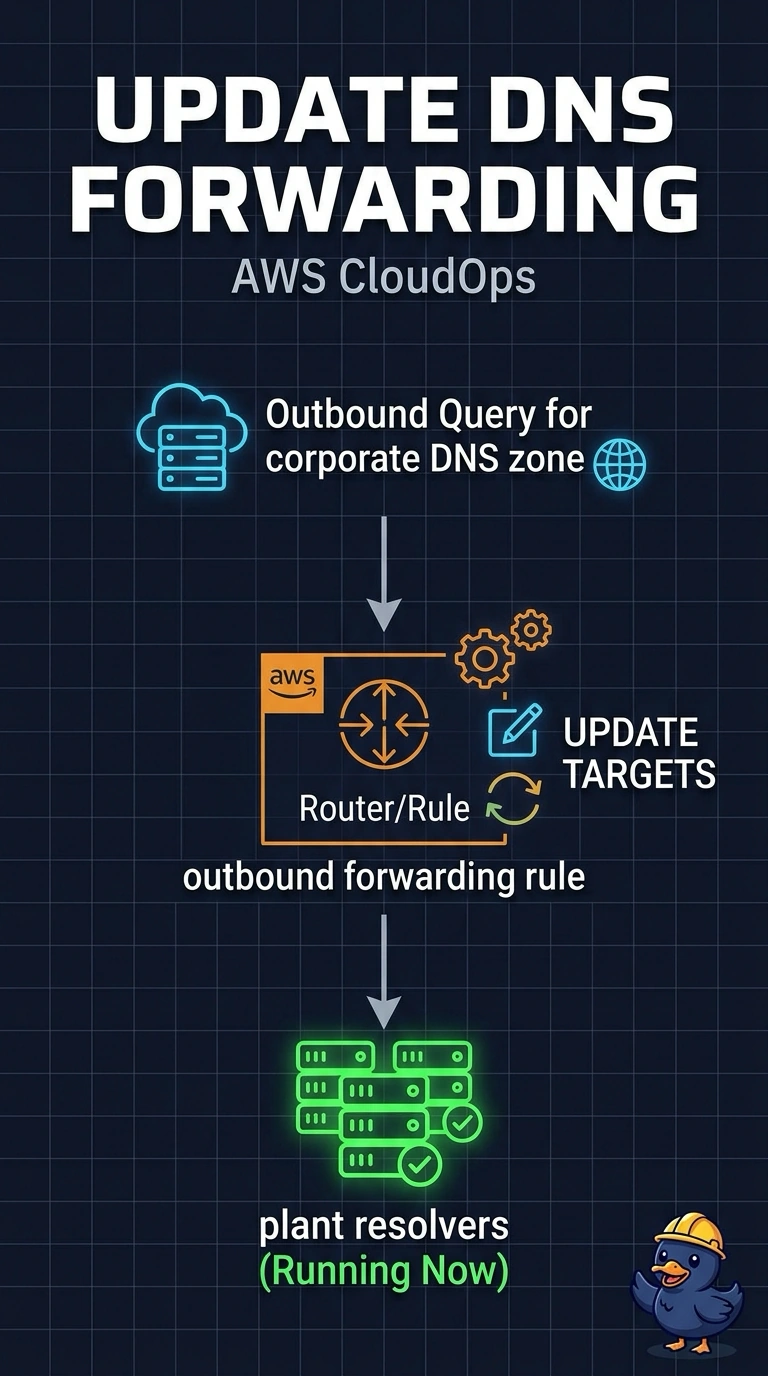
You are still forwarding the mail to a post office that closed last week. New instances use the VPC resolver, and that outbound rule still sends the corporate zone to the retired plant addresses, so the lookup fails. Update the rule's target addresses to the resolvers that are running; a public zone does not ask the plant, and an inbound endpoint faces the other way.
Full Explanation
New instances send their DNS queries to the Route 53 Resolver in the VPC. An outbound forwarding rule for the corporate zone tells that Resolver which target addresses should answer the name, and those addresses are the plant resolvers that were retired last week. Instances that still use a hard-coded plant resolver skip the rule and succeed, so the zone is alive and the rule's target list is what is stale. Update the forwarding rule so its targets are the plant resolvers that are running now. A public hosted zone would publish names on the internet and would not consult the plant resolvers that hold the corporate records. Turning off DNS hostnames stops the VPC from assigning Amazon-style hostnames to instances. It does not retarget the forwarding rule, and the new instances would still depend on Resolver for this zone. An inbound endpoint is how on-premises resolvers query names that live in the VPC. Replacing the outbound endpoint with an inbound endpoint aimed at the retired addresses does not give the VPC a working forwarder. Caveat: the outbound endpoint's security group must allow DNS to the new target addresses, or the edited rule still cannot reach the plant. Operational check: from a new instance, resolve a known corporate name and confirm the answer matches a query sent directly to a current plant resolver.