
A bookstore's web ACL is blocking some checkout requests. The Application Load Balancer access log shows 403 and does not name a rule. Where is the rule that terminated the request?
Select an answer to reveal the explanation.
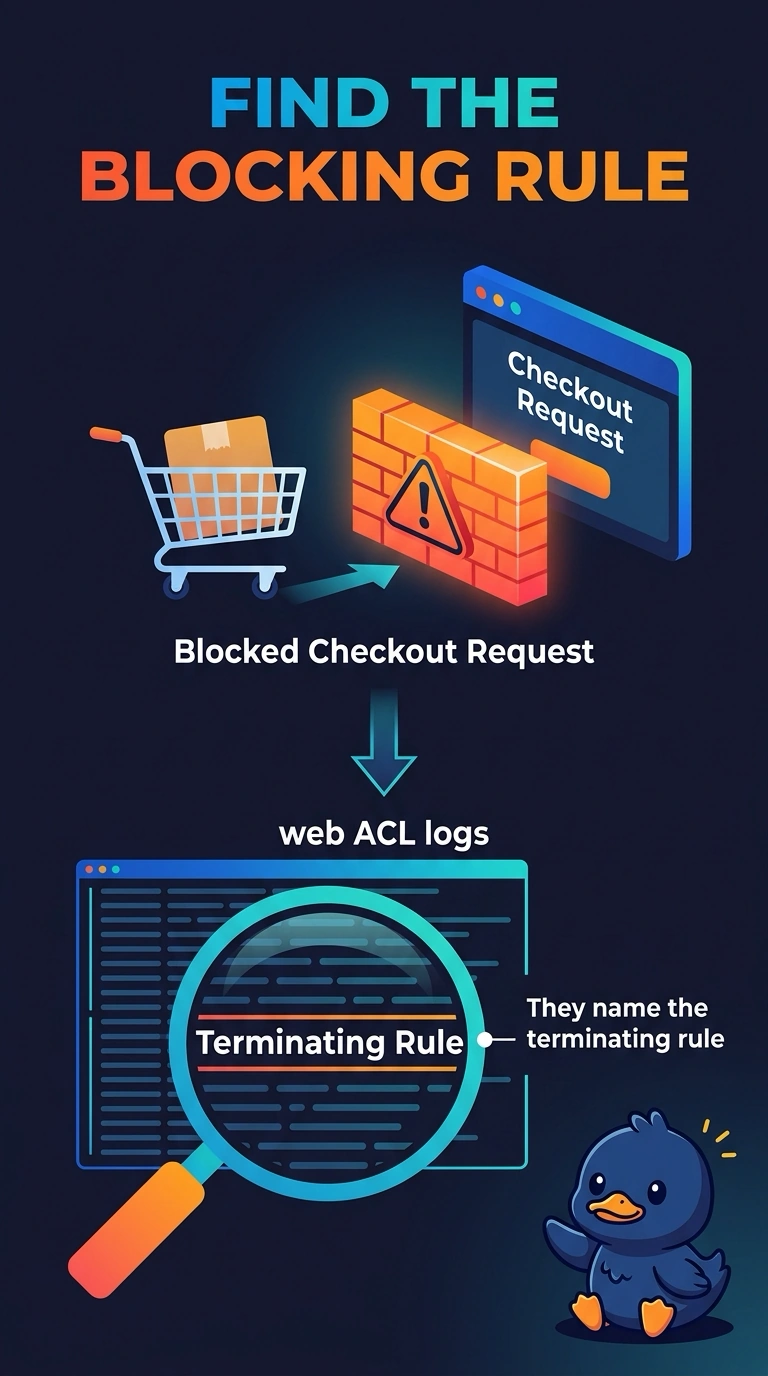
Short Explanation
A 403 from the load balancer is the locked door, not the name of the rule that turned the key. You can find the terminating rule in the web ACL logs, which record the rule that blocked the checkout request. The load balancer access log and VPC Flow Logs do not carry that rule name.
Full Explanation
When AWS WAF is attached to an Application Load Balancer, web ACL logging records the request and the rule that terminated it, including a block. That is where you can see which rule blocked the bookstore’s checkout request. The load balancer access log shows the HTTP status the client received; its user-agent field contains the client’s user agent, not the WAF rule, and the log does not name the rule. CloudTrail management events record AWS API calls, not each blocked checkout request URI, so they do not provide its terminating rule. VPC Flow Logs can show accepted or rejected packets, but they do not store a WAF rule name; a WAF block is an HTTP decision, not a subnet REJECT. Sampled requests can offer a hint during a live test, but the web ACL log records the rule that already blocked the request. Caveat: web ACL logging must be enabled, or the 403 may be visible only as a status without the rule. Practical check: find the checkout request in the web ACL log, read its terminating rule, and compare that rule with a request that should have been allowed.