
An RDS instance is consuming high CPU. CloudWatch Database Insights shows that one write statement accounts for most of that load. The team is ready to move the instance to a larger class. What should they do first?
Select an answer to reveal the explanation.
Short Explanation
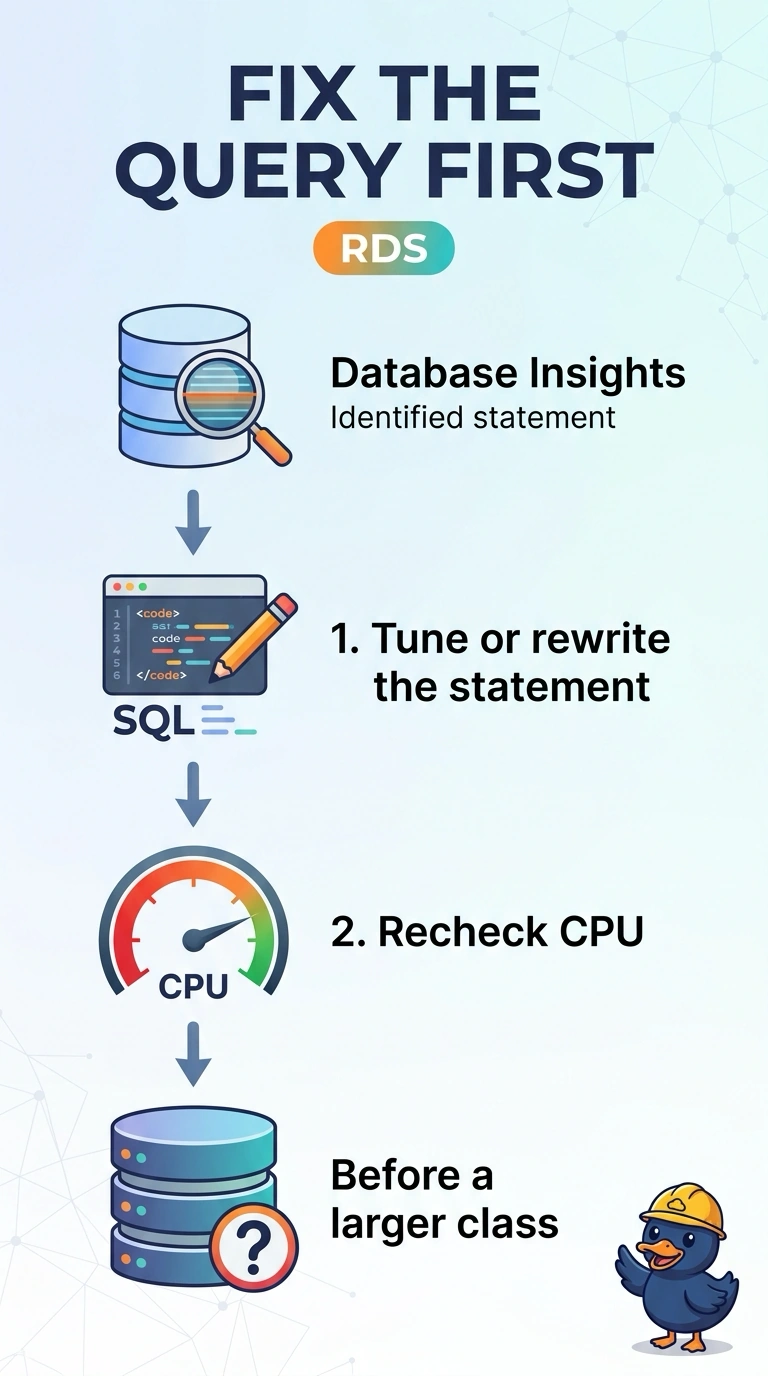
The engine is loud because one belt is squealing, and a bigger engine would squeal the same way. You tune or rewrite the statement Database Insights is showing you, then compare CPU before any larger class. Turning the insight off hides the belt and leaves the noise.
Full Explanation
CloudWatch Database Insights (which replaced the Performance Insights console) attributes most of the CPU to one write statement, so the instance is spending its time on that statement. A larger class would run the same statement on a bigger host. Tune or rewrite the statement, compare CPU again, and only then decide whether the class is actually short. Moving to the larger class first skips the statement the report already isolated. Disabling Database Insights removes the report. It does not change the statement or the CPU that statement consumes. A read replica can serve reads. It cannot run this write statement, so the write, and the CPU it uses, stays on the primary. Caveat: if the statement is already lean and many different statements together fill the CPU, a larger class can be the right later step. This report shows one write, so that later step is not the first move. Compare that same statement, not a quieter hour of unrelated traffic, when you judge whether the tune worked. Operational check: record that statement's load in Database Insights, apply the change in a test, and compare database load before you change the instance class.