
Applications must mount an existing S3 bucket as a file system and open objects without copying the entire bucket to disk first. The team will not run a gateway appliance. Versioning is turned off on that bucket. What should the team configure?
Select an answer to reveal the explanation.
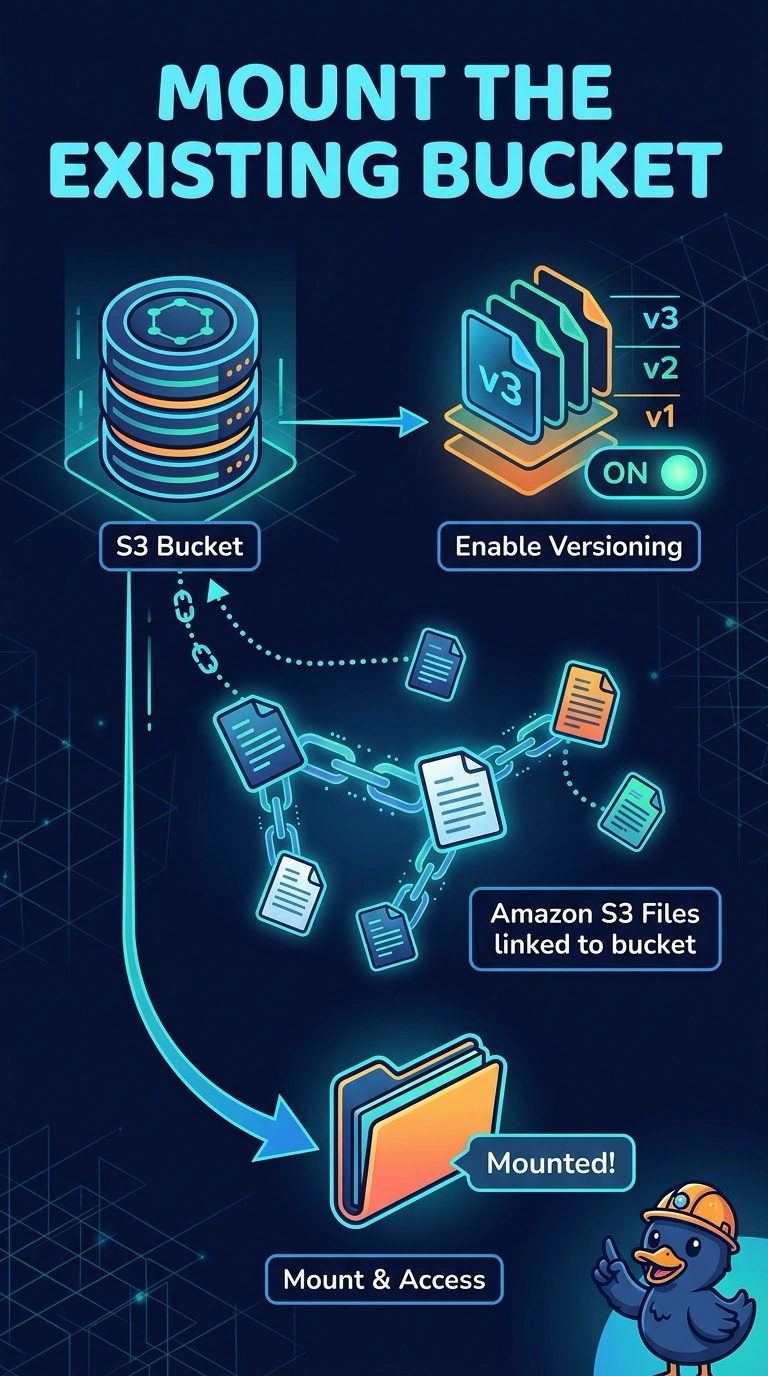
Short Explanation
You need a window into the existing bucket, not a second warehouse full of copies. Amazon S3 Files mounts that bucket as a file system, and your bucket must have versioning turned on before the link works. Copying the whole bucket onto another file system misses the requirement.
Full Explanation
Amazon S3 Files links a file system to an existing bucket, or to a prefix in it, and mounts that file system on compute such as EC2. Applications open objects as files. The service brings in the data being used rather than requiring a second full copy of the bucket on disk first. S3 Files requires versioning on the linked bucket because it uses object versions to keep the file system and the bucket in step. Versioning is off, so enable it and use S3 Files. An S3 File Gateway share needs a gateway appliance that the team said it will not run, and it is not the S3 Files mount this requirement calls for. Amazon FSx for OpenZFS filled by a full copy of the bucket creates the duplicate the team wants to avoid, and it is a different file system. Amazon EFS with a sync of every object has the same problem: a second copy, and no versioned link to the existing bucket. Caveat: the file system also needs mount targets in your VPC and a role that lets it read and write the bucket. Operational check: confirm versioning is enabled, create the S3 Files file system against that bucket, mount it, and open one existing object without copying the bucket first.