
A large object upload from a distant branch office to an S3 bucket is slow. The long path from that office to the bucket Region is the constraint. A teammate wants a faster computer in the office. What should change?
Select an answer to reveal the explanation.
Short Explanation
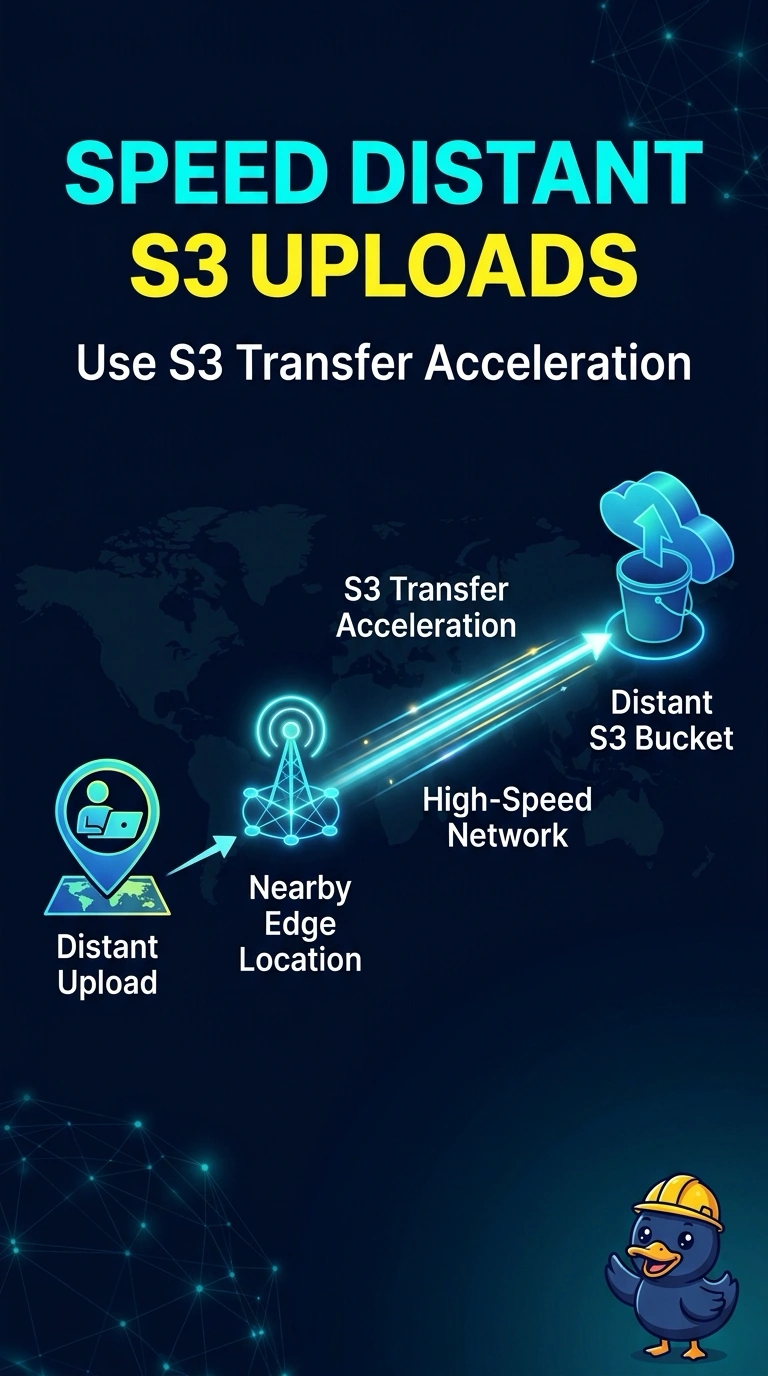
A faster bicycle does not shorten a trip across the ocean. Your office is far from the bucket, so use S3 Transfer Acceleration and enter through a nearby edge. Multipart upload parallelizes the same long path, and a bigger PC still rides that path.
Full Explanation
S3 Transfer Acceleration accepts the upload at a nearby edge location and carries it to the bucket Region over the AWS network. That is the change that shortens the geographic path from a distant office. The bucket has to have acceleration enabled, and the client has to use the accelerate endpoint. A faster office computer adds local CPU and disk and leaves the same long path in place. Multipart upload splits the object so parts can run concurrently and a failed part can be retried. Those parts still cross the same distance, so parallelism does not fix a path that is slow because the office is far away. A different storage class changes how the object is stored after it arrives. It does not move the first hop closer to the branch. Caveat: multipart remains useful later for retrying pieces of a large object, including on an accelerated upload, but it is not the control that addresses distance. Operational check: the client should be aimed at the accelerate endpoint, and the same large upload from that office should be retried without replacing the computer.